
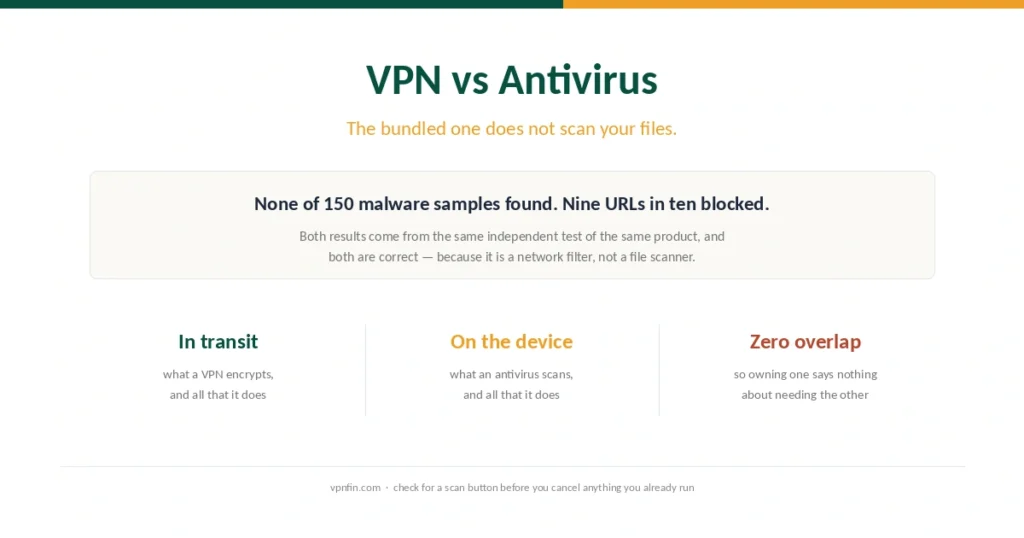
VPN vs Antivirus (2026): The Bundled One Does Not Scan Your Files
They do not overlap at all, which makes the question easy. The hard part is that the antivirus sold with a VPN is often not the kind you were picturing.
Step-by-step VPN tutorials for beginners: setup, troubleshooting, and getting the most out of your VPN. Clear instructions with screenshots — no technical background needed.
They do not overlap at all, which makes the question easy. The hard part is that the antivirus sold with a VPN is often not the kind you were picturing.
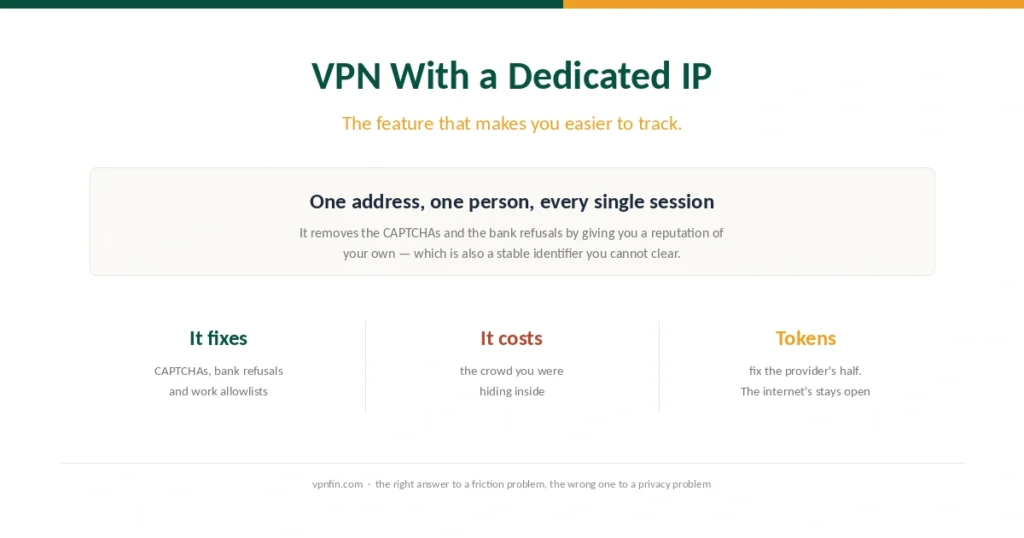
It fixes the friction that makes people give up on VPNs. It does that by undoing the single feature that made a VPN private in the first place.
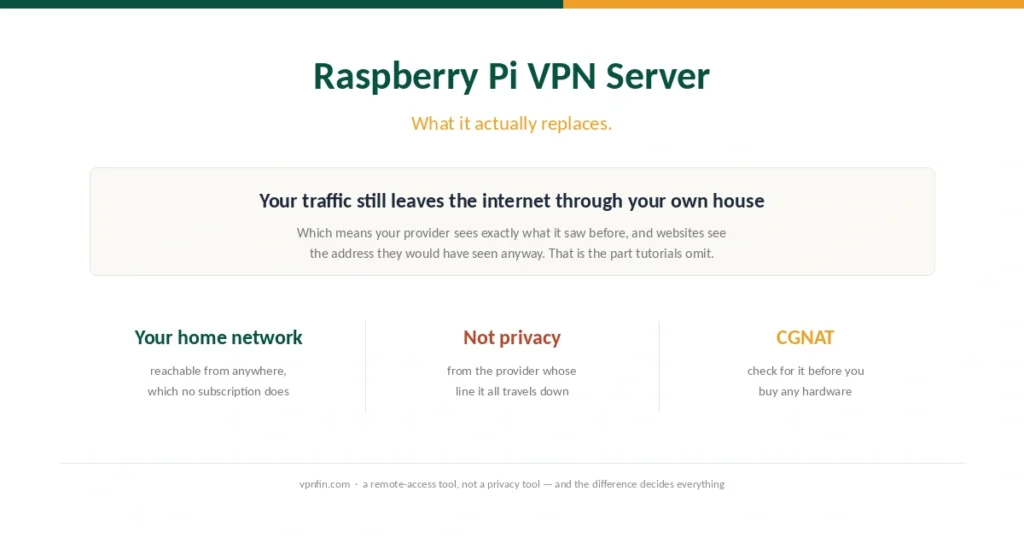
Every tutorial explains how to build one. Almost none explains that the finished thing solves a different problem from the one most people are trying to solve.
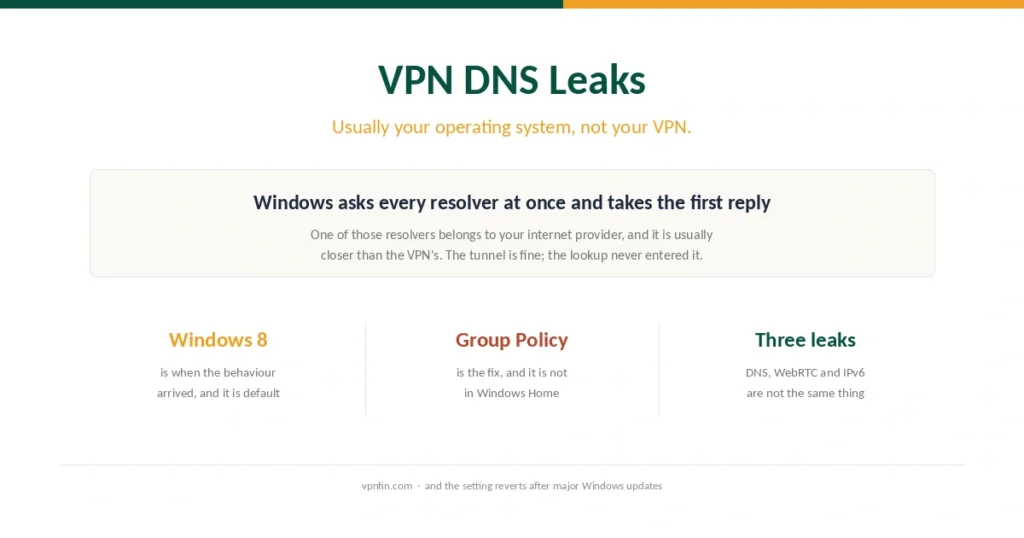
The tunnel is fine. The operating system is asking two resolvers at once and taking whichever answers first, and one of them belongs to your internet provider.
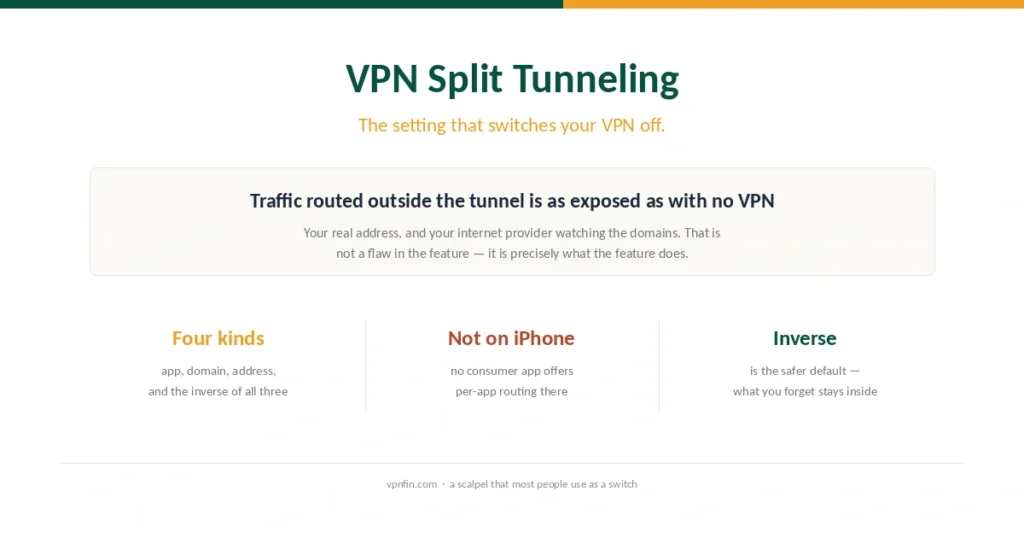
You buy a VPN to cover everything, then use one setting to stop it covering things. That is not a contradiction, but it is worth understanding before you configure it.
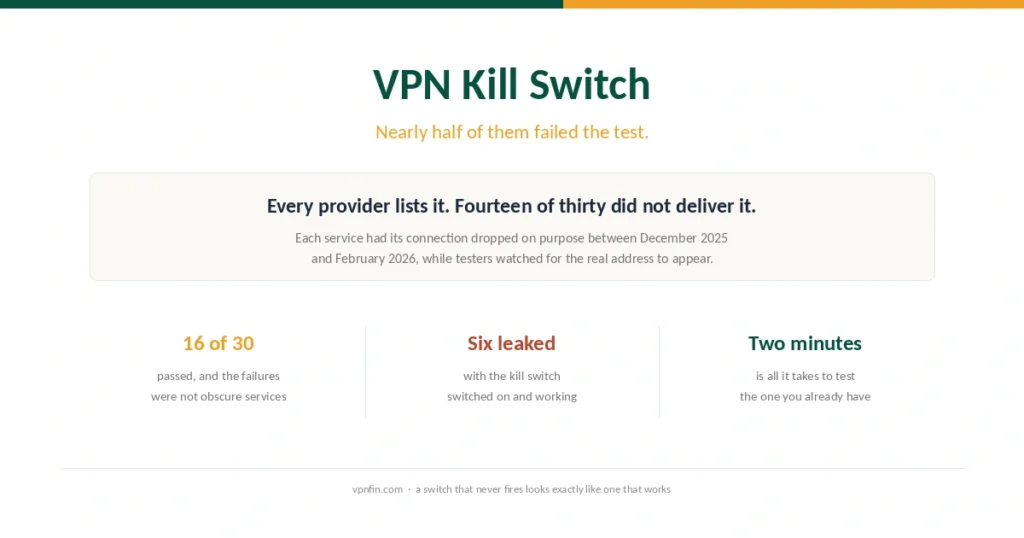
The feature is on every product page. In independent testing of thirty services, fourteen failed to protect the real IP address when the connection dropped.
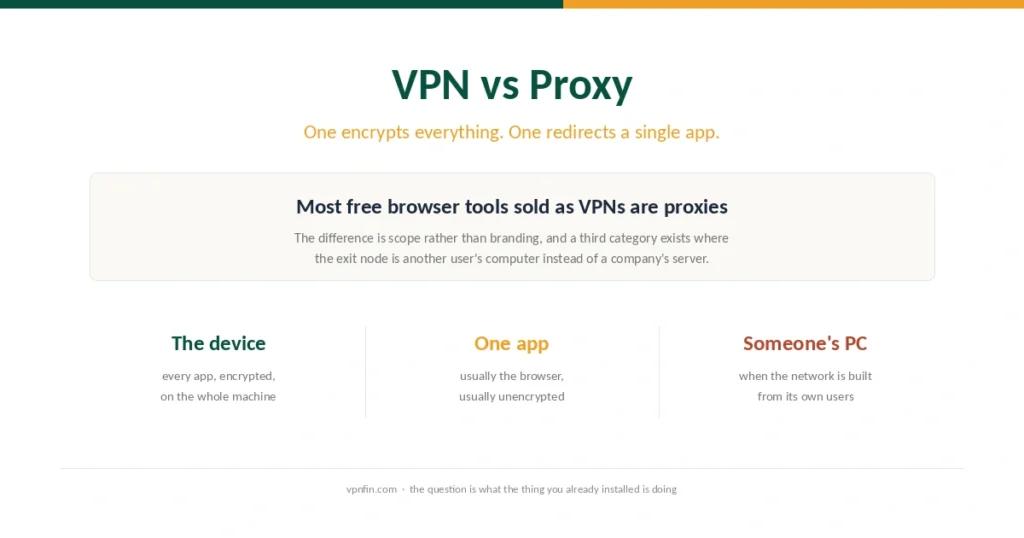
The difference is not encryption alone. It is scope — and a third category exists where the exit node is somebody else’s computer, which nobody warns you about.
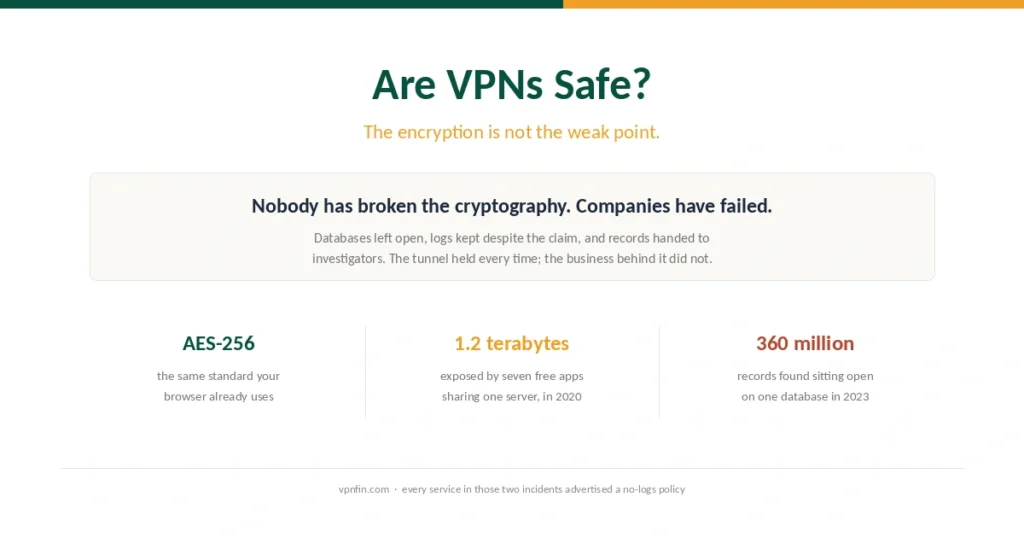
Nobody has broken the encryption. What has failed, repeatedly, is the company holding the other end of the tunnel — including several that advertised no logs at the time.
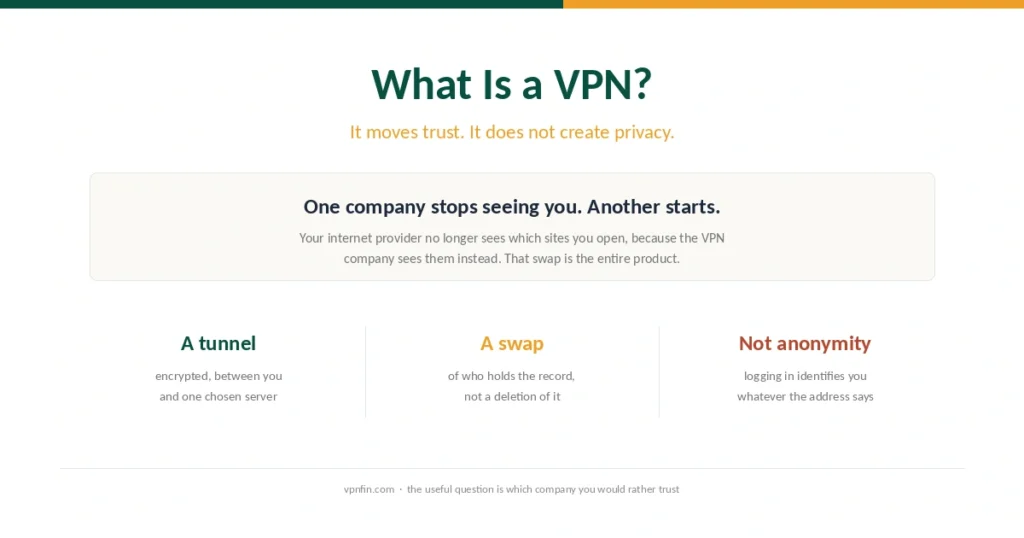
A VPN does not make you anonymous. It changes which company can see where you go, and that swap is the whole product. Everything else in the marketing follows from it.
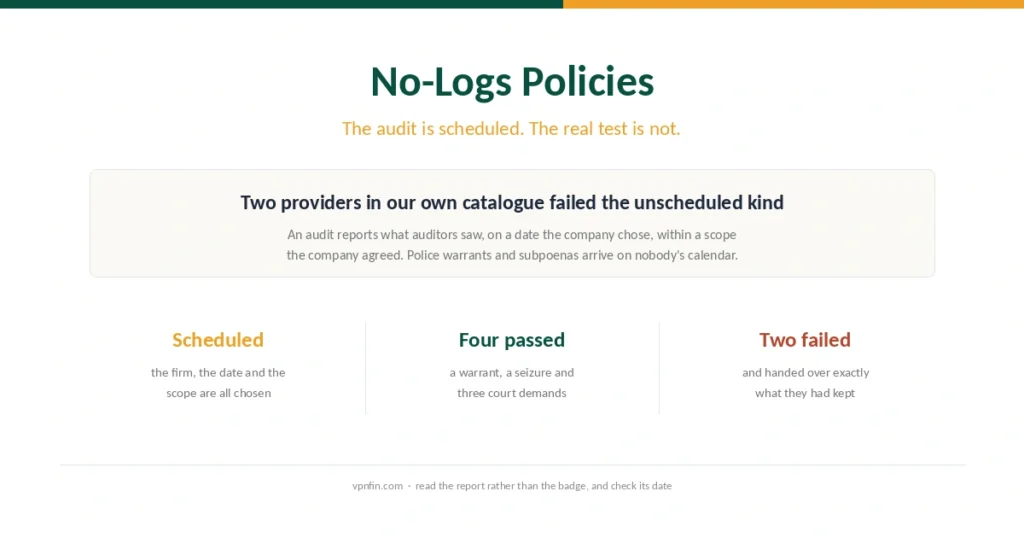
Every provider claims it keeps no logs, and most now pay an accounting firm to say so. The interesting evidence comes from the days nobody put in the calendar.