
ExpressVPN Aircove Setup (2026): Step by Step
From cable to protected Wi-Fi in a few minutes.
Step-by-step VPN tutorials for beginners: setup, troubleshooting, and getting the most out of your VPN. Clear instructions with screenshots — no technical background needed.
From cable to protected Wi-Fi in a few minutes.
Turkey blocks many VPN sites but not VPN use. Here is how to prepare Windscribe.
Sky Go is hard on VPNs. Here is what to try with Windscribe, and the safer option.
IPVanish changes what YouTube shows you. Here is what it can and cannot do.
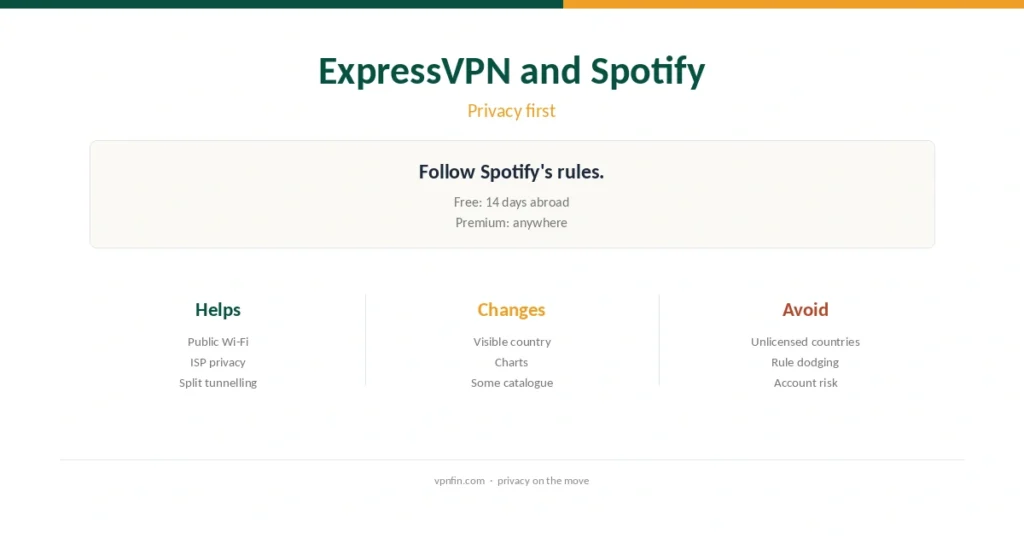
A VPN changes little about Spotify, but protects you on the road. Here is how.
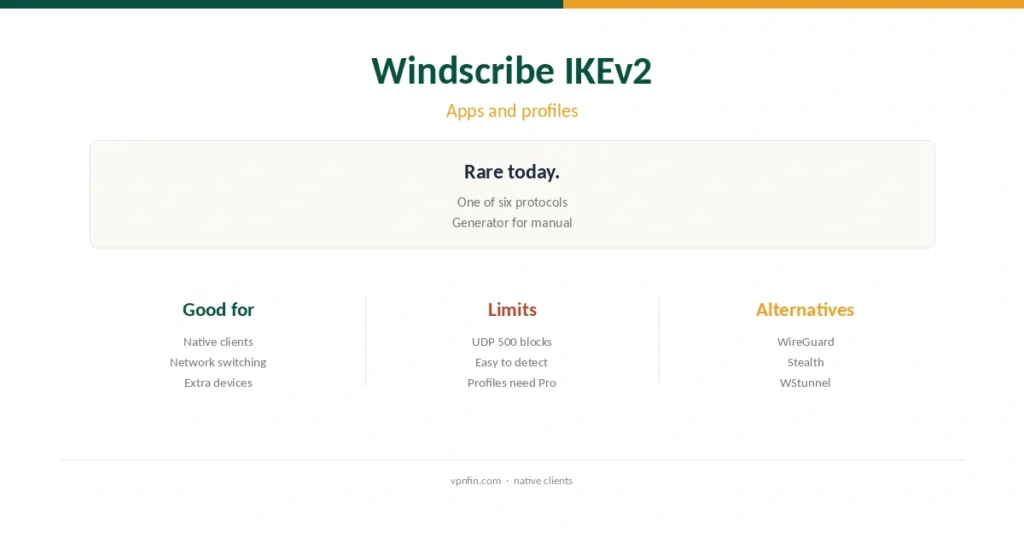
Few providers still offer IKEv2 in apps and profiles. Here is when to use it.
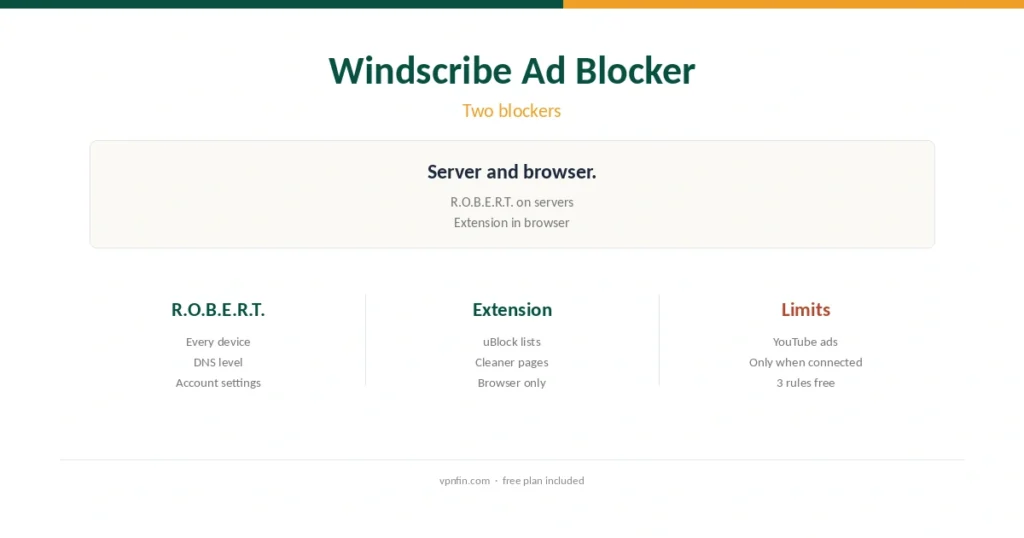
Windscribe blocks ads two ways. Here is how each works and how to set them up.
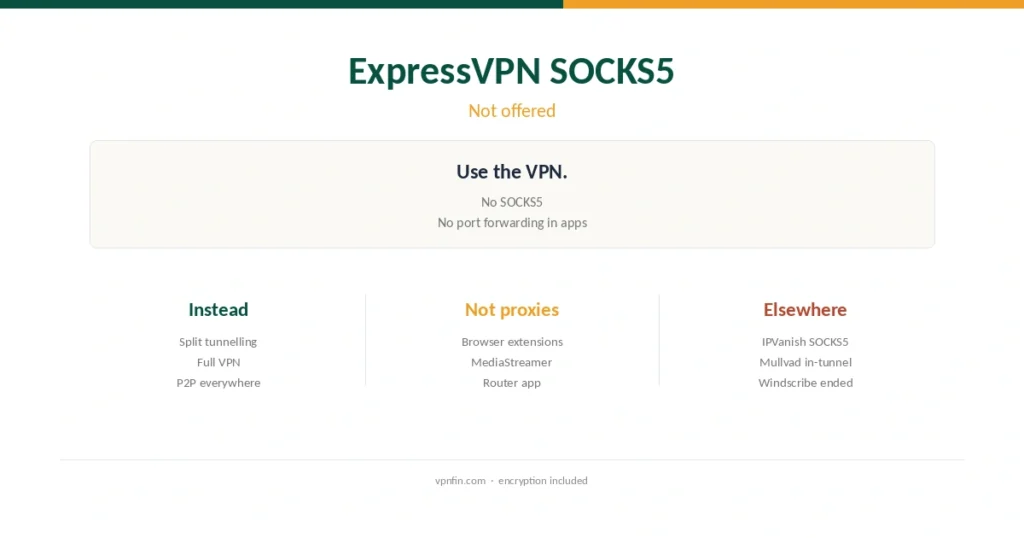
ExpressVPN has no SOCKS5 proxy. Here is how to get the same result.
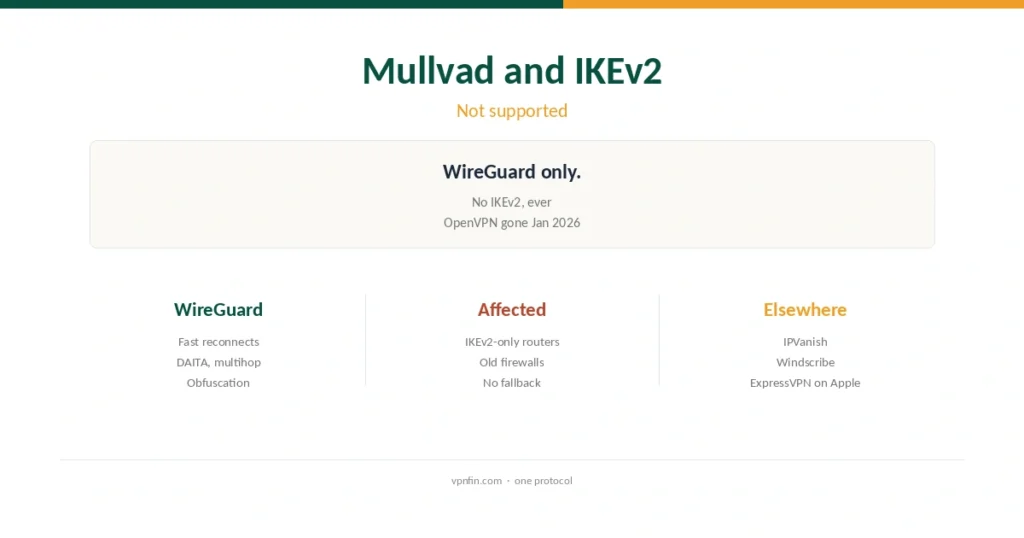
Mullvad never offered IKEv2. Here is what WireGuard gives you instead.
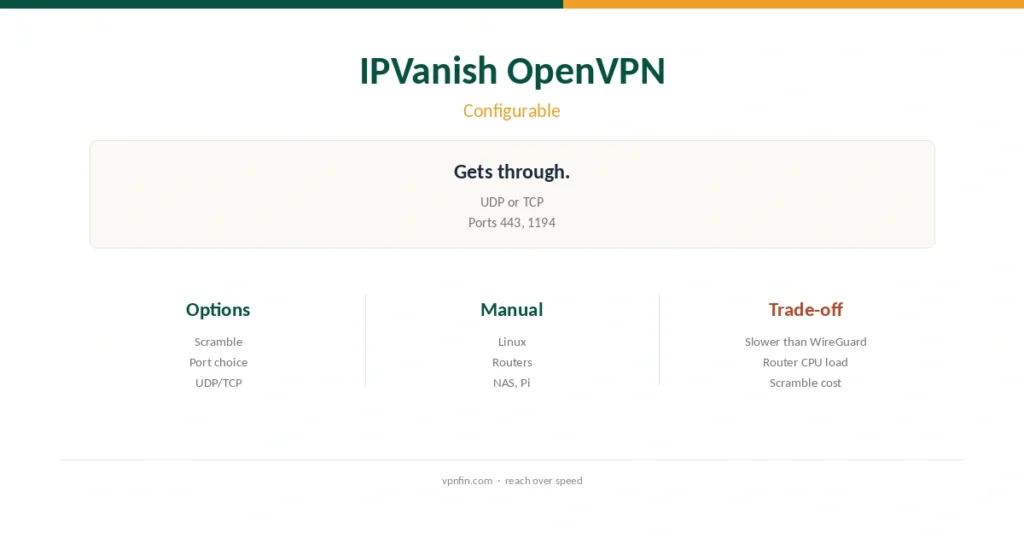
More OpenVPN settings than most VPNs offer. Here is how to use them.