
Disclosure: VPNFin is reader-supported. If you buy a VPN through links on this page, we may earn a commission at no extra cost to you. This never affects our ratings — here’s our full disclosure.
A VPN for ESPN Plus matters mainly to US subscribers abroad and to fans hit by local blackouts. ESPN+ is a US-only service, and since 2025 its content sits inside the ESPN app, which Wikipedia describes with two tiers: Select, which carries ESPN+ content, and Unlimited, which adds ESPN’s networks. ESPN+ blocks many VPN addresses, VPNPro reported in September 2026, and VPNOverview found NordVPN worked best in its tests, with Proton VPN also working.
This guide covers travel, blackouts, setup and the terms. Comparitech notes that using a VPN from abroad technically breaches the terms, and that the service can close accounts.
Who Needs a VPN for ESPN Plus
US subscribers travelling abroad lose access, since the service is US-only. Fans inside the US can face blackouts, which protect local broadcasters’ rights and use your IP to decide your location, Cloudwards explains.
The ESPN App and Its Tiers
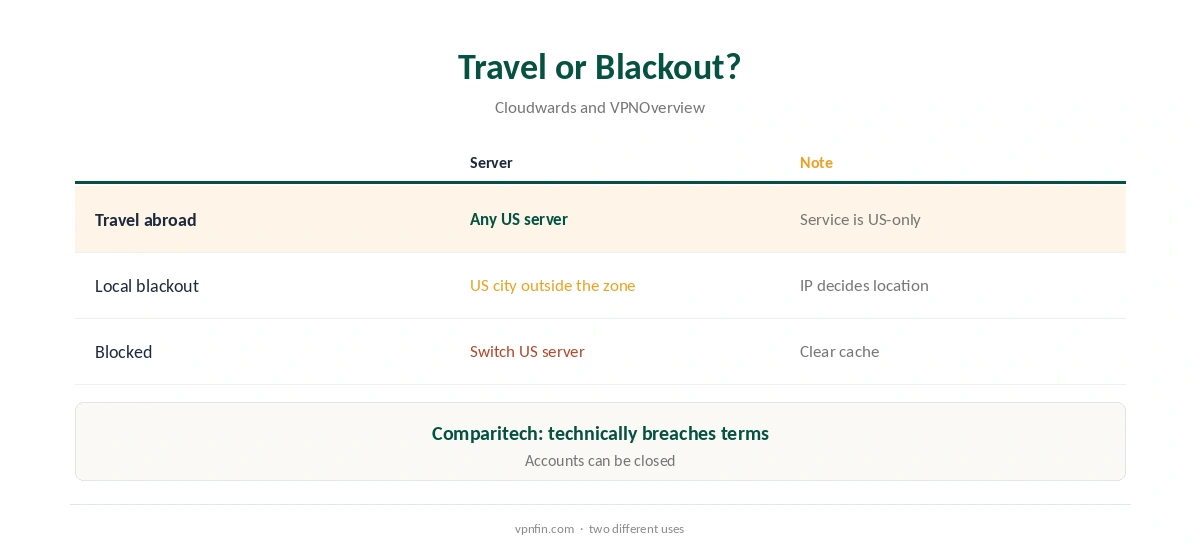
There is no separate ESPN+ app any more; the content lives in the ESPN app, Cloudwards notes. Wikipedia describes the Select tier as carrying ESPN+ content and the Unlimited tier as adding ESPN’s linear networks. Some events moved to Unlimited only.
VPN ESPN Plus Setup
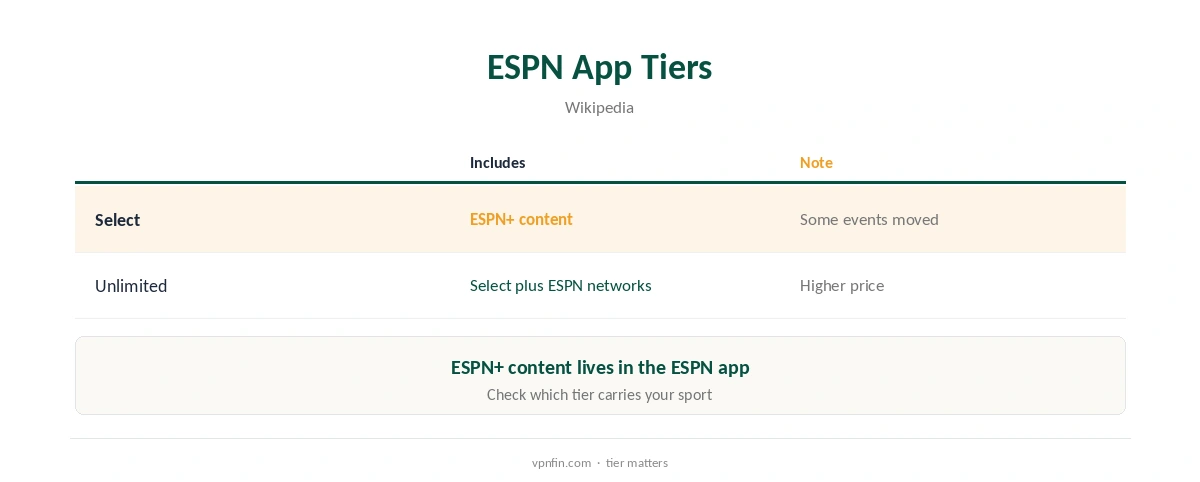
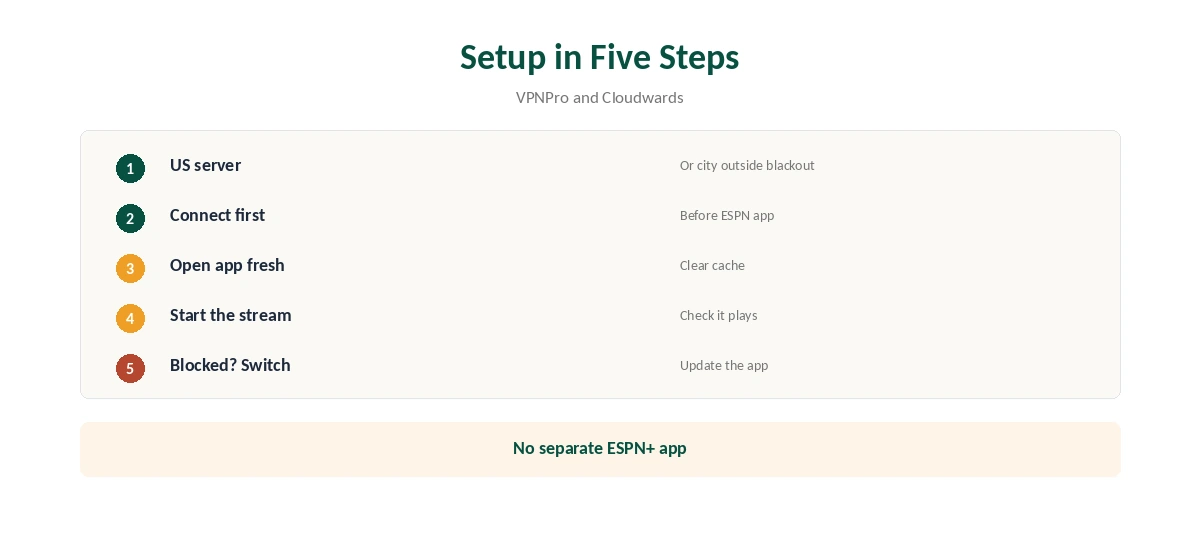
Connect to a US server before opening the ESPN app. For a blackout, pick a US city outside the blacked-out area. Then open the app fresh. If it blocks you, VPNPro suggests switching to another US server, clearing the cache and cookies, and updating the app.
Which Providers Worked
VPNOverview’s September 2026 tests rated NordVPN best for ESPN+, citing more than 2,870 US servers, and listed Proton VPN as working. Large US networks give you more servers to try when ESPN blocks one.
ESPN on TVs
On Android TV, Fire TV and Apple TV, install the provider’s TV app and connect before opening ESPN. Samsung and LG sets need a router or Smart DNS, as our smart TV VPN guide explains.
Live Games and Speed
Live sport punishes buffering. Pick a US server close to where you are, start the stream before kick-off, and keep a second US server ready in case ESPN blocks the first.
DNS Leaks
A DNS leak can reveal your real location even on a US server. Run our DNS leak guide after connecting, especially in a browser.
Several Devices
A household watching on a TV and phones can share one plan: NordVPN allows 10 devices and Surfshark sets no cap, our device table records; the two share an owner, Nord Security.
Testing Within a Refund
NordVPN, Surfshark and Proton VPN offer 30-day refunds, our refund tables record. Test the ESPN app on your own devices before a big game.
Is a VPN ESPN Plus Setup Worth It?
For a US subscriber spending weeks abroad, a paid VPN with a large US network is worth testing. For a short trip, check whether the events you want are worth the terms risk first.
Keeping It Updated
Update the ESPN app and your VPN before travelling. VPNPro lists updating the app among its first fixes when ESPN blocks a connection.
Payment and Sign-Up
ESPN’s service is built for US subscribers, so sign up at home before you travel. A VPN changes your IP, not your payment method or account country.
Privacy on Public Wi-Fi
Hotel and airport Wi-Fi are shared networks. A VPN encrypts your ESPN login there; our public Wi-Fi guide explains the risks.
Quick Check
Before kick-off, confirm a US address on our VPN test page, then open the ESPN app.
Other US Sports Services
The same approach applies to other US services; our Paramount Plus VPN guide covers one with different rules.
Kill Switch
Turn on the kill switch so a dropped tunnel mid-game does not reveal your real location, which can trigger a block on reconnect.
Quick Rule
Abroad: any US server. Blackout at home: a US city outside the zone. Blocked: switch server, clear the cache, update the app. Either way, connect before opening ESPN.
Support
If ESPN blocks every US server you try, ask your VPN’s support which servers suit streaming, and mention the error you see.
Keeping a Backup
For must-see events, keep a second provider’s free trial or refund window in mind, or a second US server saved as a favourite, so a block does not cost you the game.
Several Countries
If your trip crosses several countries, keep connecting to the US throughout.
The Terms
Comparitech notes that watching from abroad through a VPN is technically against the terms and that providers reserve the right to cancel accounts. Weigh that before relying on it for a season. Our guide to ExpressVPN and ESPN covers abroad, blackouts and consoles.
Free VPNs
Free servers are rarely an option for live sport, and Proton’s free plan has no streaming support. Our sports streaming VPN guide covers live sport more widely.
How We Research
This page draws on VPNOverview’s and VPNPro’s September 2026 ESPN+ guides, Cloudwards on blackouts, Comparitech on the terms and Wikipedia’s ESPN service entry. We cross-checked these sources against each other, and where they conflict or something can’t be verified, we say so in the text rather than guessing. We checked time-sensitive figures, including prices in US dollars, on 8 October 2026. The main source we relied on is VPNOverview’s ESPN+ guide. Our full approach lives on the About Us page.
VPN ESPN Plus FAQ
No; it is a US-only service.
NordVPN did best in VPNOverview’s 2026 tests; Proton VPN also worked.
Connecting to a US city outside the blackout area changes your IP-based location.
No; ESPN+ content sits in the ESPN app.
Comparitech notes it technically breaches the terms.
The Verdict
A VPN for ESPN Plus helps US subscribers abroad and blackout-hit fans. Use a large US network, connect before opening the app, and keep the terms in mind.