
Disclosure: VPNFin is reader-supported. If you buy a VPN through links on this page, we may earn a commission at no extra cost to you. This never affects our ratings — here’s our full disclosure.
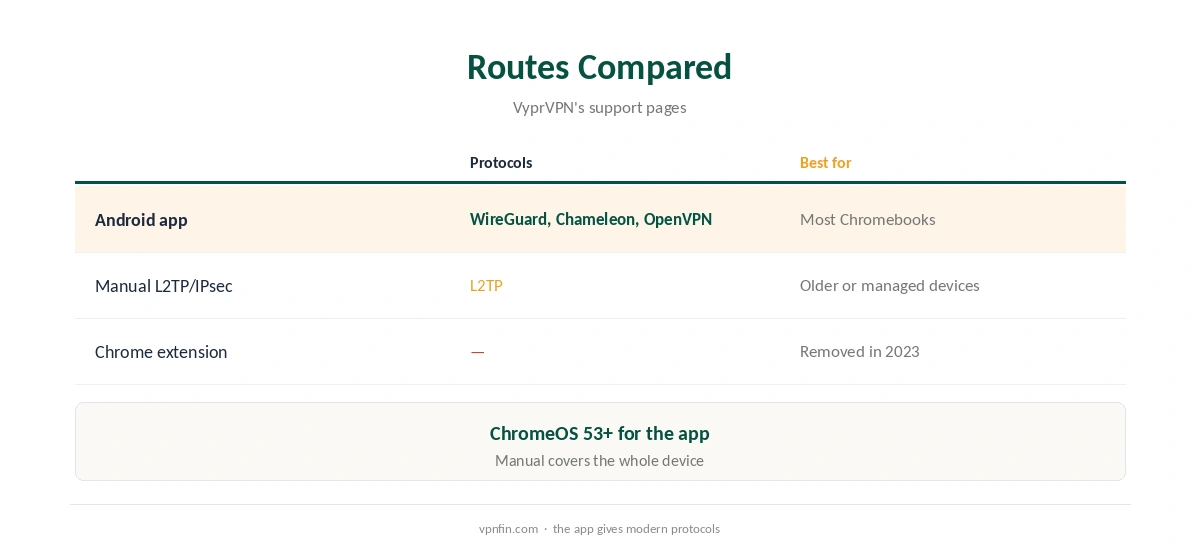
VyprVPN Chromebook support comes two ways, its help centre shows. Chromebooks running ChromeOS 53 or later can install the VyprVPN Android app from the Play Store. Older Chromebooks, or those without the store, can connect manually with ChromeOS’s built-in L2TP/IPsec using VyprVPN’s pre-shared key. The Android app brings WireGuard and Chameleon, which the manual connection does not.
This guide covers both routes, the settings and the checks.
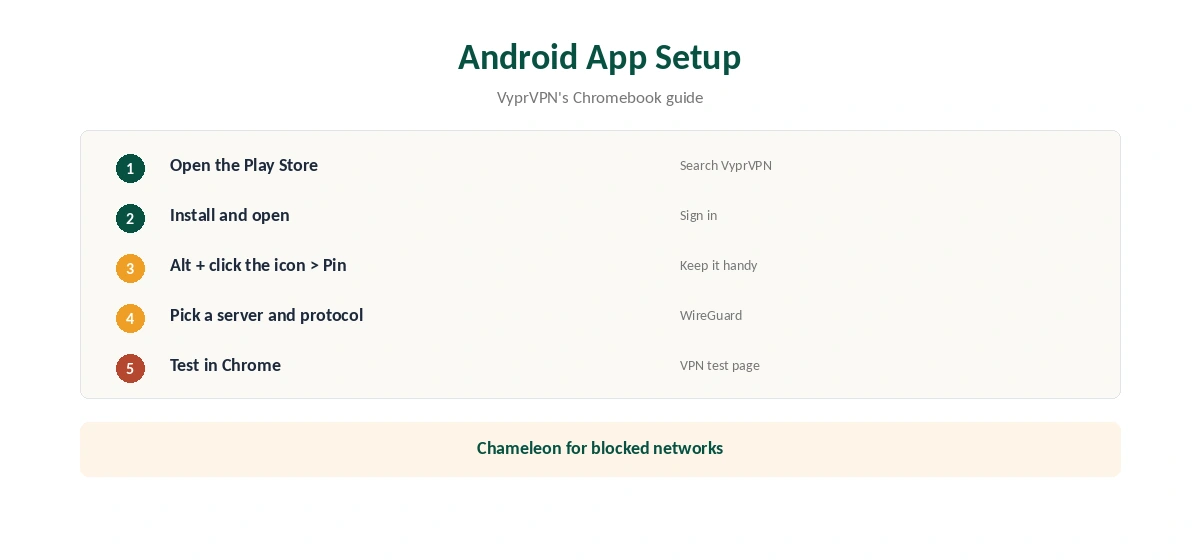
VyprVPN Chromebook Setup With the Android App
Open the Play Store, search for VyprVPN, install and open it, VyprVPN’s guide says. To keep it handy, hold Alt while selecting the icon on the shelf and choose Pin. Sign in, pick a server and connect.
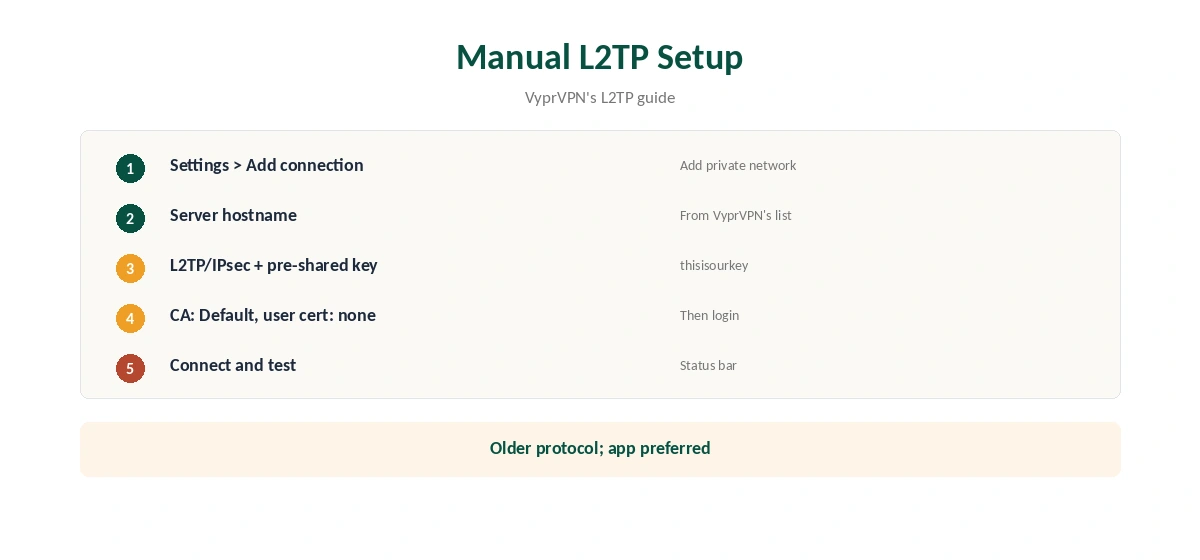
Manual L2TP/IPsec
Without the Play Store, open Settings, Add connection, Add private network. Enter a server hostname from VyprVPN’s list, choose L2TP/IPsec with a pre-shared key, enter thisisourkey as the key, leave the CA certificate on Default and enter your VyprVPN username and password, VyprVPN’s guide explains. This protects the whole device but with an older protocol.
Which Route to Choose
The Android app offers WireGuard for speed and Chameleon for networks that block VPNs, as our VyprVPN WireGuard guide explains. Manual L2TP suits older or managed Chromebooks without the store.
Checking the Connection
Open Chrome and visit our VPN test page. If Chrome still shows your real address while the Android app is connected, check whether the app covers the whole device, or use the manual connection.
VyprVPN Chromebook Settings Worth Changing
In the Android app, choose WireGuard for everyday speed and turn on auto-connect so the Chromebook reconnects after sleep. Use Chameleon on school, hotel or work networks that block VPNs, if the network’s rules allow it. Our obfuscation guide explains how Chameleon-style disguise works.
Managed and School Chromebooks
Managed Chromebooks may block the Play Store or VPN settings. If options are greyed out, the administrator controls them. Ask rather than trying to bypass the policy, which can break access to school or work services.
Public Wi-Fi
Chromebooks travel to cafés and classrooms. Connect before signing in to anything on networks you do not control. Our public Wi-Fi guide explains the risks.
Several Devices
A Chromebook counts as one device on your plan. Sources disagree on VyprVPN’s limit, five or ten, so check your plan before adding phones and laptops.
A Quick Rule
Play Store available? Install the Android app and pick WireGuard. No store? Use manual L2TP with VyprVPN’s key. Blocked network? Switch the app to Chameleon. That covers almost every VyprVPN Chromebook situation.
Kill Switch on ChromeOS
Tom’s Guide found VyprVPN’s Android app includes a kill switch, which stops traffic if the tunnel drops. Turn it on in the app’s settings. The manual L2TP connection has no kill switch, so it can fall back to your normal connection without warning. Our kill switch guide explains why that matters.
Troubleshooting
If the app will not connect, switch protocol, then server. Restart the Chromebook after app updates. If the manual L2TP connection fails, recheck the hostname and the pre-shared key; typos are the usual cause.
Streaming and Speed
VyprVPN’s servers sit in seven hubs, Tom’s Guide found, so pick the nearest one for speed. Our VyprVPN speed guide lists the hub cities and the other fixes.
Turning It Off
Disconnect in the Android app, or switch off the L2TP connection in ChromeOS network settings. If Chrome still routes through a VPN, check both.
Is a VyprVPN Chromebook Setup Worth It?
For a Chromebook with the Play Store, the Android app brings WireGuard and Chameleon with little effort, so yes. On a managed device without the store, manual L2TP works but with an older protocol and no kill switch, so weigh the risk.
Quick Check
After connecting, open our test page in Chrome. Then close the lid, reopen it and check again; the app should reconnect on its own if auto-connect is on.
Keeping It Updated
The Play Store updates the Android app automatically. After an update, check that WireGuard, auto-connect and the kill switch stayed on, since updates can reset settings.
Battery Use
WireGuard is the lighter protocol, so it suits Chromebooks running on battery. Switch to Chameleon only when a network blocks VPNs.
No Browser Extension
VyprVPN removed its Chrome extension in 2023, Comparitech notes, so the Android app or the manual connection are the only routes on a Chromebook.
VyprVPN’s Record
Our audit table records one VyprVPN audit, by Leviathan Security in 2018, before Certida LLC of Texas bought the service in 2023. It operates from the US. Its 30-day guarantee covers your first purchase, as our VyprVPN plans guide explains.
Related Guides
Our Chromebook VPN guide compares providers, and our guide to turning off a VPN on Chromebook covers both routes.
For a rival on ChromeOS, our NordVPN vs VyprVPN page compares features.
How We Research
This page draws on VyprVPN’s Chromebook app and L2TP guides, its supported devices page, Comparitech’s VyprVPN review and our VyprVPN tables. We cross-checked these sources against each other, and where they conflict or something can’t be verified, we say so in the text rather than guessing. We checked time-sensitive figures, including prices in US dollars, on 7 October 2026. The main source we relied on is VyprVPN’s Chromebook guide. Our full approach lives on the About Us page.
VyprVPN Chromebook FAQ
It does, through the Android app on ChromeOS 53 or later.
Yes, with ChromeOS’s built-in L2TP/IPsec.
VyprVPN’s guide gives thisisourkey.
No. Comparitech says VyprVPN removed it in 2023.
The Android app, which adds WireGuard and Chameleon.
The Verdict
VyprVPN Chromebook use works best through the Android app. Use manual L2TP only when the Play Store is unavailable.