
Disclosure: VPNFin is reader-supported. If you buy a VPN through links on this page, we may earn a commission at no extra cost to you. This never affects our ratings — here’s our full disclosure.
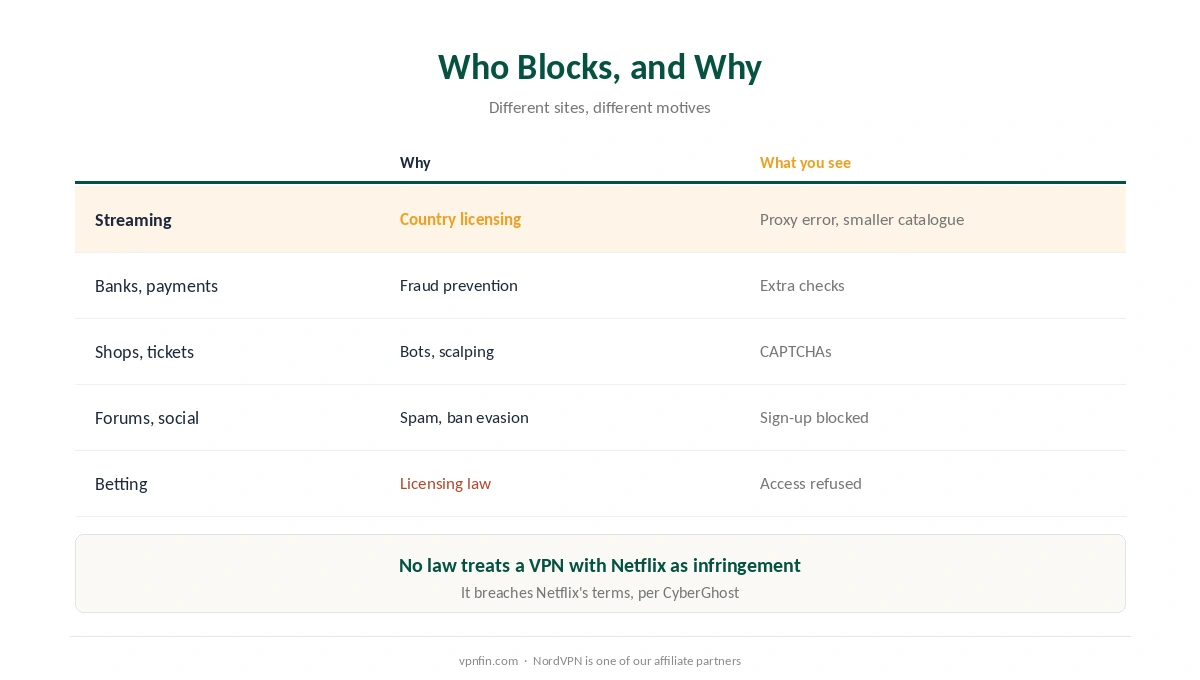
Why do websites block VPNs? Mostly for three reasons: licences, fraud and abuse. Streaming services must show only the catalogue licensed for each country, so Netflix blocks known VPN addresses and shows its proxy error, CyberGhost’s guide explains. Banks and shops treat a sudden foreign address as a fraud signal. And because hundreds of people share one VPN server address, a single abuser can get that address flagged, which is why VPN users see so many CAPTCHAs.
This page explains each reason, how sites spot a VPN, and what you can reasonably do about it.
Why Websites Block VPNs: The Main Reasons
| Who blocks | Why | What you see |
|---|---|---|
| Streaming services | Country-by-country licensing | Proxy error or a smaller catalogue |
| Banks and payment sites | Fraud prevention | Extra checks, locked sessions |
| Shops and ticket sites | Bots, scalping and fraud | CAPTCHAs, failed checkouts |
| Forums and social sites | Spam and ban evasion | Sign-up or posting blocked |
| Betting and regulated services | Licensing rules by country | Access refused |
Streaming is about contracts. Local rights holders decide what each Netflix catalogue contains, and reaching another country’s catalogue is against Netflix’s terms, CyberGhost notes; it adds that no law currently treats a VPN with Netflix as copyright infringement. Our Netflix guide covers the detail, and our streaming VPN guide compares providers.
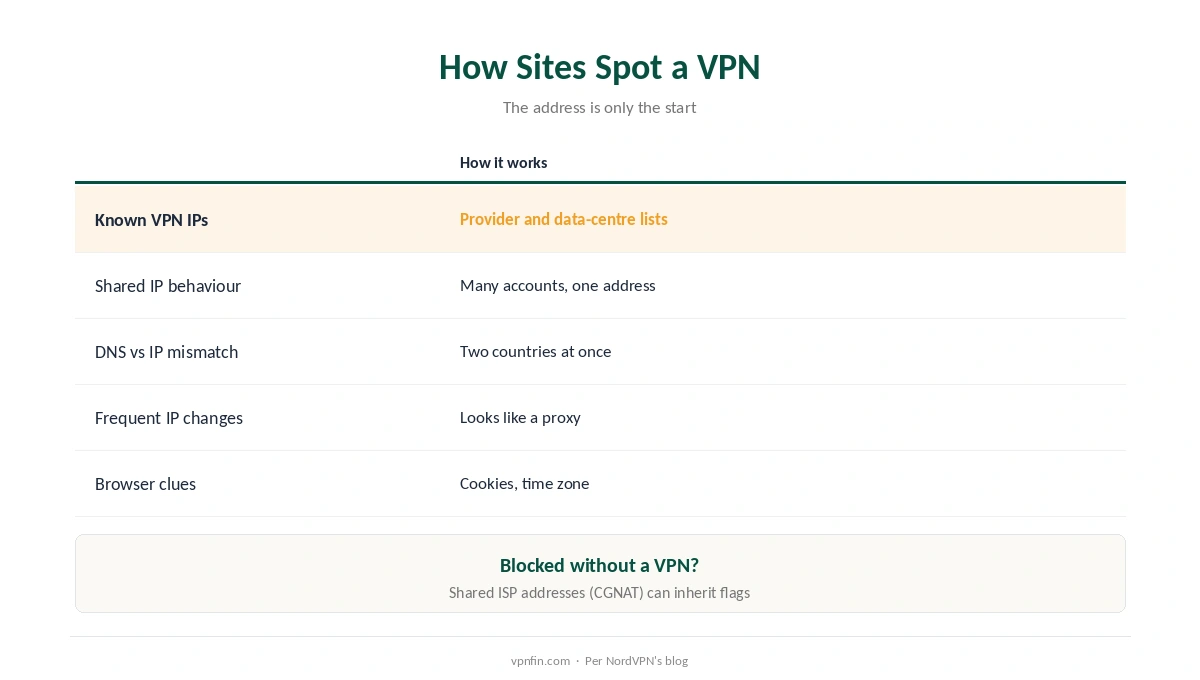
How Sites Spot a VPN
| Signal | How it works |
|---|---|
| Known VPN addresses | Lists of IPs that belong to VPN providers and data centres |
| Shared IP behaviour | Many accounts arriving from one address |
| DNS and IP mismatch | Your DNS says one country, your IP another |
| Frequent IP changes | Switching servers looks like proxy behaviour |
| Browser and cookie clues | Stored location or time zone contradicting the IP |
Netflix looks at more than the address. DNS location mismatches and traffic patterns such as frequent IP switching can both trigger its proxy error, NordVPN’s blog explains.
Websites block VPNs by address, so you can be blocked without one. Internet providers that share one public address among many customers, known as CGNAT, can inherit a flag another user caused, NordVPN notes. Our VPN location guide covers the browser clues.
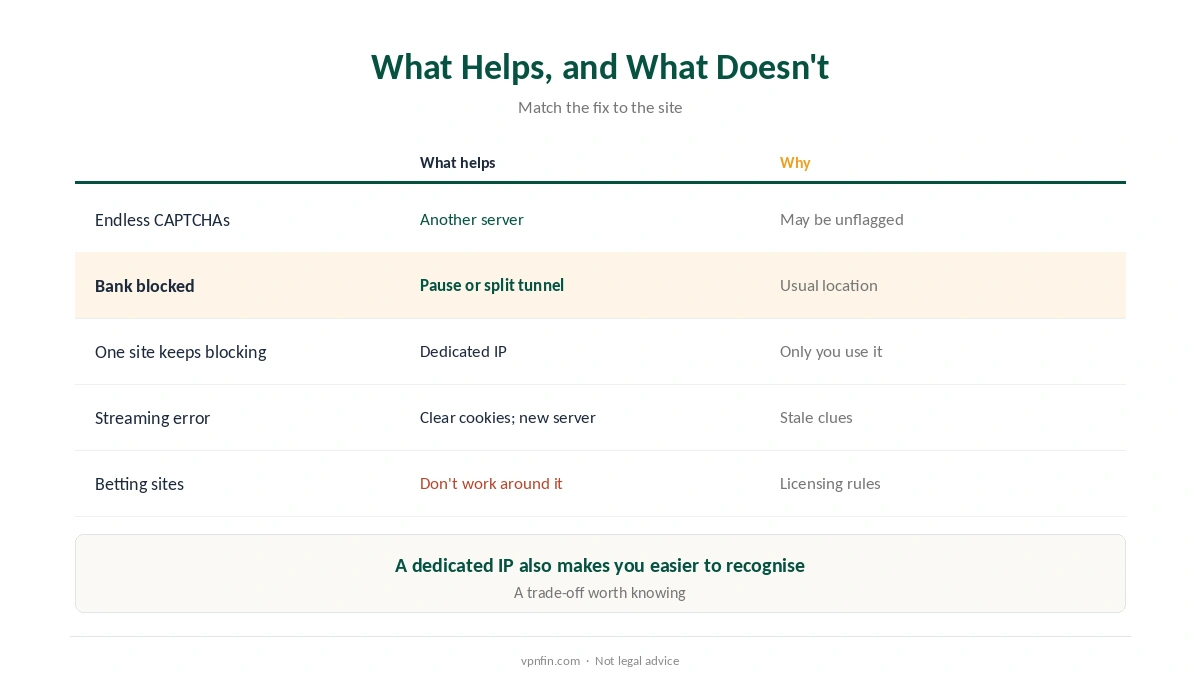
What Helps, and What Doesn’t
| Situation | What helps | Why |
|---|---|---|
| Endless CAPTCHAs | Switch to another server | A fresh address may have a clean record |
| Bank or payment blocked | Pause the VPN or exclude the bank app | Banks expect your usual location |
| Frequent blocks on one site | A dedicated IP | No other user’s behaviour affects it |
| Streaming proxy error | Clear cookies; try another server | Stale clues and flagged IPs |
| Betting or regulated sites | Don’t work around it | Licensing law, not a glitch |
When bank websites block VPNs, split tunnelling is the tidy fix. Exclude the bank’s app or site from the VPN and keep everything else protected, as our split tunnelling guide and our online banking guide explain.
A dedicated IP stops other users’ behaviour affecting you, though it also makes you easier to recognise. Where a block reflects licensing law, as with betting, respect it.
Is It Legal for Sites to Block VPNs?
Yes, in general. A site can set terms for who uses it, and blocking VPN addresses is its choice. Equally, using a VPN is legal in most countries, as our country-by-country guide explains. Breaking a service’s terms is a contract issue in most places, not a crime, but it can cost you the account.
Troubleshooting the VPN itself? Our not-connecting guide covers failures that aren’t site blocks.
How We Research
Streaming licensing and legality come from CyberGhost’s guide; detection signals and CGNAT from NordVPN’s blog; symptoms from Gizmodo. Both CyberGhost and NordVPN sell VPNs, which we flag. Netflix’s own guidance on the error is at netflix.com/proxy, the address its error message gives. We read all sources on 28 September 2026. NordVPN is one of our affiliate partners. Our full approach lives on the About Us page.
Why Websites Block VPNs FAQ
Mainly licensing (streaming), fraud prevention (banks and shops) and abuse from shared VPN addresses (spam and bots).
Many people share each VPN server’s address, and if some misuse it, sites flag the address. Switching servers often helps.
Through lists of known VPN addresses, mismatches between your DNS and IP, and traffic patterns such as frequent IP changes.
Yes. If your provider shares one public address among many customers, you can inherit a flag someone else caused.
Generally yes. Sites set their own terms, and blocking VPN addresses is their choice.
The Verdict
Websites block VPNs for licences, fraud and abuse, not to punish privacy. What a VPN hides still matters on every other site.
Switch servers for CAPTCHAs, exclude banks with split tunnelling, and consider a dedicated IP for persistent blocks. Where the block is licensing law, respect it.