
Disclosure: VPNFin is reader-supported. If you buy a VPN through links on this page, we may earn a commission at no extra cost to you. This never affects our ratings — here’s our full disclosure.
TorGuard Raspberry Pi setups are covered by an official TorGuard guide for every model from the original Pi to the Pi 5, running Raspberry Pi OS. It uses OpenVPN with TorGuard’s TCP and UDP config bundles, a credentials file for automatic login, and auto-connect at boot, including headless use. TorGuard also lists ARM beta builds of its app from 2020, and its config generator produces WireGuard files.
This guide covers the setup, the options, common uses and the checks.
TorGuard Raspberry Pi OpenVPN Setup
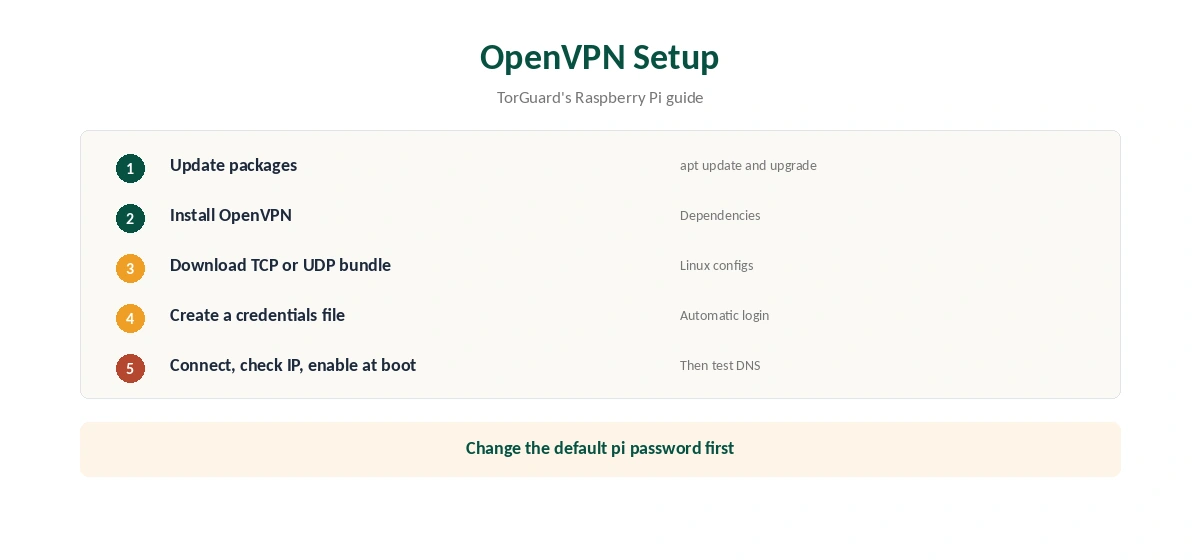
TorGuard’s guide follows six steps. Update the system packages, install OpenVPN, and download the OpenVPN TCP or UDP bundle for Linux from TorGuard. Create a credentials file so the Pi can log in without typing, connect and check that the IP address changed. Then configure the connection to start automatically at boot.
The guide also reminds you to change the default pi password, which matters for any Pi exposed to a network.
OpenVPN, WireGuard or the ARM App
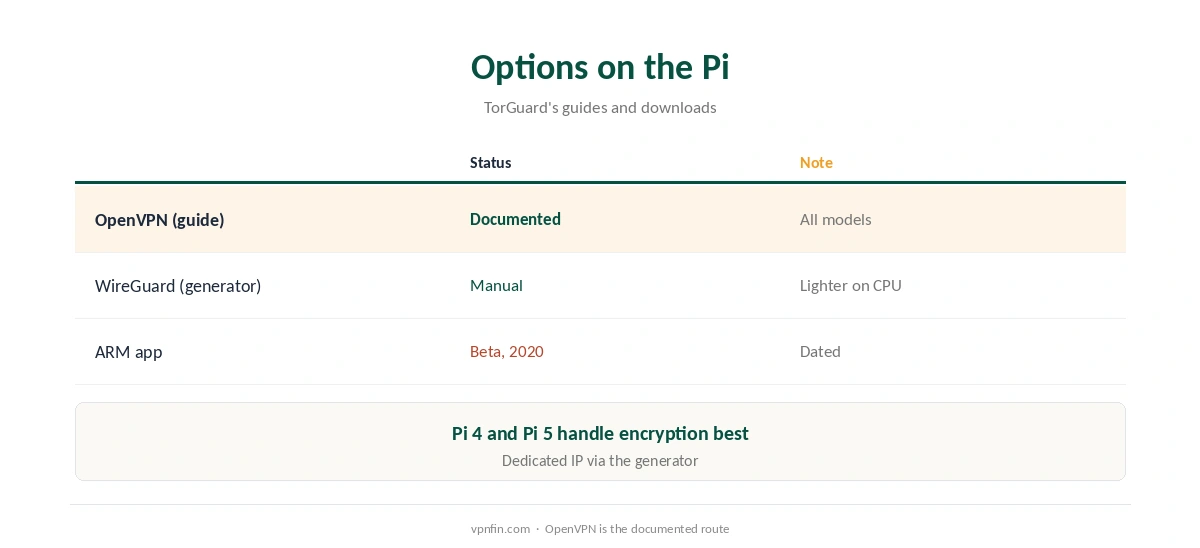
OpenVPN is TorGuard’s documented route on the Pi. WireGuard is lighter on the Pi’s processor; generate a config with TorGuard’s config generator and bring it up with the WireGuard tools. The ARM app builds on TorGuard’s downloads page are betas from 2020, so the manual routes are more current. Our TorGuard WireGuard guide covers the generator.
Common Uses
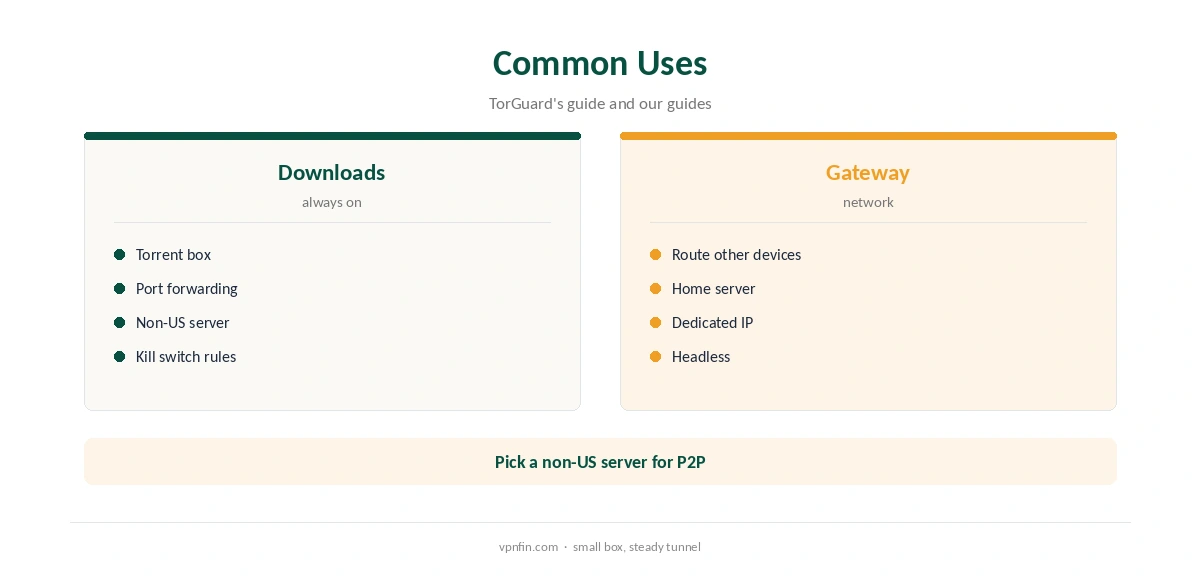
TorGuard’s guide frames the Pi as a VPN gateway. People use one for always-on torrent downloads, as a gateway for other devices, or for a home server that needs a stable address. TorGuard includes port forwarding, which helps seeding, and its generator can add a dedicated IP. Our Raspberry Pi VPN guide covers the hardware side.
Headless Setup
TorGuard’s guide covers headless operation, where the Pi runs without a screen. Enable SSH, connect from another computer and follow the same steps. With auto-connect at boot, the Pi brings the tunnel up on its own after power cuts.
Using the Pi as a Gateway
A TorGuard Raspberry Pi gateway can route other devices through the tunnel. Point a device’s gateway setting at the Pi, or set up the Pi as a router for a second network. Enable IP forwarding and NAT on the Pi, and test from the device afterwards. Our router setup guide explains the networking basics.
Keeping Credentials Safe
The credentials file holds your TorGuard login. Make it readable only by root, and never copy it into public repositories or forum posts.
A Quick Rule
New to the Pi? Follow TorGuard’s OpenVPN guide step by step. Want more speed? Generate a WireGuard config. Running downloads? Add firewall rules and pick a non-US server.
Several Pis or Devices
TorGuard’s Standard plan allows up to eight devices, Fahimai notes. A Pi acting as a gateway counts as one, even when several devices route through it, which stretches the plan for TVs and consoles.
Quick Check
After setup, reboot the Pi and confirm the tunnel comes up on its own. Then check the address from the Pi and, for a gateway, from a device behind it.
Is a TorGuard Raspberry Pi Setup Worth It?
For an always-on download box or a small gateway, yes: the official guide covers every model and boot-time connection. For a desktop experience with a graphical app, our TorGuard Linux guide covers better options on full Linux machines.
Updating the Configs
Server details change over time. If a connection that worked stops, download fresh bundles from TorGuard and replace the old files, keeping the same credentials file. Restart the service and check the address again.
Choosing a Server
Pick a server near you for speed, and a non-US one for torrents because of TorGuard’s 2022 settlement with film studios. Rename the config files you use most so they are easy to find later on when switching.
Kill Switch on the Pi
A terminal connection has no app-level kill switch. Add firewall rules that allow traffic only through the tunnel interface, so downloads stop if the VPN drops. Our kill switch guide explains the idea.
DNS and Leaks
TorGuard’s guide recommends using TorGuard’s DNS. After connecting, check the address and run our DNS leak guide from a browser on the Pi or on a device using it as a gateway.
Performance by Model
The guide includes notes for the Pi 4 and Pi 5, which handle encryption far better than older boards. On a Pi 3 or earlier, expect lower speeds, and prefer WireGuard where you can.
TorGuard’s Record
Our audit table records no independent audit for TorGuard. It settled a copyright lawsuit in 2022 by blocking BitTorrent on its US servers, so choose a non-US server for P2P. Our TorGuard cost guide covers the plans.
Related Guides
Our TorGuard router guide covers OpenWrt, and our Linux VPN guide compares providers.
How We Research
This page draws on TorGuard’s Raspberry Pi OpenVPN guide, its downloads page and our TorGuard tables. We cross-checked these sources against each other, and where they conflict or something can’t be verified, we say so in the text rather than guessing. We checked time-sensitive figures, including prices in US dollars, on 7 October 2026. The main source we relied on is TorGuard’s Raspberry Pi guide. Our full approach lives on the About Us page.
TorGuard Raspberry Pi FAQ
It does; TorGuard’s guide covers every model up to the Pi 5.
OpenVPN, with TCP and UDP config bundles.
Yes; the guide covers auto-connect at boot with a credentials file.
Beta builds from 2020 are listed; manual setups are more current.
Not by default; add firewall rules.
The Verdict
TorGuard Raspberry Pi setups are well documented, with auto-connect and headless support. Add a firewall kill switch, use TorGuard’s DNS and pick a non-US server for torrents.