
Disclosure: VPNFin is reader-supported. If you buy a VPN through links on this page, we may earn a commission at no extra cost to you. This never affects our ratings — here’s our full disclosure.
How do you turn off a VPN on Apple TV? The most reliable way is inside the VPN app itself: press its connect button again and wait for it to show disconnected. Since tvOS 17, Apple TV has run native VPN apps, and iDownloadBlog found the app’s own button more dependable than the system toggles. If the VPN keeps coming back, a setting called Connect on Demand is the likely reason.
And if you can’t find a VPN anywhere on the Apple TV but it still behaves as if it’s elsewhere, the VPN is probably on your router, not the box.
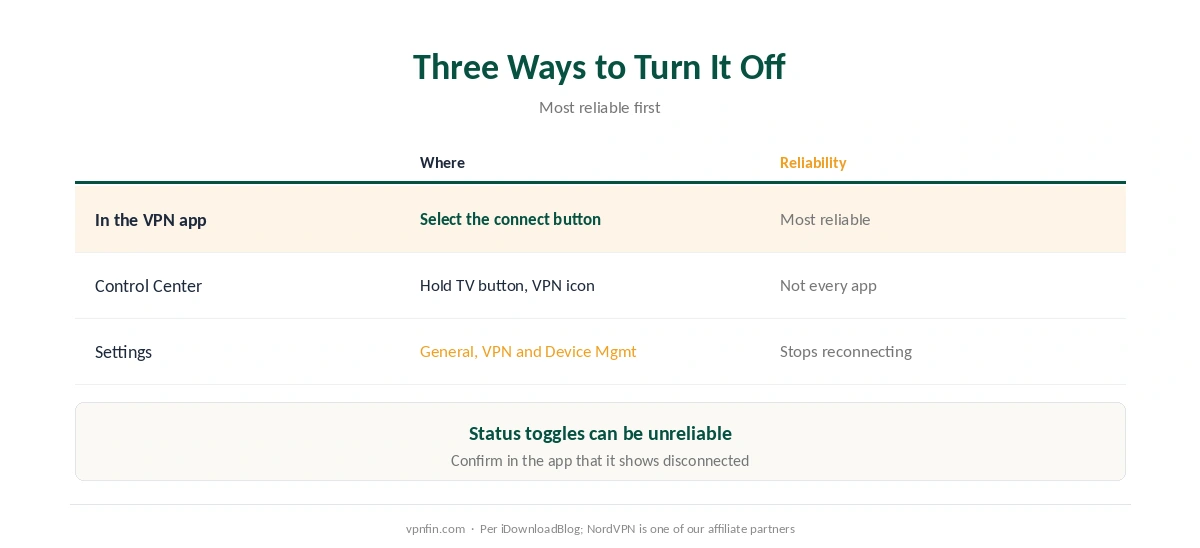
How to Turn Off a VPN on Apple TV: Three Ways
| Method | Where | Reliability |
|---|---|---|
| In the VPN app | Open the app, select the connect button | Most reliable |
| Control Center | Hold the TV button, select the VPN icon | May not work with every app |
| Settings | General, VPN and Device Management, VPN | Also lets you stop reconnecting |
Use the app first to turn off the VPN on Apple TV. ExpressVPN’s Apple TV app, for example, shows Disconnecting, then Not Protected, when you select its power button again, its setup guide describes. Other apps follow the same idea.
Control Center is a shortcut, not a guarantee. Apple’s community support points to the VPN icon there, but iDownloadBlog notes it may not work with every app, and the Status switch in Settings can be unreliable too.
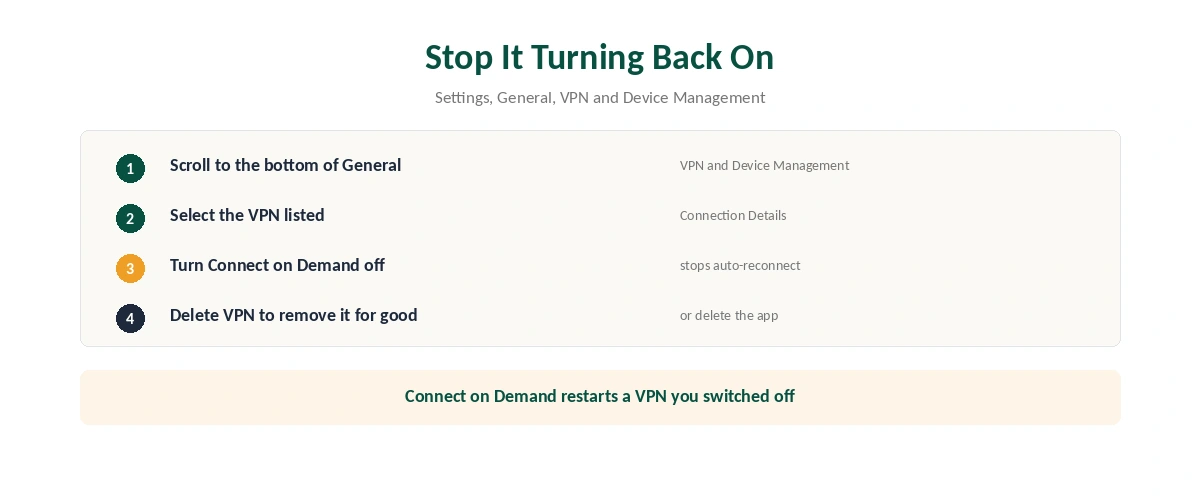
Stop the VPN Turning Itself Back On
| Step | What to do |
|---|---|
| 1 | Open Settings, then General |
| 2 | Scroll to the bottom: VPN and Device Management |
| 3 | Select the VPN listed there |
| 4 | Turn Connect on Demand off |
| 5 | To remove it for good, choose Delete VPN |
Connect on Demand reconnects automatically. Switching the VPN off without disabling it just starts it again. Algo VPN’s documentation for Apple devices explains the same behaviour on iPhones and Macs, and our iPhone guide covers it there.
Deleting the app should also remove its VPN profile. Check the same menu afterwards to confirm nothing is left behind.
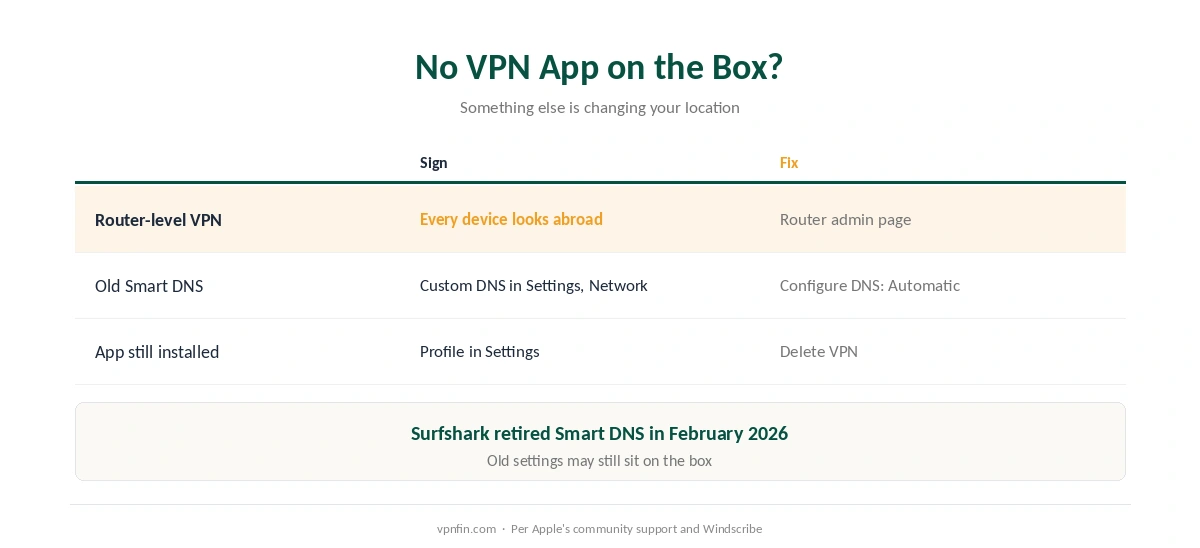
No VPN App on the Apple TV?
The VPN is probably on your router. Suppose there’s no VPN app or entry in Settings, yet streaming apps still see another country. Then a router-level VPN is likely covering every device on the network, Apple’s community support and Windscribe’s guide both note. Turn it off in the router’s admin page, as our router guide explains.
Old Smart DNS settings can do the same. If you once typed custom DNS servers into Settings, Network, set Configure DNS back to Automatic. Surfshark, for one, retired its Smart DNS in February 2026, as our Surfshark on Apple TV guide notes.
Provider Guides
Brand-specific steps: NordVPN on Apple TV covers which models qualify; NordVPN and Surfshark share a parent, Nord Security. See also ExpressVPN on Apple TV its tvOS app.
Other devices work differently. Our guide to turning off a VPN covers phones, computers and routers. After you turn off the VPN on Apple TV, our VPN check guide confirms your real location is back. If the VPN won’t reconnect later, our not-connecting guide helps.
How We Research
The methods and their reliability come from iDownloadBlog’s Apple TV VPN guide; Control Center and router-level VPNs from Apple’s community support; the disconnect sequence from ExpressVPN’s Apple TV setup guide; Connect on Demand from Algo VPN’s documentation; profile deletion from Windscribe’s guide, a VPN seller we flag. We read all sources on 28 September 2026. NordVPN is one of our affiliate partners. Our full approach lives on the About Us page.
Turn Off a VPN on Apple TV FAQ
Open the VPN app and select its connect button again until it shows disconnected. Control Center and Settings also work, less reliably.
Connect on Demand is probably on. Turn it off in Settings, General, VPN and Device Management.
Settings, General, then VPN and Device Management at the bottom of the list.
The VPN is likely running on your router, or old Smart DNS settings are still in place.
Models that run tvOS 17 or later. Our NordVPN on Apple TV guide lists which boxes qualify.
The Verdict
To turn off a VPN on Apple TV, use the app’s own button first, then turn off Connect on Demand if it keeps coming back.
If nothing on the box explains it, check your router and any custom DNS settings.