
Disclosure: VPNFin is reader-supported. If you buy a VPN through links on this page, we may earn a commission at no extra cost to you. This never affects our ratings — here’s our full disclosure.
Setting up Surfshark on Apple TV is now a normal App Store install, but a lot of advice online has not caught up. Apple opened tvOS to VPN apps with tvOS 17 in September 2023, and Surfshark’s own support page describes installing its app directly on the Apple TV. Yet some guides updated as recently as August 2026 still say Apple TV cannot run VPN apps. They recommend Surfshark’s Smart DNS, which Surfshark retired on 2 February 2026.
This guide covers the native app on current models, what to do with older ones, and what breaks.
Surfshark on Apple TV: The Short Answer
On an Apple TV HD or Apple TV 4K running tvOS 17 or later, install Surfshark from the App Store on the Apple TV, sign in, and connect.
Sign in without typing a password. Surfshark’s support page says you can scan a QR code with your phone, or enter the on-screen code in the Surfshark app under Settings, My account, Enter login code. Continue with Apple is also offered.
On an older Apple TV, use a router or a computer hotspot. Smart DNS is no longer an option. Our Surfshark review covers the service.
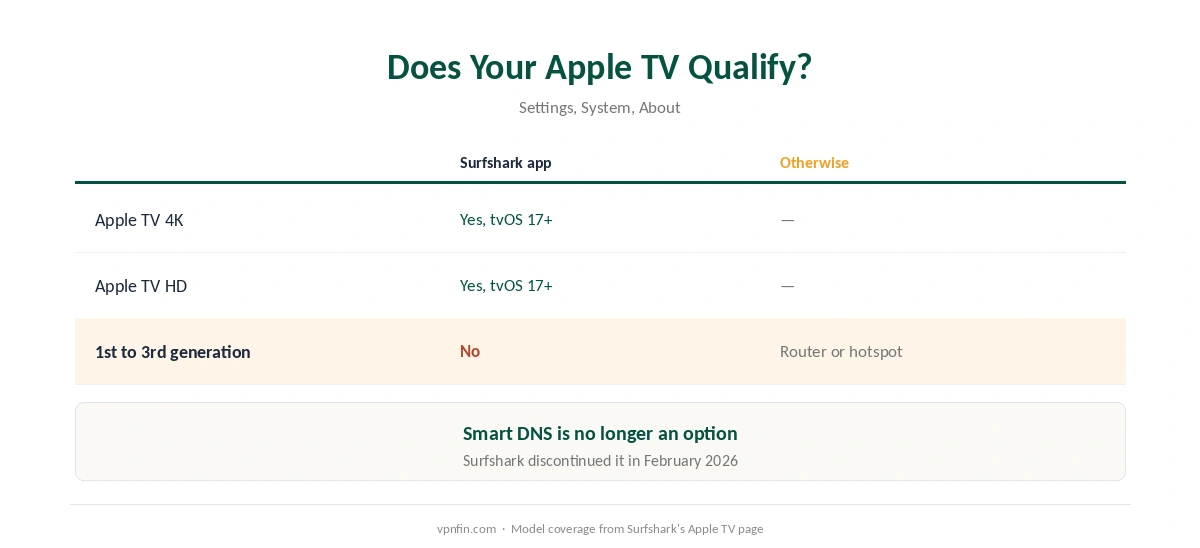
Does Your Apple TV Qualify?
| Model | Surfshark app | Otherwise |
|---|---|---|
| Apple TV 4K | Yes, tvOS 17 or later | Not needed |
| Apple TV HD | Yes, tvOS 17 or later | Not needed |
| First to third generation | No | Router or computer hotspot |
Surfshark’s own Apple TV page confirms the HD and 4K models can run the app, and that first, second and third-generation owners need alternative methods.
Why Smart DNS advice is out of date. Surfshark discontinued Smart DNS on 2 February 2026, CyberInsider notes, so guides that recommend it will not work. Our Smart DNS comparison explains what Smart DNS did.
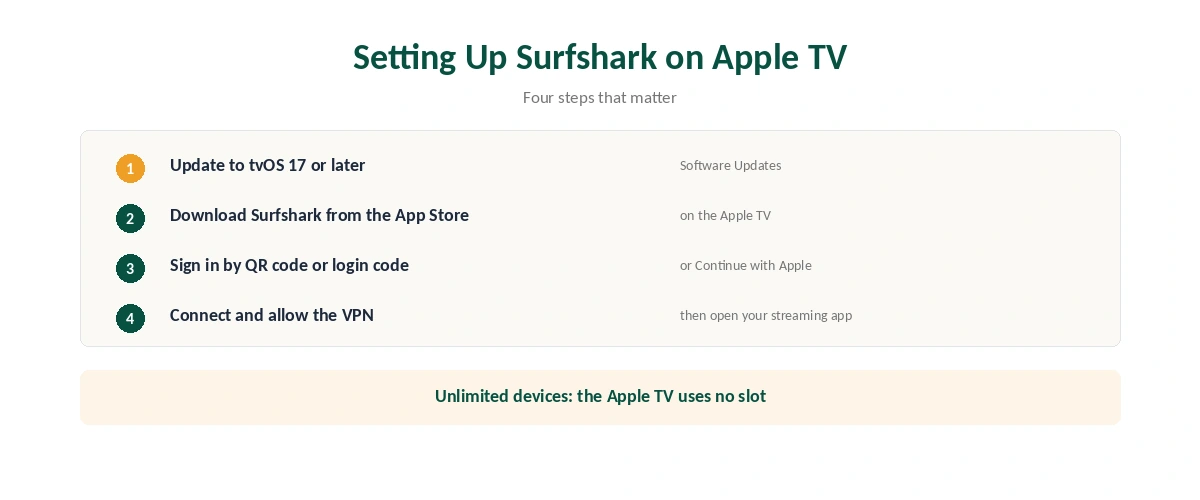
Setting Up Surfshark on Apple TV
| Step | What to do | Note |
|---|---|---|
| 1 | Update to tvOS 17 or later | Settings, System, Software Updates |
| 2 | Open the App Store on the Apple TV | Search Surfshark |
| 3 | Download and open the app | Free to download |
| 4 | Sign in by QR code, login code or Apple | No remote typing needed |
| 5 | Choose a location and connect | Allow the VPN configuration |
| 6 | Open your streaming app | Restart it if the library doesn’t change |
One account covers every screen. Surfshark allows unlimited simultaneous connections, so the Apple TV does not use up a slot. Once connected, check the new address with our guide to checking a VPN. Our multi-device guide compares device limits.
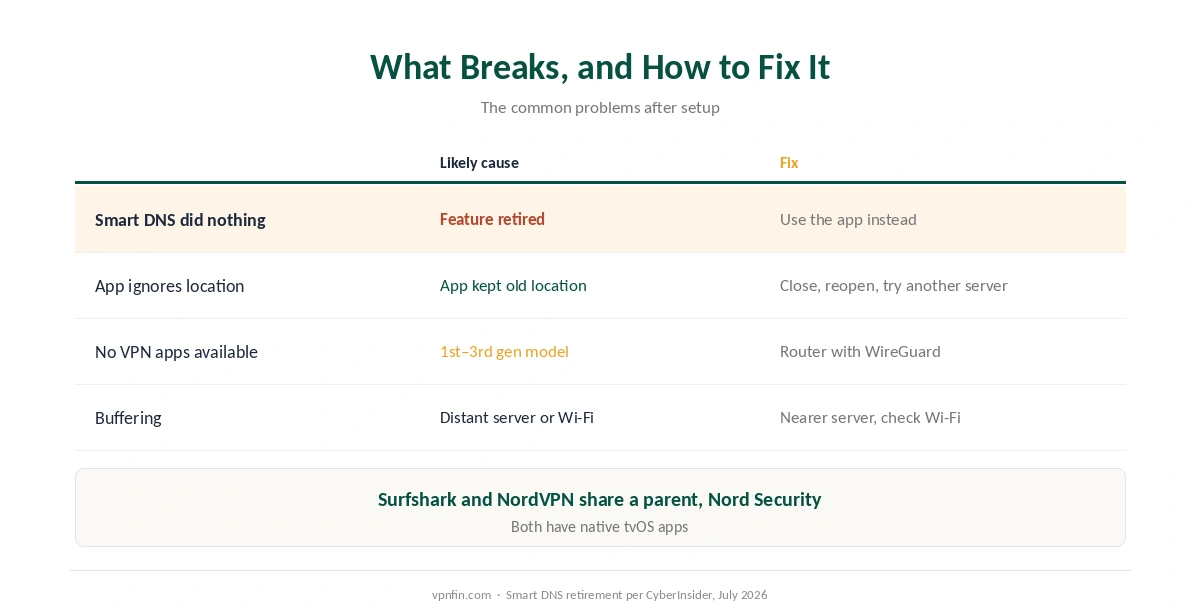
What Breaks, and How to Fix It
A guide told you to set Smart DNS, and nothing changed. That feature is gone. Use the app, or a router on older models.
A streaming app ignores the new location. Close and reopen it after connecting, and try another server in the same country. Our Netflix guide explains why services block some servers.
You cannot find VPN apps on an old Apple TV. First to third-generation models cannot run them. Our Surfshark on a router guide covers the router route with WireGuard.
Buffering with Surfshark on Apple TV. Choose a closer server and check Wi-Fi before blaming the VPN, as our speed guide explains.
Other Devices and Alternatives
The same account runs on iPhone and Mac, as our Surfshark on iPhone guide and our Surfshark on Mac guide explain.
Comparing providers? Our NordVPN on Apple TV guide covers the alternative; NordVPN and Surfshark share a parent, Nord Security. Our Apple TV VPN guide compares every provider, and our streaming VPN guide covers which services work best.
Why Use a VPN on Apple TV at All
Streaming libraries are the usual reason. A VPN changes the region streaming apps see, though services block known VPN addresses, as our Surfshark and Netflix page explains.
Privacy is the other. The VPN hides which services you stream from your internet provider. It does not hide your activity from the streaming service itself, as our guide to what a VPN hides sets out.
How We Research
The setup and login steps come from Surfshark’s Apple TV support page, the model coverage from Surfshark’s Apple TV page, and the Smart DNS retirement from CyberInsider’s July 2026 guide. Wikipedia supplied the tvOS 17 date. We name each source where used; all were read on 26 September 2026. We did not test on an Apple TV ourselves. Our full approach lives on the About Us page.
Surfshark on Apple TV FAQ
Yes, for Apple TV HD and Apple TV 4K running tvOS 17 or later. Download it from the App Store on the Apple TV.
Scan the QR code with your phone, enter the on-screen code in the Surfshark app under Settings, My account, Enter login code, or use Continue with Apple.
No. Surfshark retired Smart DNS on 2 February 2026. Use the app, or a router on older Apple TVs.
First to third-generation models cannot run VPN apps. Use Surfshark on your router or share a VPN connection from a computer.
No. Surfshark allows unlimited simultaneous connections.
The Verdict
Surfshark on Apple TV is a simple App Store install on any Apple TV HD or 4K with tvOS 17, with QR-code sign-in and no device limit.
Ignore guides that still recommend Smart DNS, and use a router for older models.