
Disclosure: VPNFin is reader-supported. If you buy a VPN through links on this page, we may earn a commission at no extra cost to you. This never affects our ratings — here’s our full disclosure.
Surfshark on iPhone has most of the features of its desktop apps, with two catches that trip people up. Its split tunnelling tool, Bypasser, works on iPhone only for websites, not apps, Surfshark’s support page says. And its Unsafe site blocking works alongside the VPN only over the WireGuard protocol, so switching protocol can quietly switch it off.
This guide covers setup, the settings Surfshark’s iPhone support page lists, those two catches, and what else tends to break.
Surfshark on iPhone: The Short Answer
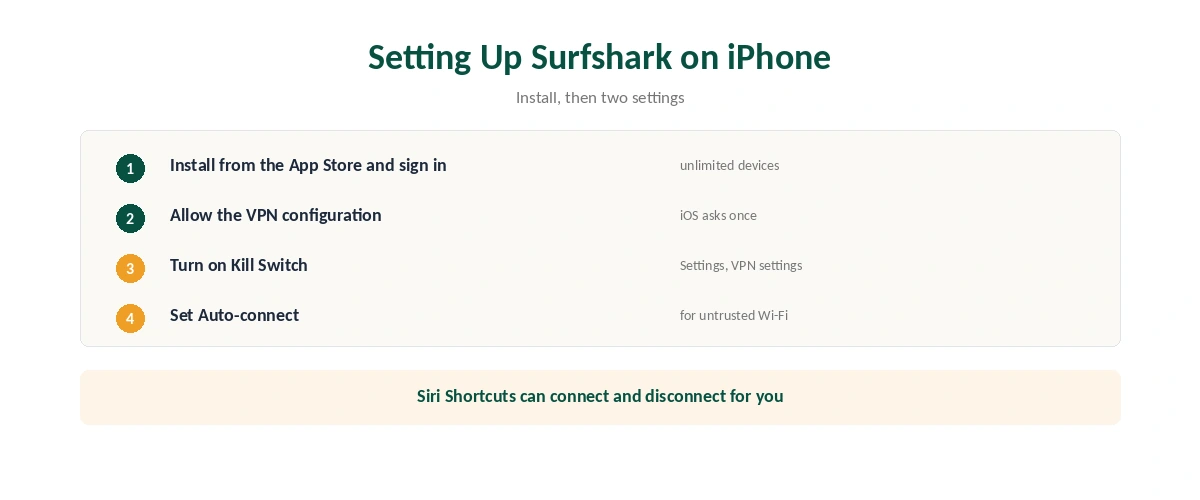
Install Surfshark from the App Store, sign in, allow the VPN configuration and connect. One account covers unlimited devices.
Turn on the Kill Switch under Settings, VPN settings. The App Store listing says it closes the connection if the VPN drops and reconnects once it is restored.
Keep the protocol on WireGuard if you use Surfshark’s web content blocker, and remember Bypasser can exclude websites but not apps. Our Surfshark review covers the service.
Setting Up Surfshark on iPhone
| Step | What to do | Note |
|---|---|---|
| 1 | Install Surfshark from the App Store | Free to download |
| 2 | Open it and sign in | Or subscribe in the app |
| 3 | Allow the VPN configuration | iOS asks once |
| 4 | Tap Quick-connect or pick a location | Change protocol later if needed |
| 5 | Turn on Kill Switch | Settings, VPN settings |
| 6 | Set Auto-connect | So the phone is protected on new networks |
Siri Shortcuts can connect or disconnect for you, the App Store listing notes, which is handy for automation. Our kill switch guide explains why the kill switch matters on a phone that hops between networks.
The Settings Worth Knowing
| Setting | What it does | iPhone note |
|---|---|---|
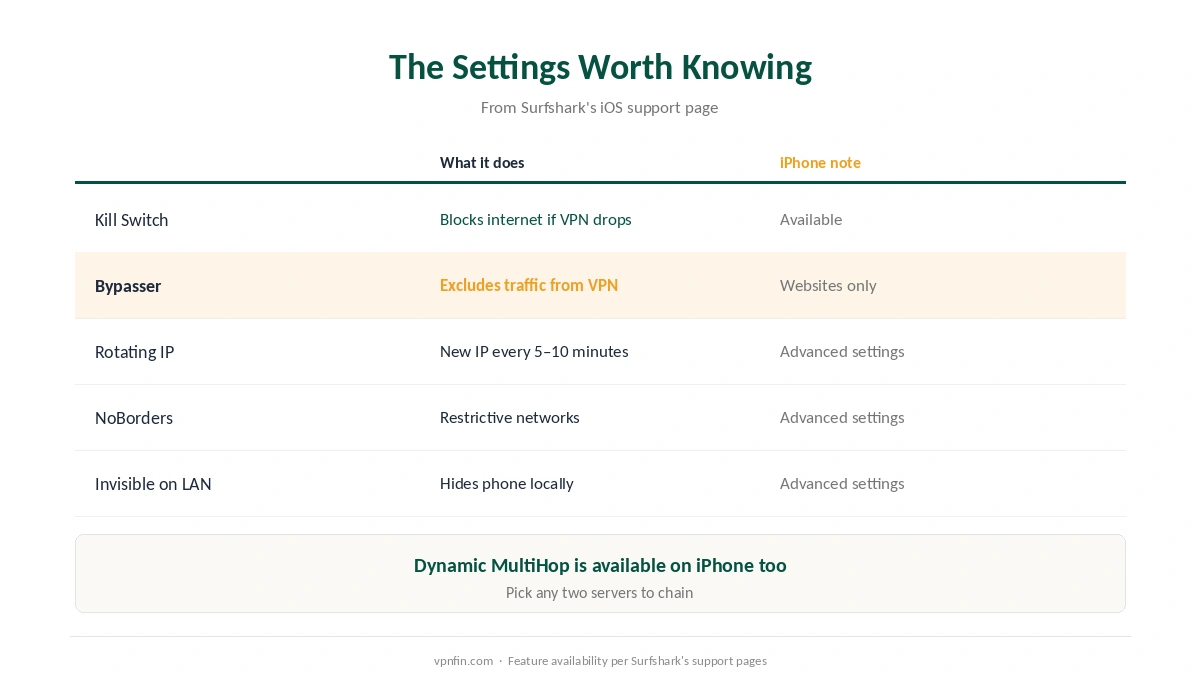
| Kill Switch | Blocks internet if the VPN drops | Available |
| Bypasser | Excludes traffic from the VPN | Websites only, not apps |
| Rotating IP | Changes your IP every 5–10 minutes | Advanced settings |
| NoBorders | Helps on restrictive networks | Advanced settings |
| Invisible on LAN | Hides the phone on local networks | Advanced settings |
| Dynamic MultiHop | Routes through two servers | Available |
Rotating IP is the unusual feature in Surfshark on iPhone. It changes your IP address to another in the same location every five to ten minutes without disconnecting, per Surfshark’s support page. Our double VPN guide explains MultiHop, and our obfuscation guide what NoBorders does.
What Breaks, and How to Fix It
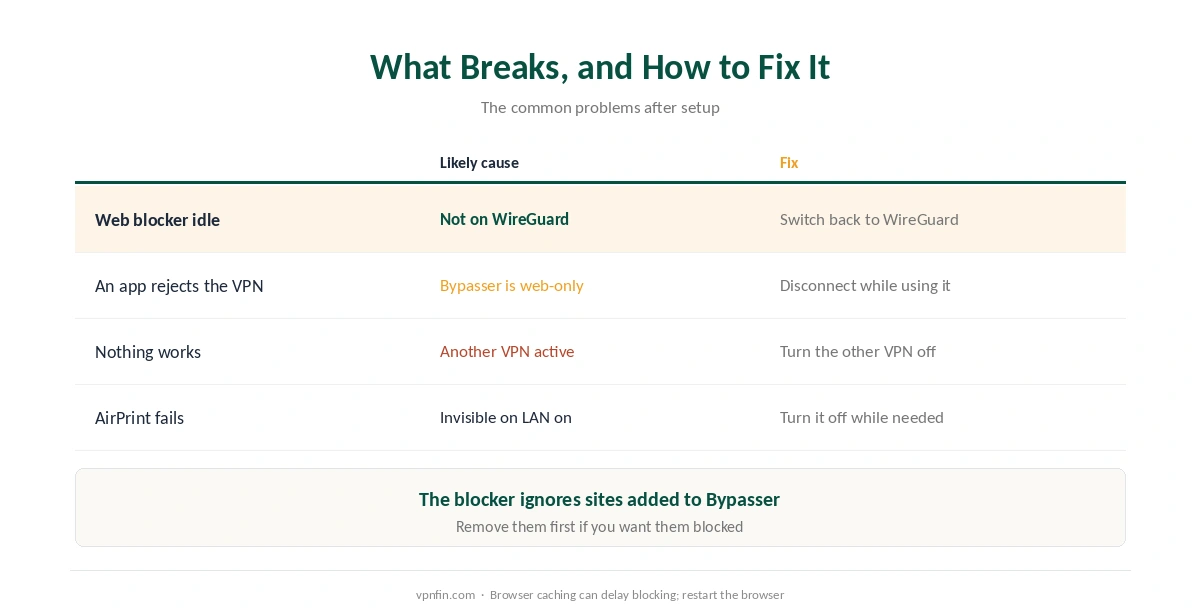
Unsafe site blocking stops working. Surfshark’s support page says the web content blocker works alongside the VPN only over WireGuard; on IKEv2 or OpenVPN, switch back. It also does not block sites you added to Bypasser, and browser caching can delay it, so restart the browser.
An app refuses to work over the VPN. A banking or local app may reject VPN addresses, and Bypasser on iPhone handles websites only, so it cannot exclude or include individual apps. If an app must avoid the VPN, disconnect while you use it. Our split tunnelling guide explains the limits on iOS.
Nothing works at all. Another VPN app may be active; Surfshark notes that its app and web blocker will not work while a different VPN is on. Disable the other one and reopen Surfshark.
AirPrint or casting fails. Invisible on LAN hides the phone from local devices; turn it off while you need them.
Public Wi-Fi and Everyday Use
Auto-connect is the setting that matters most for Surfshark on iPhone, because a phone joins new networks all day. Set it to connect on untrusted Wi-Fi, as our public Wi-Fi guide recommends.
Check it after changes. Confirm the new address with our guide to checking a VPN, and run a DNS leak test if you switch protocol.
Unlimited devices means the iPad and the TV come free. Our multi-device guide compares Surfshark’s policy with rivals, and our Surfshark on Android TV guide covers the living room.
Surfshark or NordVPN on iPhone?
Both apps are full-featured on iOS. Surfshark’s case is unlimited devices and Rotating IP; NordVPN’s is an always-on kill switch and a setting that forces all traffic through the tunnel, as our NordVPN on iPhone guide explains. The two share a parent, Nord Security. Our iPhone VPN guide compares every provider, and our guide to turning off a VPN on iPhone covers disconnecting.
How We Research
The settings and limits come from Surfshark’s support pages for iOS setup, Bypasser on iOS, Unsafe site blocking and its feature list, with the Kill Switch and Siri details from the App Store listing. We name each source where used; all were read on 26 September 2026. We did not test on an iPhone ourselves. Our full approach lives on the About Us page.
Surfshark on iPhone FAQ
Install it from the App Store, sign in, allow the VPN configuration, and connect. Then turn on Kill Switch and Auto-connect under Settings, VPN settings.
Yes. It blocks internet access if the VPN drops and reconnects once the connection is restored.
No. On iPhone, Bypasser works for websites only, according to Surfshark’s support page.
It works alongside the VPN only over WireGuard. Switch protocol back to WireGuard, remove the site from Bypasser if listed, and restart your browser.
A Surfshark feature that changes your IP address every five to ten minutes without disconnecting from the VPN.
The Verdict
Surfshark on iPhone is quick to set up and well equipped, with a kill switch, MultiHop and Rotating IP.
Keep the protocol on WireGuard if you use the web blocker, and remember that Bypasser on iPhone excludes websites, not apps.