
Disclosure: VPNFin is reader-supported. If you buy a VPN through links on this page, we may earn a commission at no extra cost to you. This never affects our ratings — here’s our full disclosure.
How do you turn off the VPN in Opera? For the free built-in VPN, click the VPN badge beside the address bar and flip the switch, Opera’s help pages explain. To remove it completely, turn off Enable VPN in Settings, under Privacy and security. One newer setting can switch it back on by itself. Since September 2026, Opera can connect the VPN automatically on public Wi-Fi, if you have enabled that option.
Opera VPN Pro is different. It is a paid, device-wide service, so it switches off in its own app, not in the browser badge. This page covers both.
How to Turn Off the VPN in Opera: Free VPN or VPN Pro?
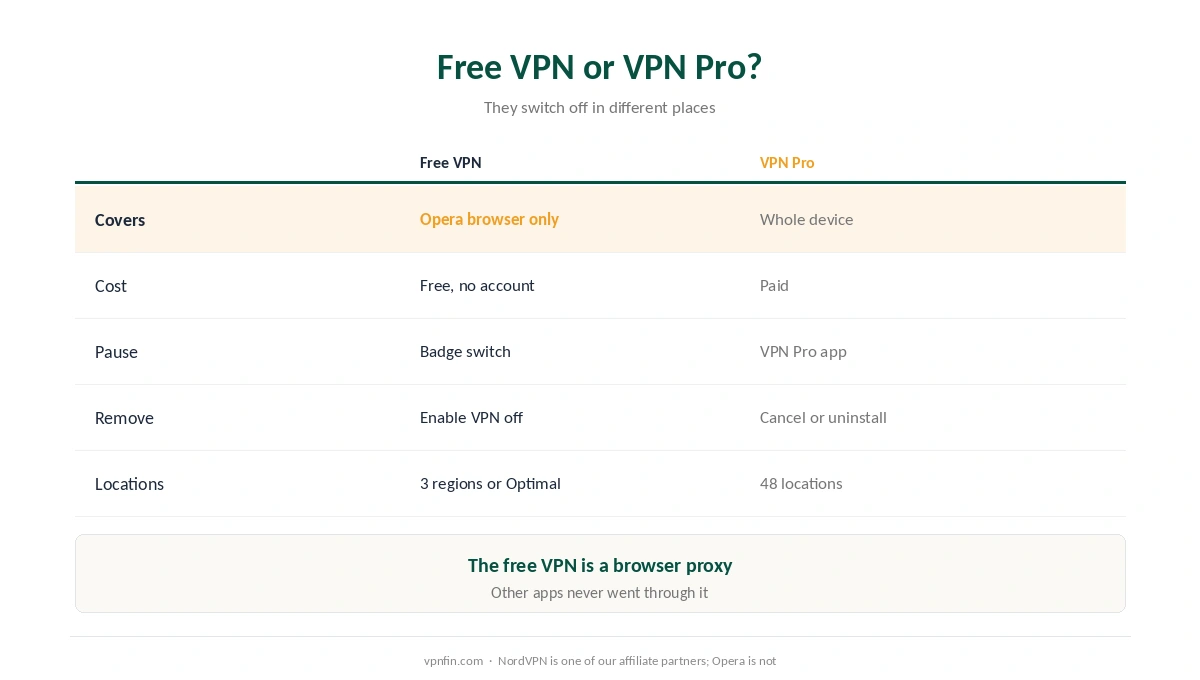
| Free VPN | VPN Pro | |
|---|---|---|
| What it covers | Opera browser traffic only | The whole device, every app |
| Cost | Free, no account | Paid subscription |
| Turn off for now | VPN badge, flip the switch | In the VPN Pro app |
| Turn off for good | Settings: Enable VPN off | Cancel or remove the app |
| Locations | America, Asia, Europe or Optimal | 48 locations |
The free VPN is a browser proxy, not a whole-device VPN, The High Tech Society notes. Turning it off affects only Opera; other apps were never going through it. Our VPN vs proxy guide explains the difference.
Turn Off Opera’s Free VPN
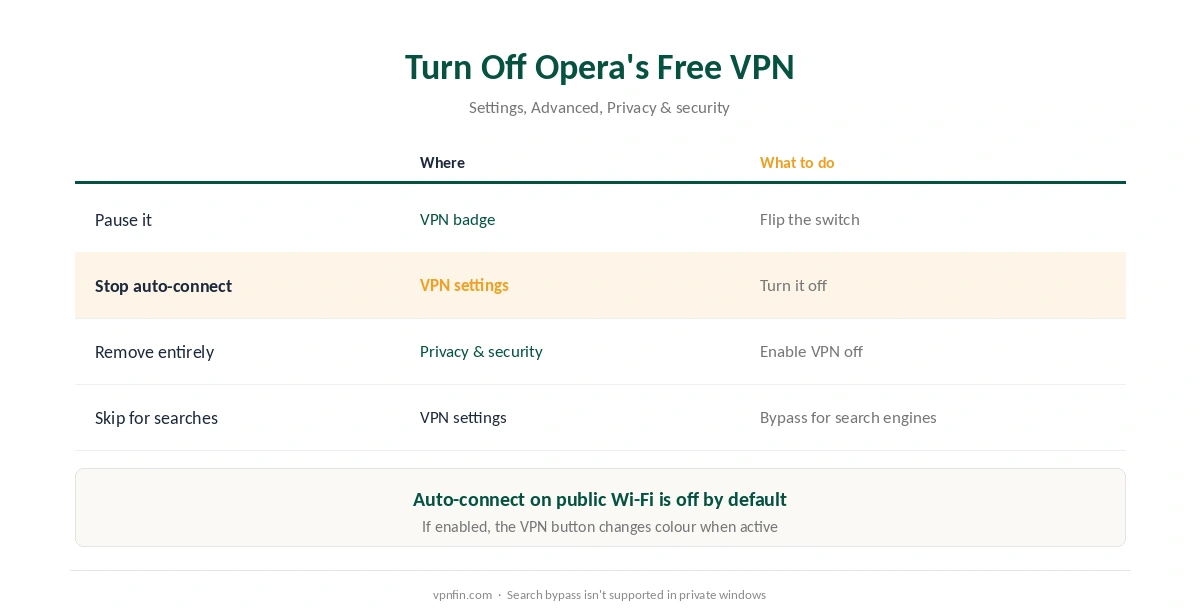
| Goal | Where | What to do |
|---|---|---|
| Pause it | VPN badge left of the address bar | Flip the switch off |
| Stop auto-connect on public Wi-Fi | Settings, VPN options | Turn auto-connect off |
| Remove it entirely | Settings, Advanced, Privacy & security | Turn Enable VPN off |
| Just for searches | Same VPN settings | Bypass VPN for default search engines |
| On Android | Opera’s Settings menu | Turn VPN off |
Auto-connect is off by default, but it can stop you being able to turn off the VPN in Opera for good. If you turned it on, Opera connects the VPN when it detects a public network and disconnects when you leave, its security blog explains. The VPN button changes colour as a signal. Disable it if the VPN keeps reappearing.
The badge disappears once Enable VPN is off. Opera’s help pages note that turning the feature on starts it automatically, so switching the badge alone may not survive a restart.
Keep the VPN but Skip It for Searches
Search results follow your virtual location, which can send a search for a nearby café to another continent, Opera’s help explains. The Bypass VPN for default search engines option sends default searches directly while keeping the VPN for web pages. It isn’t supported in private windows.
Google showing the wrong country is a side effect of any VPN. Our VPN check guide shows how to see which location sites detect.
Turn Off Opera VPN Pro
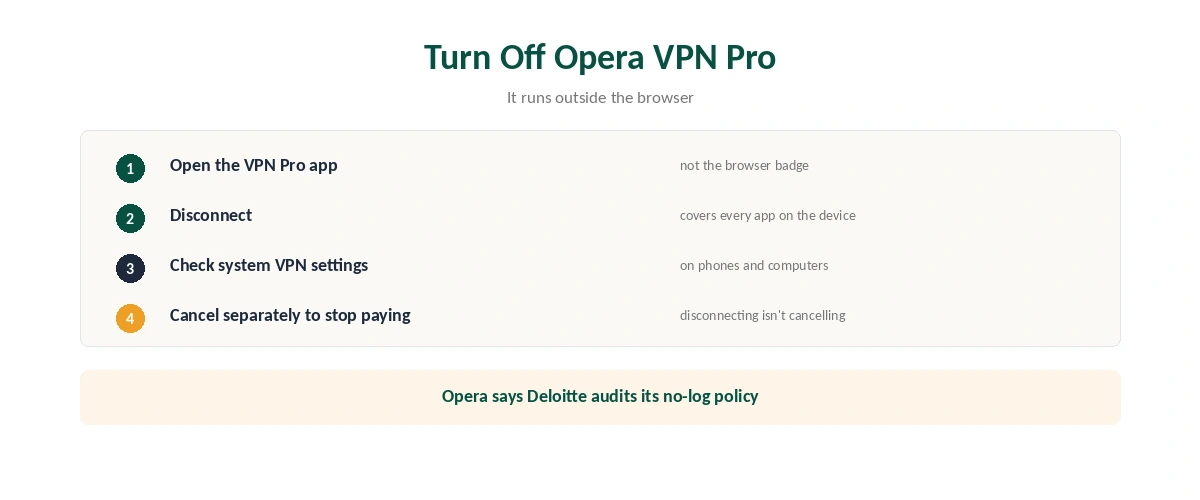
To turn off the VPN in Opera’s paid tier, use the VPN Pro app. It runs across the whole device rather than inside the browser. On a phone or computer, it may also appear in system VPN settings, as our iPhone guide and our Android guide show.
Stopping the subscription is a separate step from disconnecting. Our VPN refund guide covers cancelling paid VPNs in general.
Is Opera’s Free VPN Trustworthy?
Opera says its no-log policy is audited by Deloitte and its code tested by Cure53, and it publishes a transparency report. For whole-device protection, a full VPN app does more.
Open networks carry real risks, as our public Wi-Fi guide explains. Free alternatives are compared in our free VPN guide, and our guide to turning off any VPN covers every device once you turn off the VPN in Opera. A browser-only VPN is a reasonable free extra, but it is not a substitute for one that protects the whole device.
Need more than a browser VPN? Our Opera VPN alternatives guide compares device-wide options.
How We Research
The badge switch, settings paths and search bypass come from Opera’s help pages. Auto-connect on public networks comes from Opera’s security blog of September 2026; audits, regions and VPN Pro’s 48 locations from Opera’s Free VPN page; the proxy distinction from The High Tech Society. We read all sources on 28 September 2026. NordVPN is one of our affiliate partners; Opera is not. Our full approach lives on the About Us page.
Turn Off the VPN in Opera FAQ
Click the VPN badge beside the address bar and flip the switch. To remove it, turn off Enable VPN in Settings, Advanced, Privacy and security.
You may have enabled auto-connect on public networks, added in September 2026. Turn it off in Opera’s VPN settings.
No. The free VPN covers only Opera’s browser traffic. VPN Pro, the paid version, covers the whole device.
Disconnect in the VPN Pro app. It works device-wide, so the browser badge doesn’t control it.
Yes. Turn on Bypass VPN for default search engines in the VPN settings. It doesn’t work in private windows.
The Verdict
To turn off the VPN in Opera, use the badge for a pause and the Enable VPN setting to remove it. Check auto-connect if it keeps returning.
VPN Pro is separate: turn it off in its own app, since it covers the whole device.