
Disclosure: VPNFin is reader-supported. If you buy a VPN through links on this page, we may earn a commission at no extra cost to you. This never affects our ratings — here’s our full disclosure.
How do you turn off the VPN in Microsoft Edge? Microsoft calls Edge’s built-in VPN Secure Network, and it switches off in Settings, under Privacy, search, and services, where a single toggle controls it. It is a Cloudflare-powered service that covers only Edge, with 5 GB of free data a month for users signed in with a Microsoft account, Microsoft’s support page explains.
It is easy to confuse with another Microsoft VPN that no longer exists: the privacy protection VPN in the Microsoft Defender app ended on 28 February 2025. Edge Secure Network carried on. This page covers turning off both, and why it can seem to switch itself on.
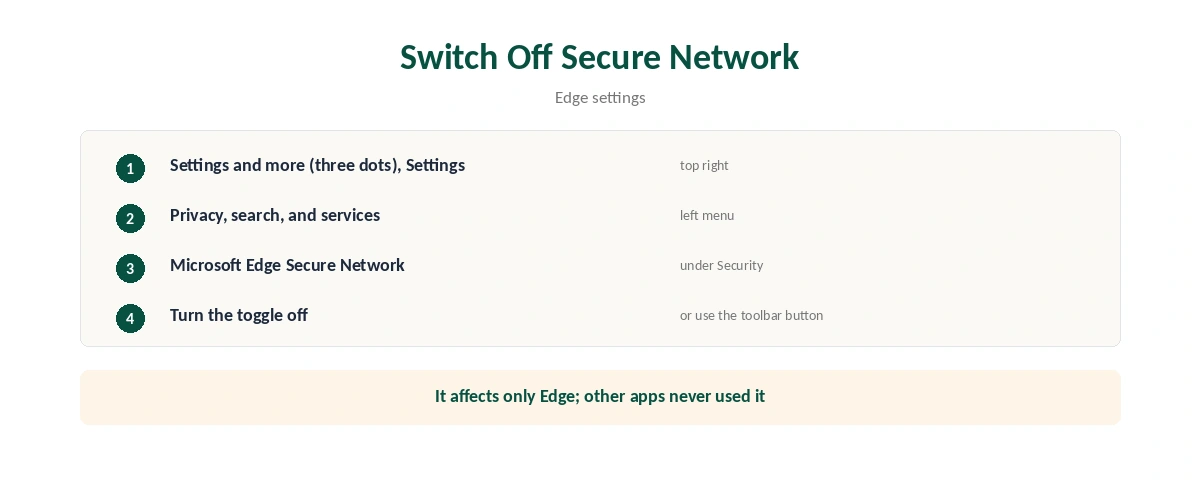
How to Turn Off the VPN in Edge: Secure Network
| Step | What to do |
|---|---|
| 1 | Open Edge, select Settings and more (the three dots), then Settings |
| 2 | Select Privacy, search, and services |
| 3 | Find Microsoft Edge Secure Network under Security |
| 4 | Turn the toggle off |
| 5 | If a Secure Network button sits in the toolbar, you can also switch it there |
You can turn it off at any time, and back on the same way, guides from 51sec and Acciyo describe. Turning it off affects only Edge; other browsers and apps never used it. Afterwards, our VPN check guide confirms your real address is back.
What Edge Secure Network Is, and Isn’t
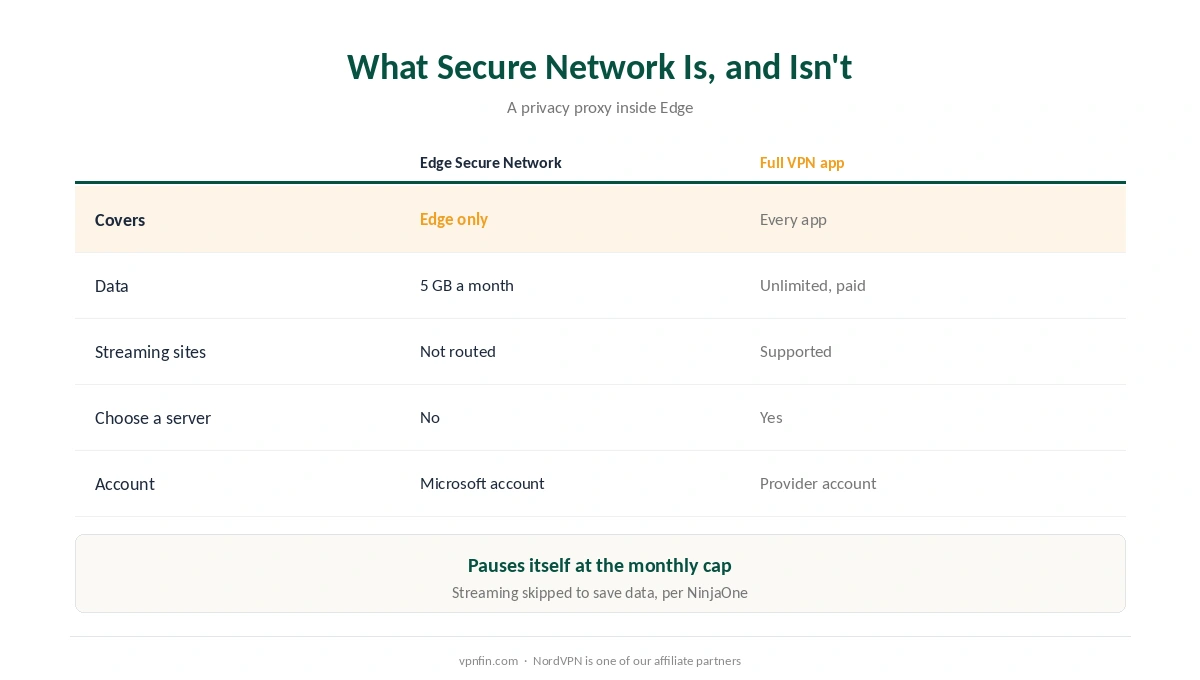
| Feature | Edge Secure Network | A full VPN app |
|---|---|---|
| Covers | Edge only | Every app on the device |
| Data | 5 GB a month, free | Unlimited on paid plans |
| Streaming sites | Not routed through it | Supported by most |
| Choose a server | No | Yes |
| Account | Microsoft account required | Provider account |
Streaming skips it on purpose. Netflix, Hulu, HBO and similar services aren’t routed through Secure Network, to conserve the data allowance, NinjaOne notes. When you reach the monthly cap, the service pauses on its own.
It is a privacy proxy, not a full VPN. iTechGuides describes it as Cloudflare’s Privacy Proxy technology integrated into Edge, useful on public Wi-Fi but not a system-wide shield. Our VPN vs proxy guide explains the difference.
Why Turn It Off?
Endless website checks. Some sites protected by Cloudflare can loop their verification pages for Secure Network users; Microsoft’s community support suggests disabling Secure Network if that happens.
Local results and banking. A different apparent location can change search results and trigger security checks on bank sites, as our online banking guide explains.
Switching to a full VPN. Running a separate VPN app alongside Secure Network adds nothing for Edge and can confuse troubleshooting, so turn off the VPN in Edge first. Opera has a similar built-in option, covered in our Opera guide.
Greyed Out or Missing?
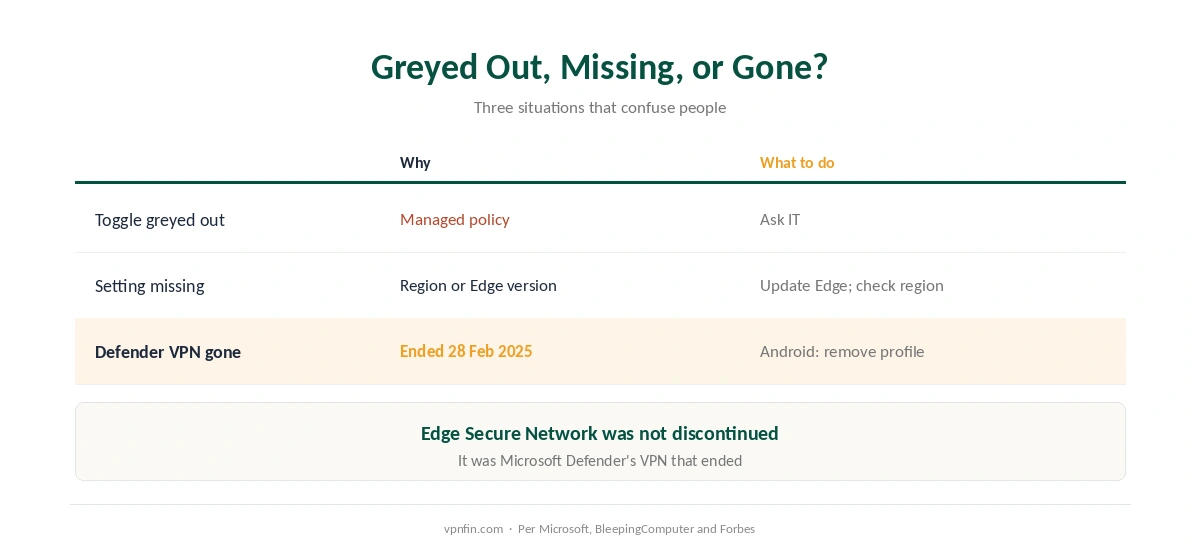
Can’t turn off the VPN in Edge because the toggle is greyed out? That points to policy. Users on the Eleven Forum report the option locked on work computers, as managed policies can control Edge settings. Ask your IT team, as our school and work guide explains.
Missing entirely? Availability varies by region and Edge version, Acciyo notes, so the setting may not appear on every computer.
The Microsoft Defender VPN Is Gone
Defender’s privacy protection VPN ended on 28 February 2025, Microsoft’s support page confirms. On Windows, iOS and macOS nothing needs doing, but Microsoft told Android users to remove the leftover Defender VPN profile, BleepingComputer reported, as our Android guide shows.
Some guides mix the two up. At least one 2026 article states that Microsoft discontinued Edge Secure Network; it was the Defender VPN that ended, while Forbes noted at the time that Secure Network remained. Our Windows guide covers system VPNs.
How We Research
The Secure Network settings, data allowance and Cloudflare partnership come from Microsoft’s support page; streaming exclusions and the data cap from NinjaOne; the proxy description from iTechGuides; the settings path from 51sec and Acciyo; greyed-out options from the Eleven Forum; Cloudflare loops from Microsoft’s community support; the Defender VPN’s end from Microsoft’s support page, BleepingComputer and Forbes. We read all sources on 28 September 2026. NordVPN is one of our affiliate partners. Our full approach lives on the About Us page.
Turn Off the VPN in Edge FAQ
Go to Settings, Privacy, search, and services, find Microsoft Edge Secure Network and turn the toggle off.
It’s a Cloudflare-powered privacy proxy that encrypts Edge’s traffic only, with 5 GB of free data a month. It doesn’t cover other apps.
A managed policy on a work or school computer can lock it. Ask your IT team.
The Microsoft Defender VPN ended on 28 February 2025. Edge Secure Network continued.
Cloudflare checks can loop for Secure Network users. Turn Secure Network off and try again.
The Verdict
To turn off the VPN in Edge, switch off Secure Network under Privacy, search, and services.
It covers only Edge, with a 5 GB monthly cap. For whole-device protection, a full VPN app is the tool, and Defender’s old VPN is no longer an option.