
Disclosure: VPNFin is reader-supported. If you buy a VPN through links on this page, we may earn a commission at no extra cost to you. This never affects our ratings — here’s our full disclosure.
VPN not working on school or work Wi-Fi? In most cases the network is blocking it on purpose. Employers and schools often ban VPNs on their networks, using IP blocking, port blocking or deep packet inspection to stop them, Fortinet explains. Nearly every school network has an acceptable use policy that addresses VPNs and filter circumvention, which the school is entitled to enforce on its own network, VPN Expert Guide notes.
This page explains what is blocking your VPN and what your legitimate options are. It doesn’t give instructions for getting around an organisation’s filters.
VPN Not Working on School or Work Wi-Fi: The Short Answer
A VPN not working on school Wi-Fi is usually deliberate. Schools filter content for safety and legal reasons, and a VPN tunnel hides traffic from those filters. A majority of US school districts name VPN bypass as their top filtering challenge, CleanBrowsing reports, citing the Consortium for School Networking.
A managed device may block VPNs itself. On a school-owned laptop or Chromebook, device management software can stop VPN apps from installing or running at all, VPN Tier Lists notes.
At work, a second VPN can clash with the company’s. Two VPNs usually can’t run at once, so a personal VPN may break the employer’s connection. Our disconnection guide covers drop-outs on your own networks.
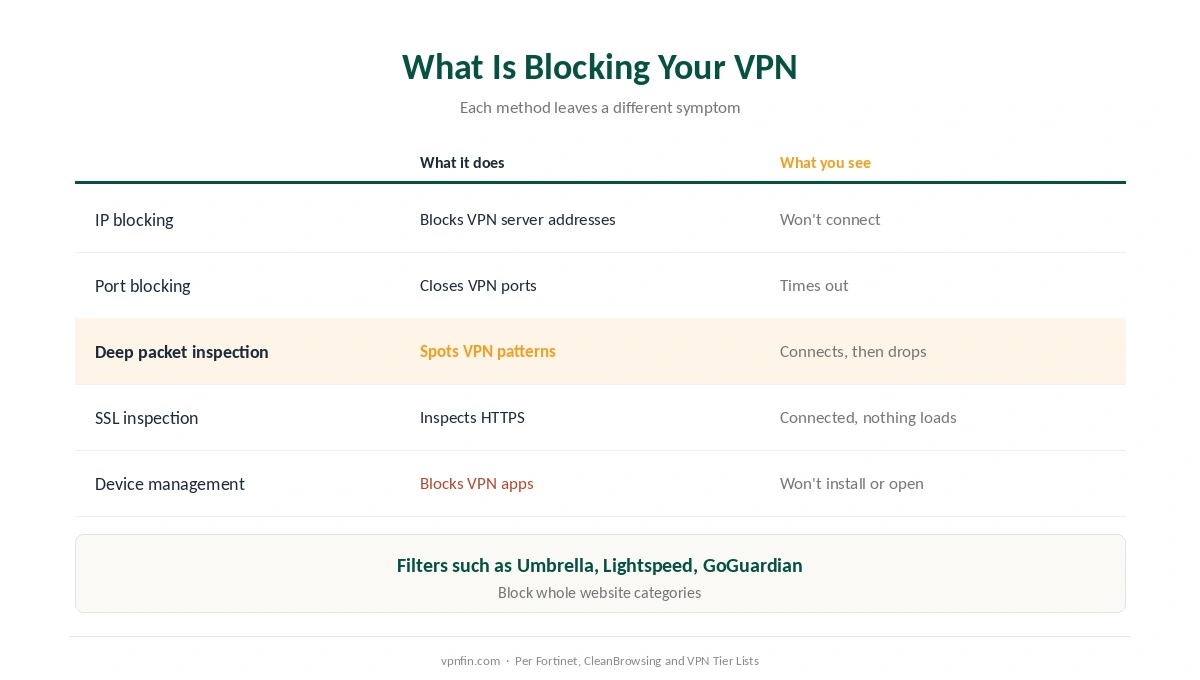
What Is Blocking Your VPN
| Method | What it does | What you see |
|---|---|---|
| IP blocking | Blocks known VPN server addresses | VPN won’t connect at all |
| Port blocking | Closes ports VPN protocols use | Connection times out |
| Deep packet inspection | Recognises VPN traffic patterns | Connects, then drops |
| DNS and category filters | Blocks VPN sites and app stores | Can’t download or sign in |
| SSL inspection | Decrypts and inspects HTTPS | Connects, but nothing loads |
| Device management (MDM) | Blocks VPN apps on managed devices | App won’t install or open |
Commercial filters are common in schools. Services such as Cisco Umbrella, Lightspeed, GoGuardian and Smoothwall classify websites into categories that networks then block, a VPN vendor’s guide notes.
Connected but nothing loads often points to SSL inspection, as a network administrator described on the LowEndTalk forum. Our connected-but-no-internet guide covers other causes on your own networks.
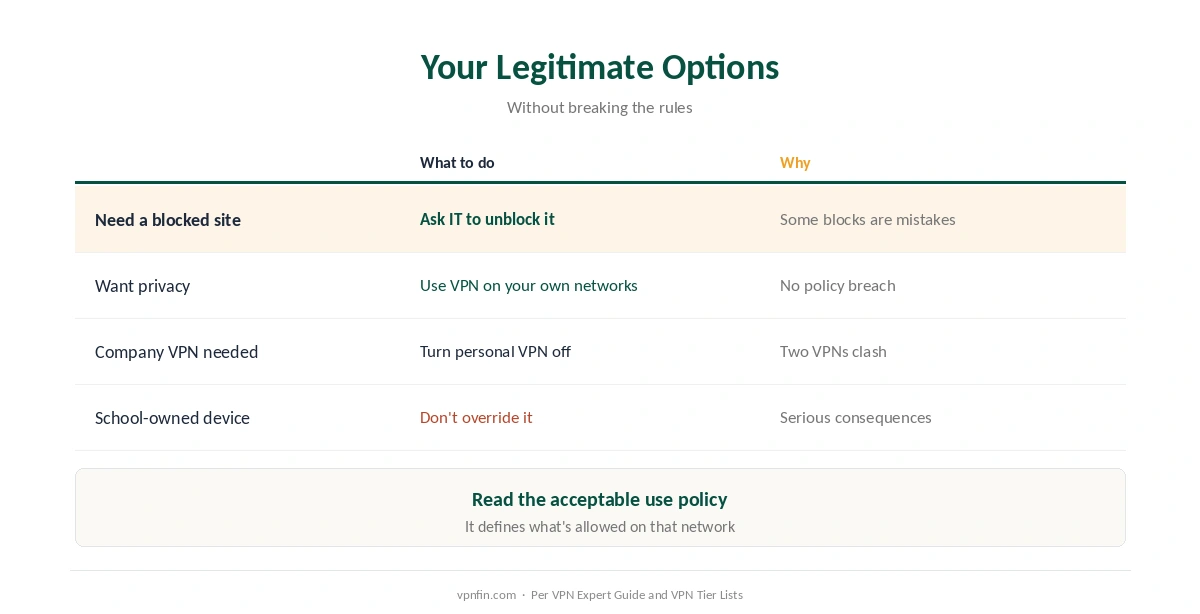
Your Legitimate Options
| Situation | What to do | Why |
|---|---|---|
| You need a site for study or work | Ask IT to unblock it | Category filters can catch useful sites |
| You need privacy on your own device | Use the VPN on your own networks | Home, travel, public Wi-Fi |
| Work requires the company VPN | Turn off your personal VPN | Two VPNs clash |
| School-owned device | Don’t try to override it | Serious consequences, per AUPs |
| Unsure of the rules | Read the acceptable use policy | It defines what’s allowed |
Ask first. If you’re unsure your VPN even works properly, check it on your home network before blaming the school’s. IT teams can whitelist sites or approve tools for a real need. That route carries no disciplinary risk, as VPN Expert Guide stresses.
Keep your VPN for your own connections. At home, when travelling and on public Wi-Fi, a VPN protects you with no policy breach, as our public Wi-Fi guide explains.
Hotels are a different case. A VPN not working on school Wi-Fi is usually a block; on hotel Wi-Fi it is usually the login page, as our hotel Wi-Fi guide explains.
Is It Illegal to Use a VPN at School or Work?
Usually not illegal, but using a VPN where it is blocked can break the rules. VPNs are legal in most countries, as our country-by-country guide explains, but breaking an acceptable use policy or employment contract can bring discipline.
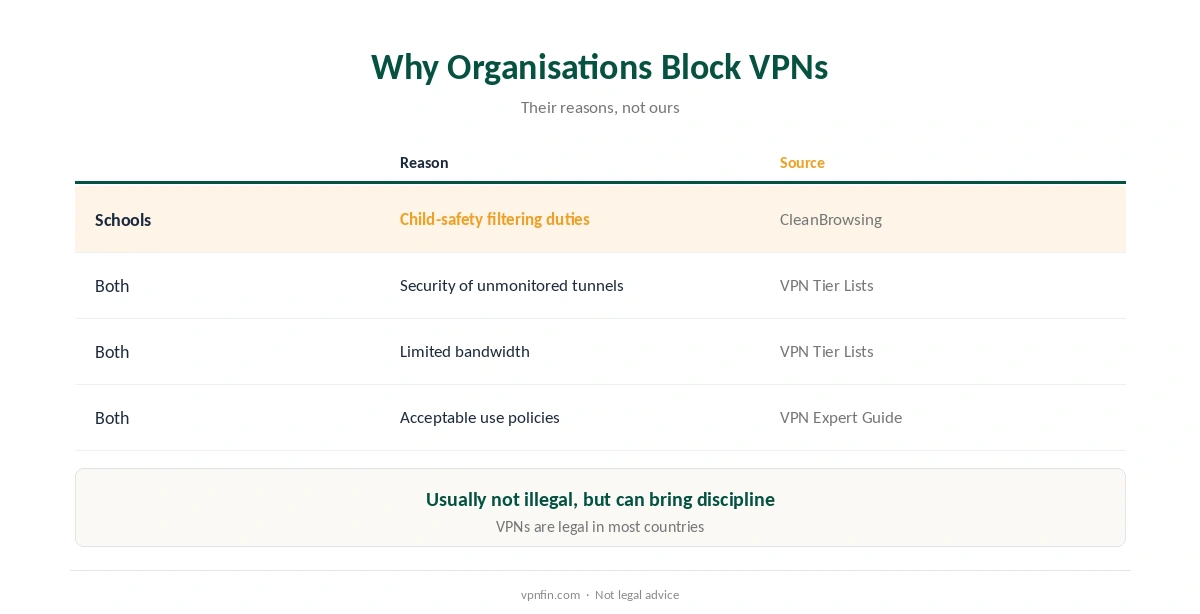
Why organisations block them: child-safety filtering duties in schools, security worries about unmonitored tunnels, and limited bandwidth, VPN Tier Lists notes. Our guide to what a VPN hides explains what a tunnel conceals from the network.
How We Research
Blocking methods come from Fortinet and CleanBrowsing, a filtering vendor; acceptable use policies from VPN Expert Guide; managed devices and motives from VPN Tier Lists; filter vendors from DualityVPN, a VPN seller; SSL inspection from a LowEndTalk forum thread. We read all sources on 27 September 2026. We don’t publish circumvention instructions for school or work networks. Our full approach lives on the About Us page.
VPN Not Working on School or Work Wi-Fi FAQ
The school is almost certainly blocking VPN traffic, using IP, port or deep packet inspection filters, under its acceptable use policy.
The network may inspect encrypted traffic or block VPN patterns after connection. Ask IT; don’t try to work around it.
Usually not at the same time. Turn off the personal VPN when you need the company one.
Managed school devices often block VPN apps, and trying to override that can breach the school’s rules.
Usually not illegal, but it can breach the school’s acceptable use policy and lead to discipline.
The Verdict
A VPN not working on school or work Wi-Fi is usually a deliberate block, not a fault.
Ask IT for what you genuinely need, and use your VPN where it belongs: on your own devices and networks, at home and when travelling.