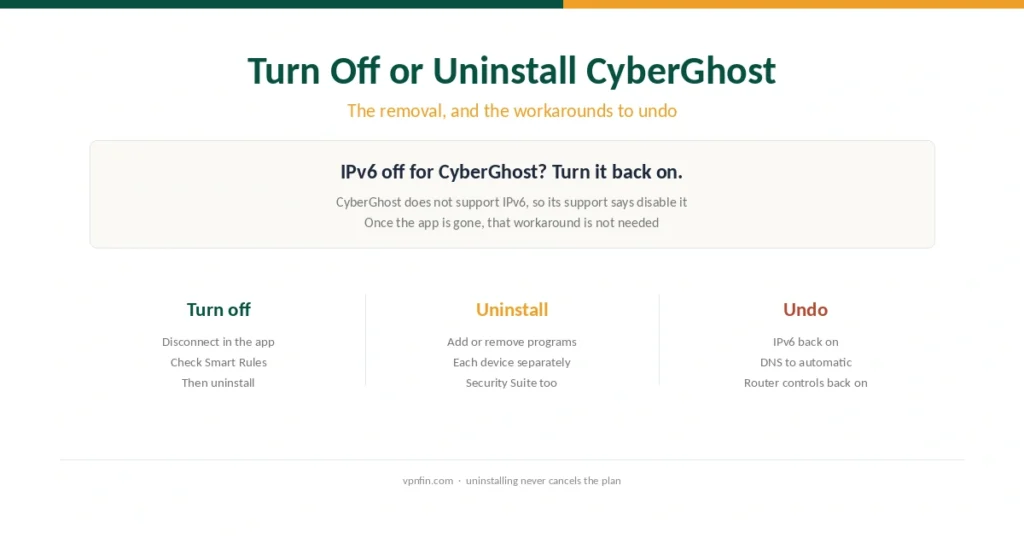
How to Turn Off or Uninstall CyberGhost (2026), and Undo Its Workarounds
Removing CyberGhost is quick. Undoing the IPv6, DNS and router changes made for it is the step people forget.
Step-by-step VPN tutorials for beginners: setup, troubleshooting, and getting the most out of your VPN. Clear instructions with screenshots — no technical background needed.
Removing CyberGhost is quick. Undoing the IPv6, DNS and router changes made for it is the step people forget.
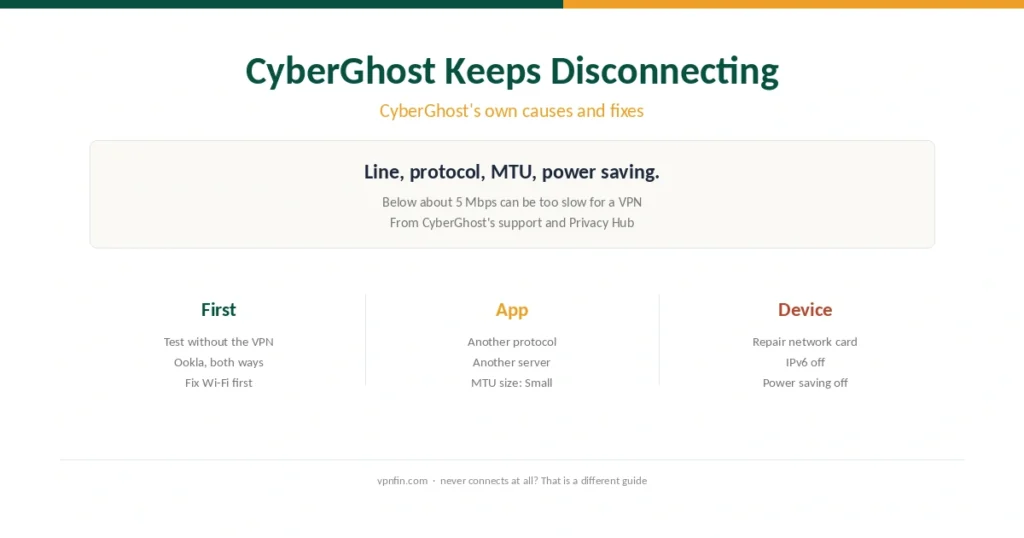
Drops after a working connection have their own fixes. Here they are in order, from CyberGhost’s own guides, with the phone checks added.
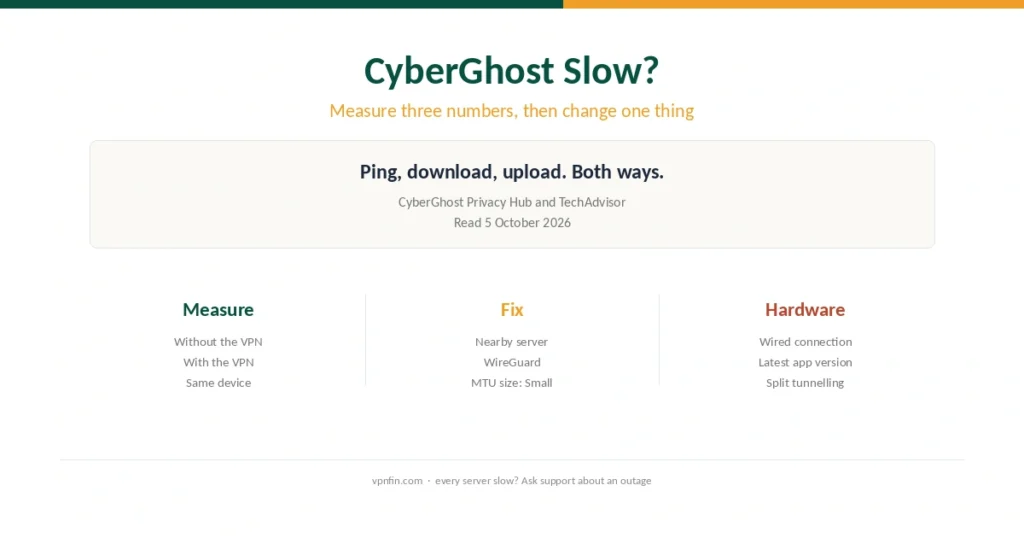
Measure with and without the VPN, then change one thing at a time. Here are CyberGhost’s own speed fixes, in order.
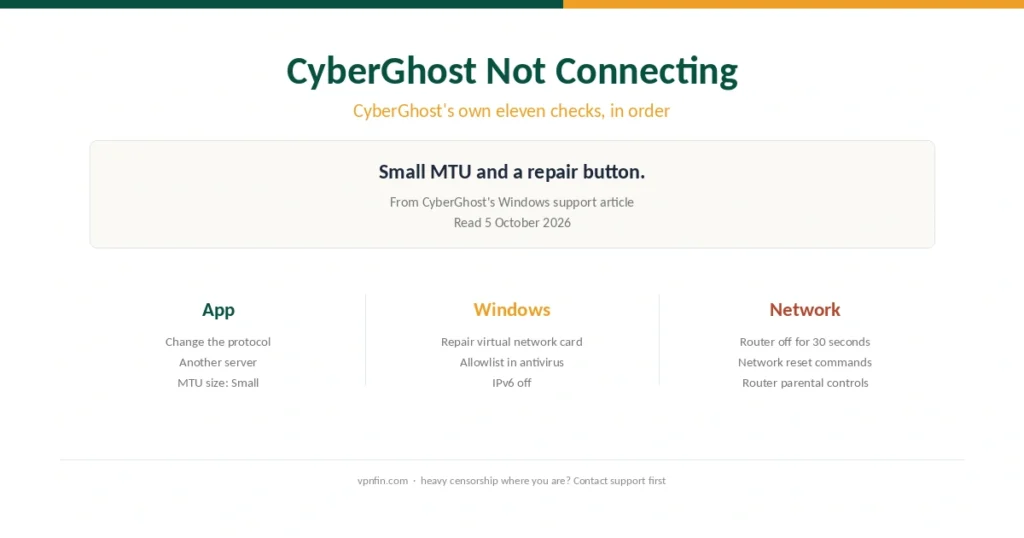
Protocol, server, Small MTU, then the repair button. Here are CyberGhost’s own connection fixes, in order, plus the Netflix proxy error.
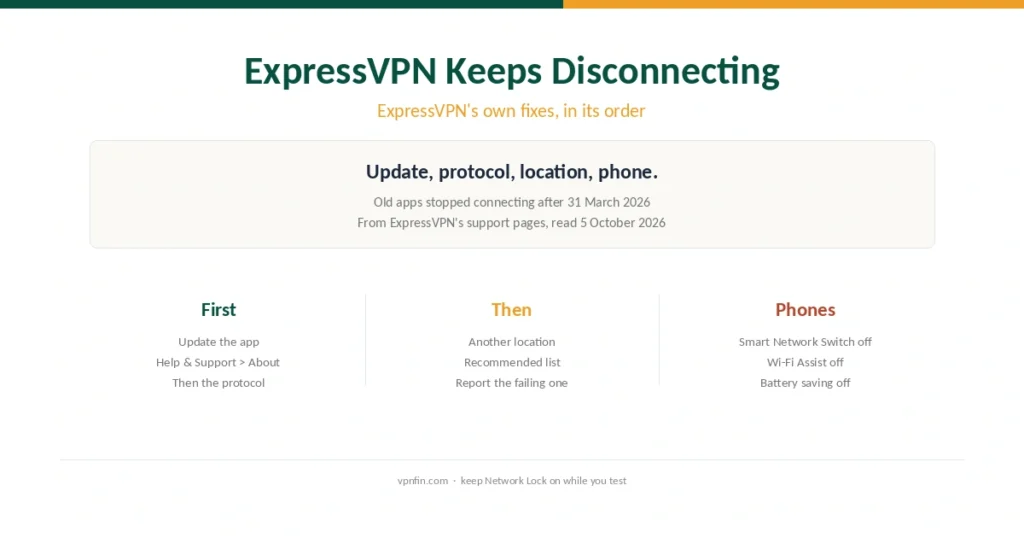
An outdated app, the protocol, the server or a phone that hops networks. Here are ExpressVPN’s own fixes, in order, with Network Lock explained.
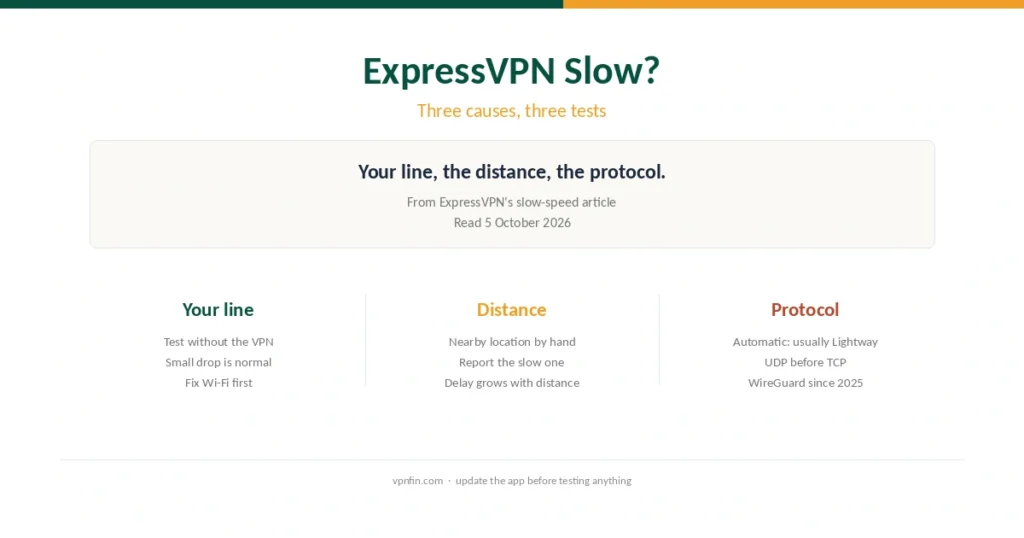
ExpressVPN names three causes of slow speeds. Here is the test for each, in order, plus what to send support.
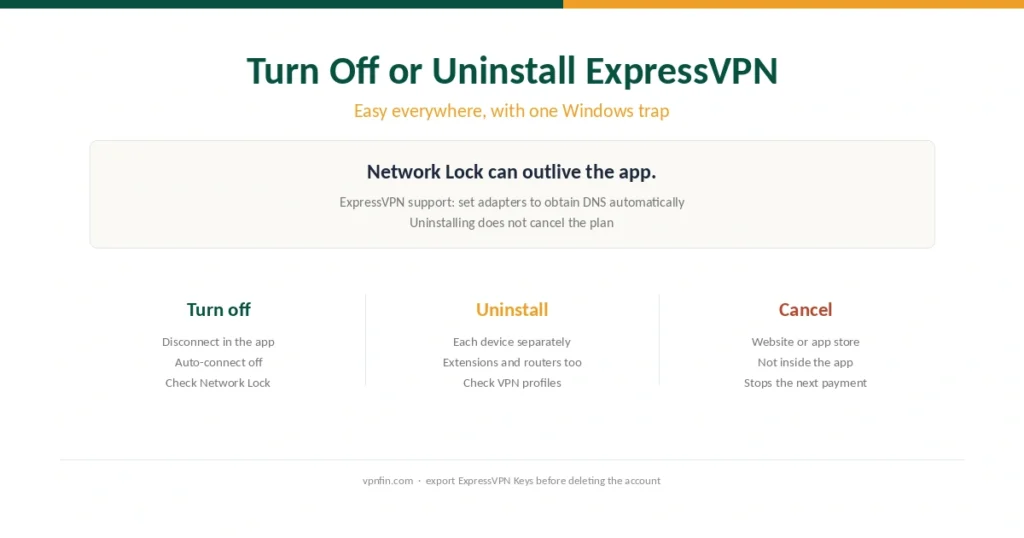
Removing ExpressVPN is easy, but Network Lock can leave Windows offline. Here is the fix, plus what uninstalling does not cancel.
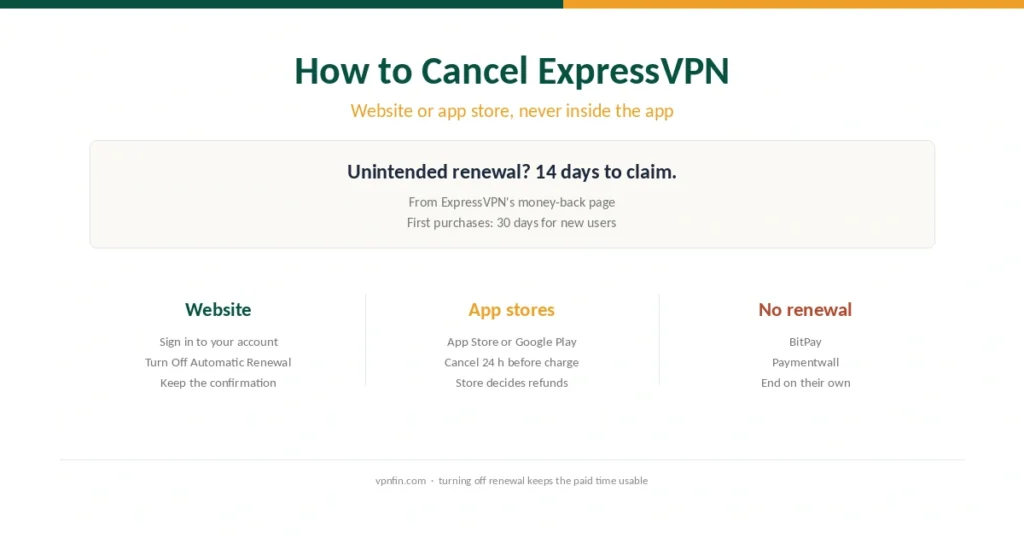
You cannot cancel inside the app. Here is where to do it, what keeps working afterwards and the 14-day rule for renewals.
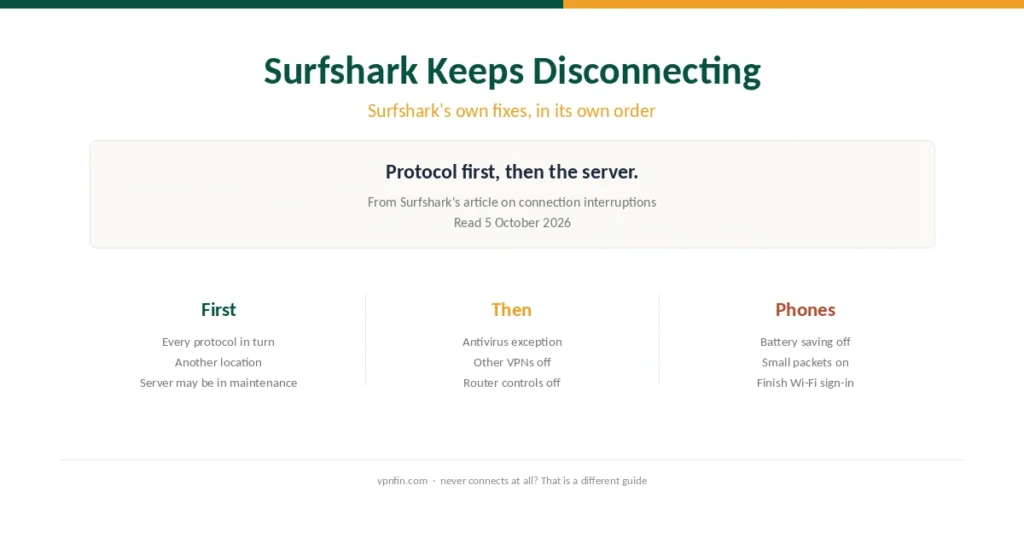
Surfshark’s support starts with the protocol, not the server. Here are its fixes for drops, in order, with the phone and router checks added.
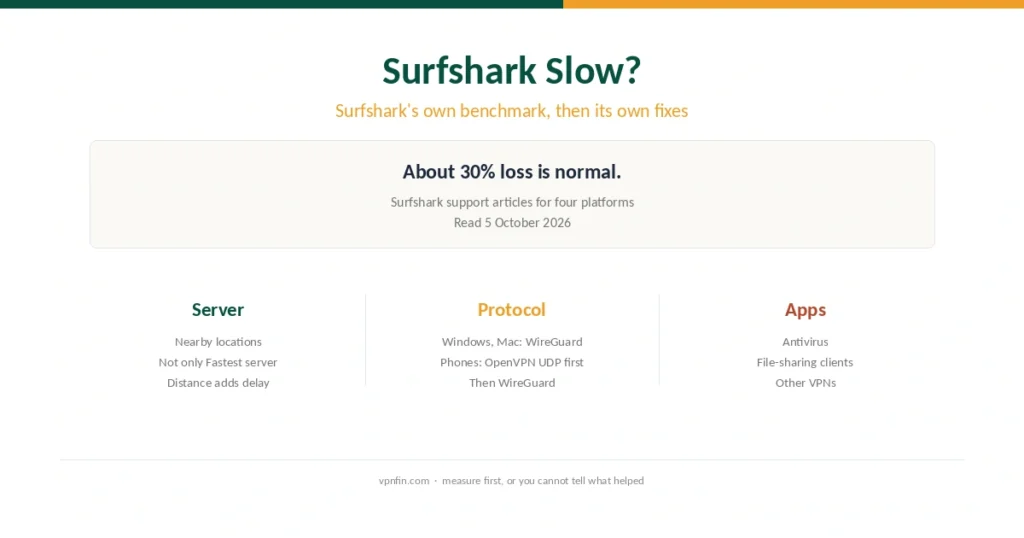
Surfshark says about 30% loss is normal. Beyond that, its support lists fixes that differ between computers and phones.