
Disclosure: VPNFin is reader-supported. If you buy a VPN through links on this page, we may earn a commission at no extra cost to you. This never affects our ratings — here’s our full disclosure.
A PIA dedicated IP is a paid add-on that gives you a static address in a country and city you choose, used only by you. PIA issues it through a token system that keeps the address separate from your VPN account, its help centre and blog explain. You activate the token in PIA’s apps on desktop, mobile or Linux. It is not available on router configurations, PIA’s blog notes.
This guide covers how the token works, the setup, the benefits and drawbacks, and what users report.
How the Token System Works
PIA describes the token as a password that activates your specific dedicated IP. Because the token, not your account, links you to the address, PIA says its system avoids connecting your VPN account to the dedicated IP. Keep the token file safe; it is what unlocks the address on each device.
PIA Dedicated IP Setup
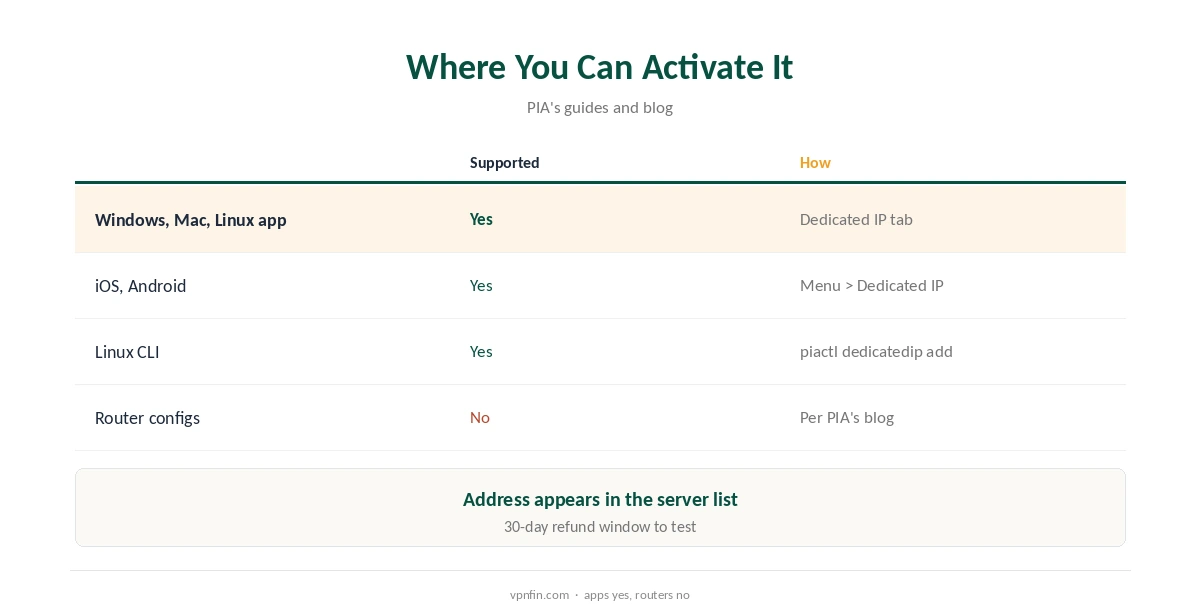
Tick Dedicated IP at checkout, or add it later from your account. In the account’s Dedicated IP section, redeem it, pick a country and city, and save the token, which PIA offers as a .txt file. In the app, open Settings, Dedicated IP, paste the token and select Activate. The address then appears in the server list.
On Linux, PIA’s guide uses piactl dedicatedip add with the token file, then piactl get regions to find it.
Benefits and Drawbacks
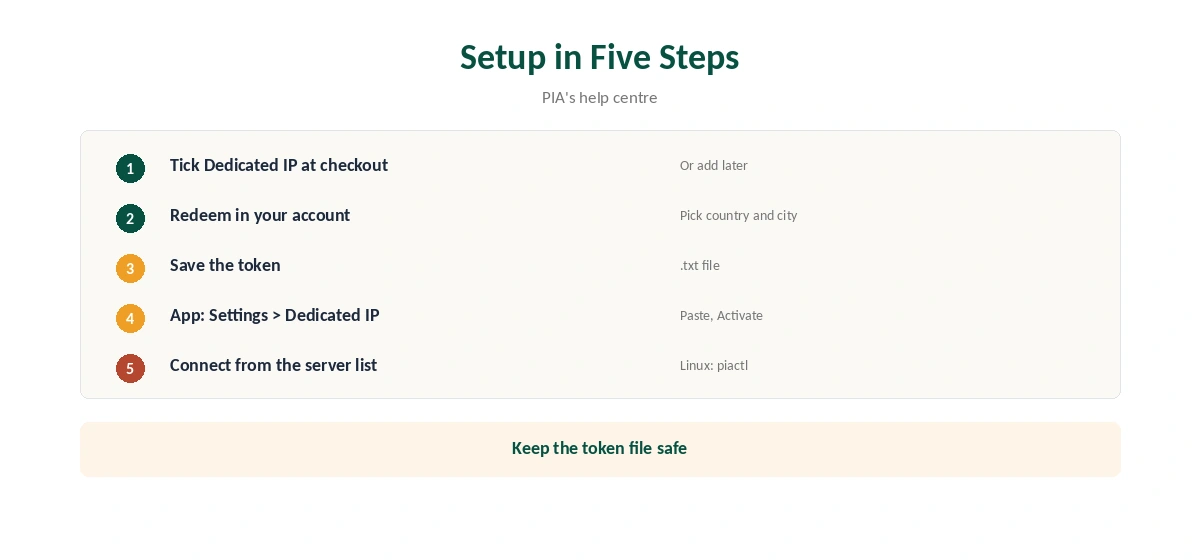
PIA’s iOS guide says a dedicated IP reduces CAPTCHAs and improves access to services that restrict IPs, such as allowlists for work systems. PIA’s blog lists the drawbacks: extra cost, and less cover in the crowd, since sites can more easily recognise an address only you use. Our dedicated IP guide explains when it is worth it.
Where You Can Use It
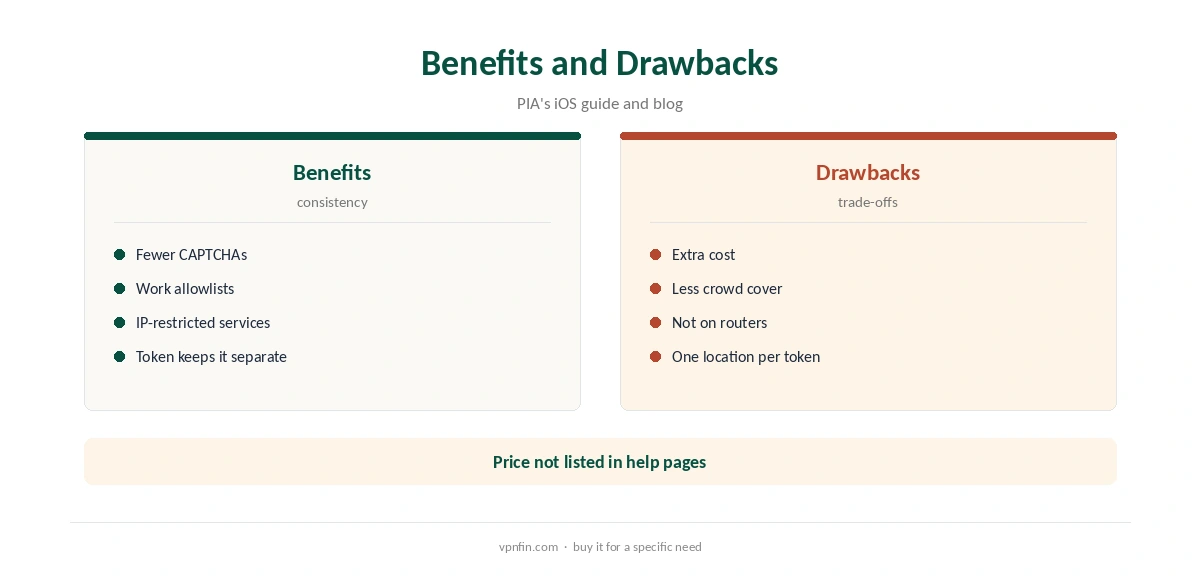
PIA’s desktop apps, iOS and Android apps and its Linux command-line client all accept the token. Router configurations do not, PIA’s blog says, so a router-wide static IP is not an option with PIA.
Streaming With a PIA Dedicated IP
Streaming services sometimes block shared VPN addresses, and a fresh dedicated address may not be on their lists. That can help, though no one can promise it. Test the services you use during the refund window. Our Netflix VPN guide explains how detection works.
Remote Work and Allowlists
Many company systems only accept connections from approved addresses. A dedicated IP gives IT a single address to add, so you can work from anywhere through PIA. Ask your IT team before buying, since some prefer their own VPN.
Port Forwarding
PIA includes port forwarding, our tables record. Whether it applies to a dedicated IP in your chosen location is worth checking in PIA’s help centre before you rely on it. Our port forwarding guide explains the setup.
Several Devices
PIA’s guides describe activating the token in each app, on desktop and mobile. The pages we read do not say how many devices one token covers, so check before buying for a household. PIA sets no device limit on the plan itself, our tables record.
Changing Location
Each token belongs to the location you chose when redeeming it. To change country, you would need a new dedicated IP; ask PIA’s support how it handles swaps before buying.
PIA Dedicated IP and Privacy
PIA’s blog says its anonymous tokens avoid linking your account to the dedicated IP. Sites you visit still see one address only you use, so avoid mixing anonymous browsing and logged-in accounts on it.
Quick Check
After activating, connect to the dedicated IP and open our VPN test page. The address should match the one shown in the app’s Dedicated IP tab.
Keeping the Token Safe
Store the token file somewhere private, such as a password manager. Anyone with it could activate your address on their device, and losing it means contacting PIA’s support.
Who Should Skip It
If you only want privacy on public Wi-Fi, a shared address gives more cover and costs nothing extra. A PIA dedicated IP makes sense only for allowlists, fewer CAPTCHAs or similar specific needs.
What Users Report
A review on Capterra describes a dedicated IP in Frankfurt being unreachable for weeks while waiting on support. That is a single report, not a test, but it is worth checking the location you need early, within PIA’s 30-day refund window, as our PIA refund guide explains.
Price
PIA’s help pages describe the dedicated IP as a paid add-on without listing a price; Experte quoted from $2.50 a month in an older comparison. Check the current price at checkout. Our guide to IPVanish Dedicated IP covers shared addresses only, and what to do instead.
PIA’s Record
PIA belongs to Kape Technologies, which also owns ExpressVPN and CyberGhost. Kripesh Adwani’s 2026 review counts three Deloitte audits. Our PIA review covers the rest.
How We Research
This page draws on PIA’s help centre guides on purchasing, activating and iOS settings, PIA’s blog on dedicated IP benefits, Kripesh Adwani’s 2026 review, Experte and a Capterra user review. We cross-checked these sources against each other, and where they conflict or something can’t be verified, we say so in the text rather than guessing. We checked time-sensitive figures, including prices in US dollars, on 7 October 2026. The main source we relied on is PIA’s dedicated IP guide. Our full approach lives on the About Us page.
PIA Dedicated IP FAQ
You buy it as an add-on and activate it with a token in PIA’s apps.
PIA says its token system keeps them separate.
Yes, a country and city, when you redeem the add-on.
No; PIA’s blog says router configurations cannot use it.
PIA lists it as a paid add-on; check the price at checkout.
The Verdict
A PIA dedicated IP suits allowlists and fewer CAPTCHAs, with a token system designed for privacy. Test your location within the refund window, and remember it does not work on routers.