
Disclosure: VPNFin is reader-supported. If you buy a VPN through links on this page, we may earn a commission at no extra cost to you. This never affects our ratings — here’s our full disclosure.
Surfshark on Mac gained its most-requested feature this year. In February 2026 Surfshark brought Bypasser, its split tunnelling tool, to macOS, letting chosen apps and websites skip the VPN, the company announced. That fills the main gap in the Mac app, which already had a kill switch, Rotating IP and NoBorders.
Two newer additions are worth knowing too: FastTrack, which Surfshark says can make connections up to 70% faster on supported locations, and Dausos, its own protocol. This guide covers setup, those features, and what tends to break.
Surfshark on Mac: The Short Answer
Install Surfshark from the Mac App Store or its website, sign in, allow the VPN configuration and connect. One account covers unlimited devices.
Turn on the Kill Switch under Settings, VPN settings. VPNAlert notes it is strict: it blocks all traffic until the VPN reconnects, without an alert.
Use Bypasser for apps that need your real connection, such as a banking app or a mail client, unless your Mac runs macOS Big Sur, which Surfshark says is not compatible. Our Surfshark review covers the service.
Setting Up Surfshark on Mac
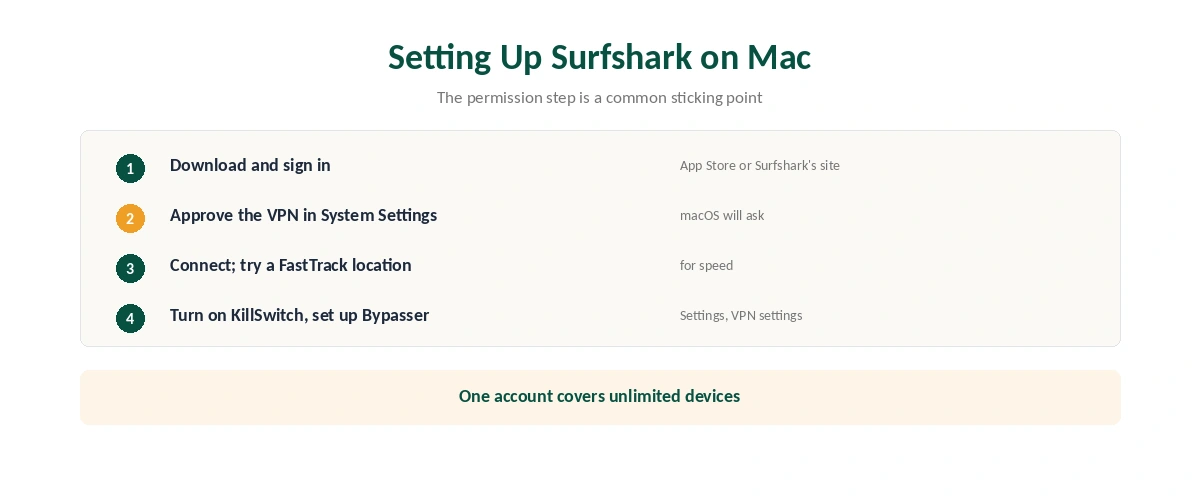
| Step | What to do | Note |
|---|---|---|
| 1 | Download from the App Store or Surfshark’s site | Both are listed by Surfshark |
| 2 | Open it and sign in | Or create an account |
| 3 | Allow the VPN configuration | macOS asks in System Settings |
| 4 | Connect to the fastest location or a country | Look for FastTrack locations |
| 5 | Turn on KillSwitch | Settings, VPN settings |
| 6 | Set up Bypasser if needed | Add website or Add app |
The permission step is a common sticking point. macOS will not start the VPN until you approve it; if nothing happens after connecting, check System Settings. Our kill switch guide explains what the strict kill switch does.
The Features Worth Knowing
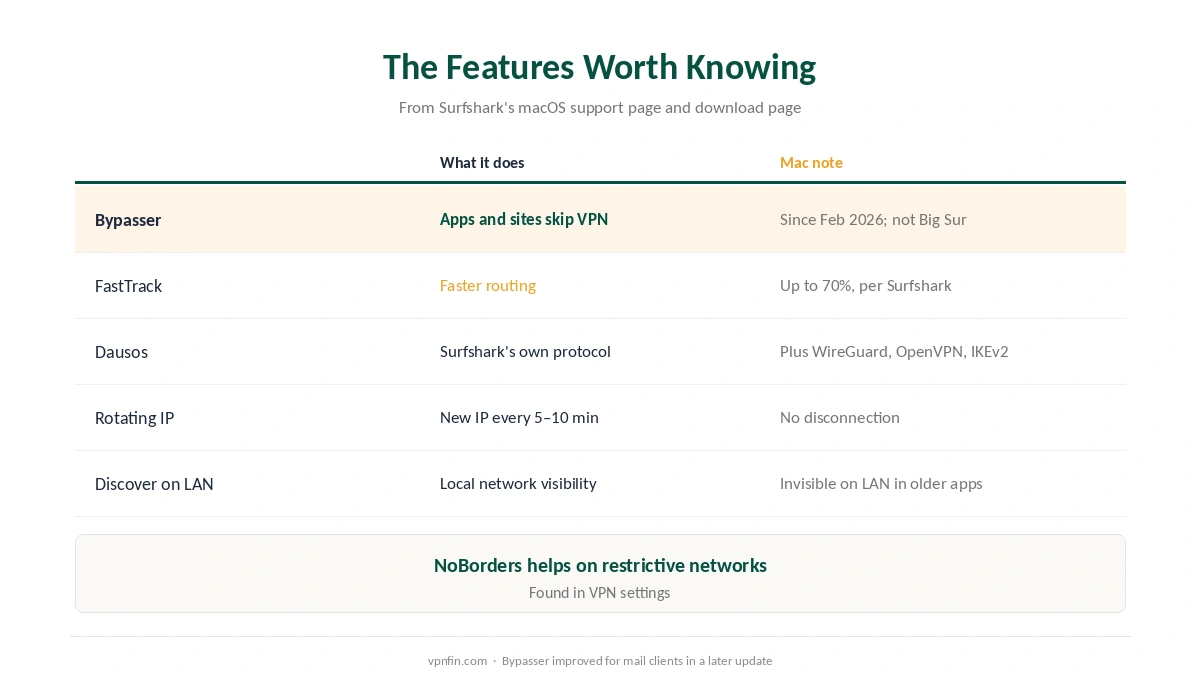
| Feature | What it does | Mac note |
|---|---|---|
| Bypasser | Chosen apps and sites skip the VPN | Since February 2026; not on Big Sur |
| FastTrack | Faster routing to supported locations | Up to 70% faster, Surfshark says |
| Dausos | Surfshark’s own protocol | Alongside WireGuard, OpenVPN, IKEv2 |
| Rotating IP | New IP every 5–10 minutes | No disconnection |
| NoBorders | Helps on restrictive networks | In VPN settings |
| Discover on LAN | Controls visibility on local networks | Older versions: Invisible on LAN |
Bypasser is the headline for Mac users. It routes chosen apps and websites around the VPN, and Surfshark says a later update made it work more smoothly with mail clients. Our split tunnelling guide explains the trade-off, and our NordVPN on Mac guide shows how differently NordVPN handles split tunnelling on macOS.
What Breaks, and How to Fix It
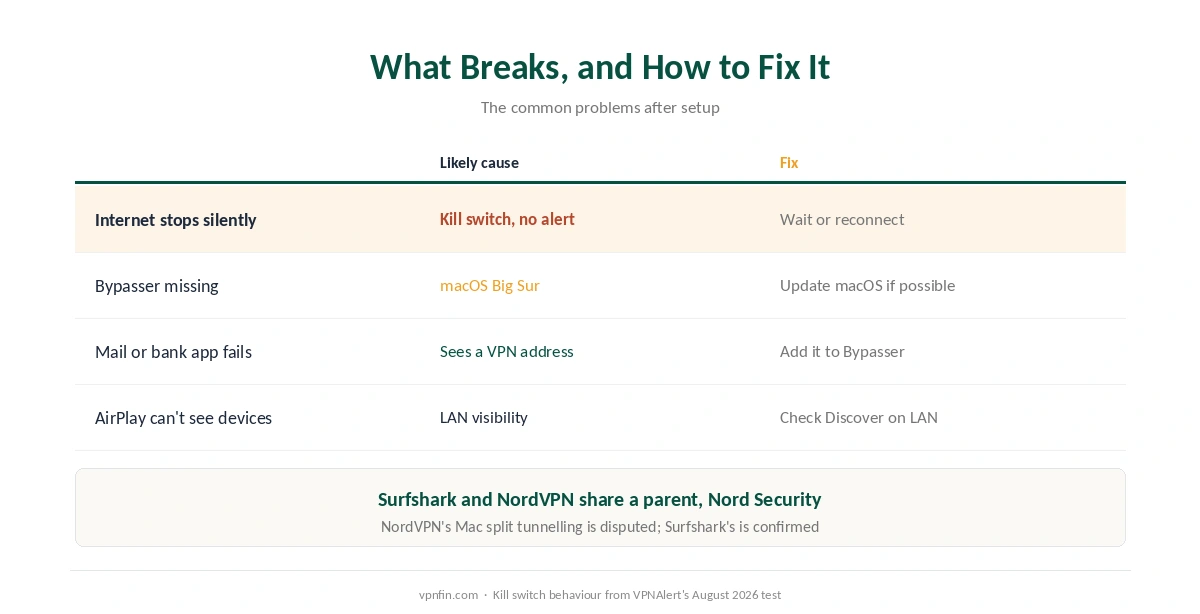
The internet stops without warning. That is the kill switch: VPNAlert found it blocks all traffic until the VPN reconnects and gives no alert. Wait, or reconnect manually.
Bypasser is missing or greyed out. Your Mac may run macOS Big Sur, which Surfshark’s support page says is not compatible. Update macOS if your Mac allows it.
A mail client or banking app misbehaves. Add it to Bypasser. If it still fails, update the app, since Surfshark improved Bypasser’s handling of mail clients.
AirPlay or file sharing stops finding devices. Check Discover on LAN in VPN settings, then run a DNS leak test if you changed protocol. Our troubleshooting guide covers connection failures.
Everyday Use
On public Wi-Fi, auto-connect keeps a laptop protected as it moves between networks, as our public Wi-Fi guide explains. After any change, confirm the address with our guide to checking a VPN.
For the wider picture, our Mac VPN guide compares every provider, and our guide to turning off a VPN on Mac covers disconnecting. Surfshark and NordVPN share a parent, Nord Security.
One Account, Every Device
Surfshark on Mac is one device among unlimited. The same account covers iPhones, Android TVs and more, as our multi-device guide explains, and our Surfshark on iPhone guide covers the phone.
For travel, NoBorders helps on networks that restrict VPN traffic, as our obfuscation guide explains. Rotating IP, meanwhile, changes your address every five to ten minutes without disconnecting, per Surfshark’s support page.
How We Research
The settings come from Surfshark’s macOS support pages, Bypasser’s launch from Surfshark’s February 2026 blog post, FastTrack from the App Store release notes, and the protocol list from Surfshark’s macOS download page. VPNAlert supplied the kill switch behaviour. We name each source where used; all were read on 26 September 2026. We did not test on a Mac ourselves. Our full approach lives on the About Us page.
Surfshark on Mac FAQ
Yes. Surfshark brought Bypasser to macOS in February 2026, for both apps and websites. Surfshark says it is not compatible with macOS Big Sur.
Download it from the App Store or Surfshark’s site, sign in, approve the VPN configuration in System Settings, and connect. Then turn on KillSwitch.
A macOS feature that optimises routing to supported locations. Surfshark says it can deliver up to 70% faster speeds there.
Surfshark’s own VPN protocol, listed alongside WireGuard, OpenVPN and IKEv2 on its macOS download page.
The kill switch blocks all traffic when the VPN drops, and VPNAlert found it gives no alert. It restores access once the VPN reconnects.
The Verdict
Surfshark on Mac is now a full-featured VPN app, with split tunnelling for apps and websites since February 2026.
Approve the system permission, turn on the kill switch, and use Bypasser for apps that need your real connection, unless you are on Big Sur.