
Disclosure: VPNFin is reader-supported. If you buy a VPN through links on this page, we may earn a commission at no extra cost to you. This never affects our ratings — here’s our full disclosure.
IPVanish on Firestick covers both of Amazon’s systems. Its Fire OS app is in the Amazon Appstore, and IPVanish says it is the most downloaded VPN there. When Amazon moved new sticks to Vega OS, IPVanish built a separate app with Amazon and had it ready by 6 November 2025, making it one of the first two on Vega with NordVPN, Tom’s Guide reported. NordVPN shares an owner, Nord Security, with Surfshark. Split tunnelling remains on Fire OS only.
This guide covers which app your stick needs, setup, the differences between the two apps, streaming and pricing.
Fire OS or Vega OS?
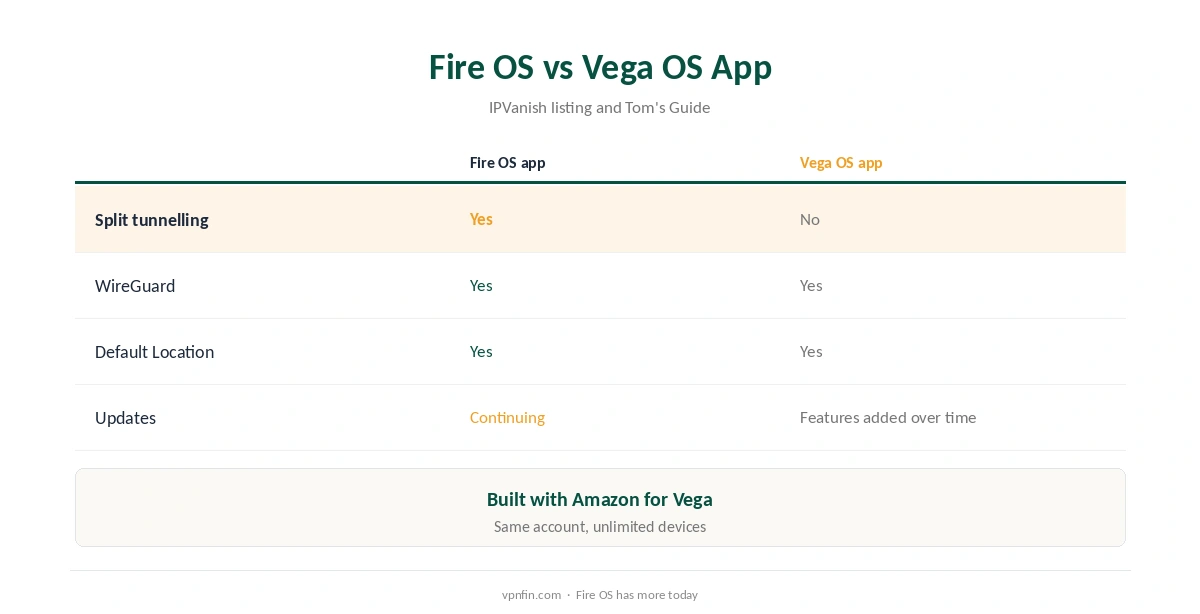
Most Fire TV devices run Fire OS, Amazon’s Android-based system. The Fire TV Stick 4K Select was the first to run Vega OS, Amazon’s Linux-based system, and older Fire OS apps do not install on it, so each provider needs a separate Vega app.
IPVanish has promised to keep updating its Fire OS app alongside the Vega one, TechRadar reported. The first-generation Fire TV Stick does not allow VPN connections at all, NordVPN’s support pages note. Our Vega OS VPN guide explains how to tell which system you have.
IPVanish Firestick Setup
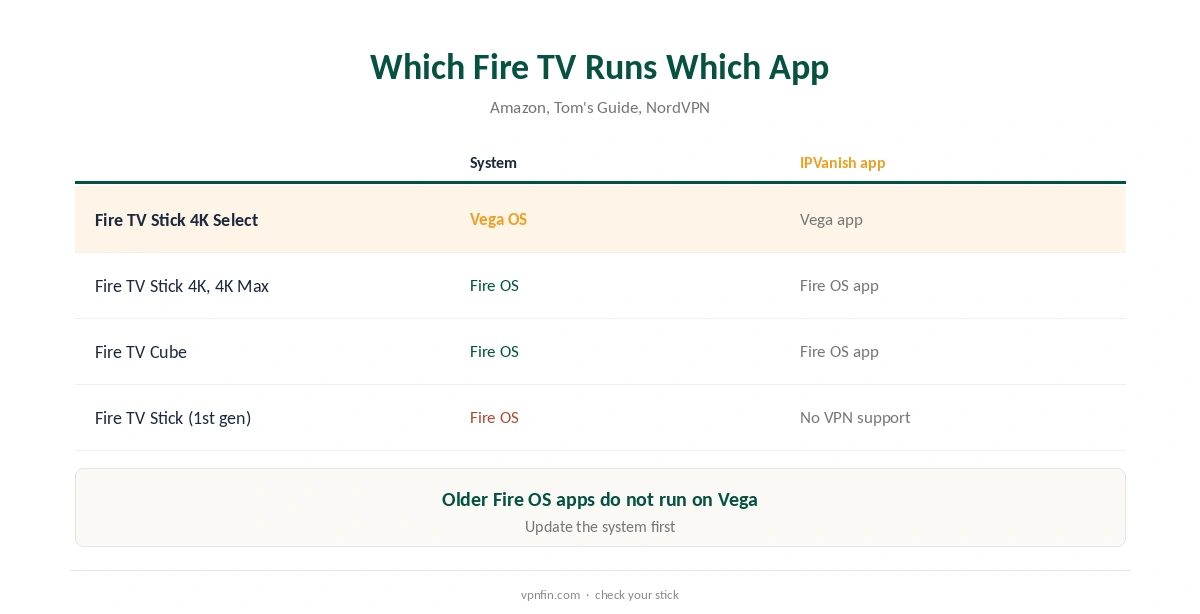
On the home screen, open Find, search for IPVanish and download the app from the Appstore. The store offers the right version for your stick, Fire OS or Vega OS. Open it, sign in with your IPVanish account and accept the VPN connection request.
Pick a location or use Default Location for one-tap connection, then open your streaming app. The VPN keeps running in the background, TechRadar’s guide notes, so you can switch between streaming apps without reconnecting.
Fire OS App Features
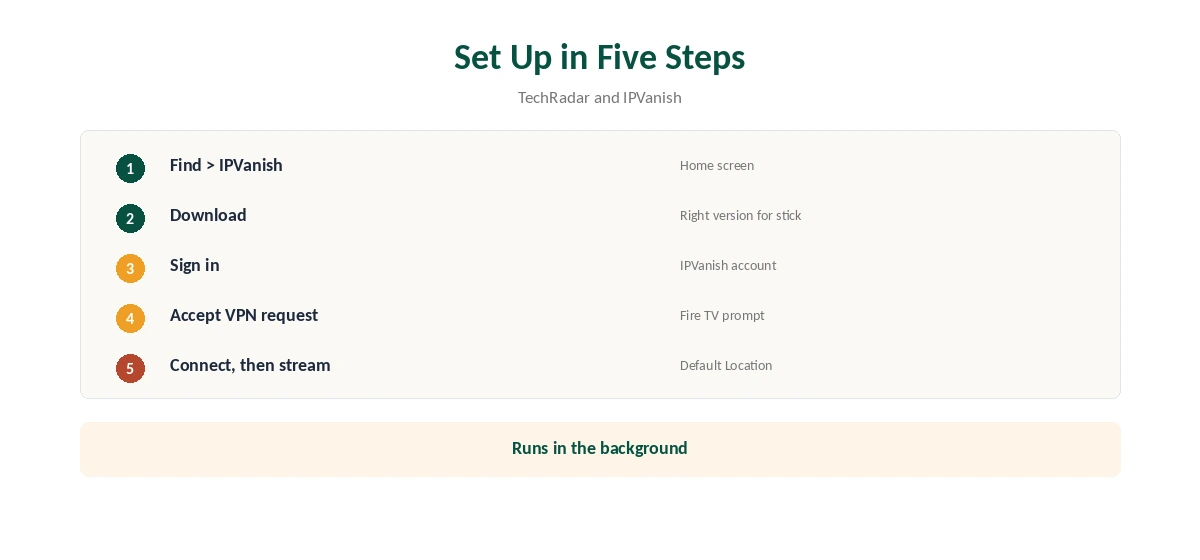
The Fire OS app includes split tunnelling, so chosen apps can skip the VPN, its store description notes. WireGuard gives fast connections, and the app offers the same server network as IPVanish’s other apps.
Exclude apps that need your home location, such as a local broadcaster, and keep the streaming app you want to move inside the tunnel. Our split tunnelling guide explains the modes.
The Vega OS App
IPVanish built the Vega app from scratch with Amazon and promised the same features as its Fire OS app, Tom’s Guide reported. Its store description lists WireGuard and one-tap Default Location, but marks split tunnelling as Fire OS only.
Other providers’ Vega apps also started small: Surfshark’s launched with WireGuard alone, and NordVPN warns its Vega app is missing some features for now. Expect features to arrive in updates.
Streaming on a Fire TV
VPNOverview reached Netflix, Hulu, Prime Video, Max, Disney+ and BBC iPlayer with IPVanish in 2026, while VPNpro called its streaming access inconsistent. Results on a TV follow the same servers.
If a service shows your home library, close it fully and reopen it, or try another server in the same country. Our Firestick VPN guide compares other providers’ streaming results on Fire TV.
Unlimited Devices for a TV Household
IPVanish sets no device limit, so every Fire TV, phone and laptop in a house can share one plan. That makes it practical for homes with several sticks, and for households that also want the VPN on phones and laptops without counting slots. A router can still cover consoles and smart TVs that cannot run the app.
Plans cost $57.22 for the first 24 months and renew at $89.99 a year, VPNOverview reports, with a 30-day refund and, in 2026, a seven-day free trial on yearly plans. Our IPVanish price guide breaks down every plan.
Privacy on a Fire TV
IPVanish has two audits in our table, by Leviathan and Schellman, and owns its servers rather than renting them, Top10VPN notes. Ziff Davis, which also owns StrongVPN, PCMag and CNET, is its parent.
A VPN on a stick hides your viewing from your internet provider, not from Amazon or the streaming service you sign in to. Our guide to what a VPN hides explains the difference.
Turning It Off
Disconnect in the app to return the stick to your normal connection. To remove it, go to Settings, Applications, Manage Installed Applications, choose IPVanish and uninstall. Our IPVanish on Kodi page goes into running it on the device and routing only Kodi.
Restart the stick if a streaming app still shows the VPN’s location. Our guide to turning off a VPN on Firestick covers each step.
Troubleshooting
If the app will not connect, check for updates in the Appstore, restart the stick and try another server. On Vega sticks, make sure the system itself is up to date, since VPN support arrived through a system update. Our guide to IPVanish on Roku covers why there is no app, and the two routes that work.
IPVanish offers live chat inside its apps and on its site, its store listing notes. Our Firestick VPN troubleshooting guide covers wider fixes.
How We Research
This page draws on Tom’s Guide’s and TechRadar’s reports on IPVanish’s Vega OS app, its Fire TV store description, NordVPN’s Fire TV support notes, VPNOverview’s and VPNpro’s reviews from this year and our IPVanish tables. We cross-checked these sources against each other, and where they conflict or something can’t be verified, we say so in the text rather than guessing. We checked time-sensitive figures, including prices in US dollars, on 8 October 2026. The main source we relied on is Tom’s Guide on IPVanish and Vega OS. Our full approach lives on the About Us page.
IPVanish Firestick FAQ
Yes, with apps for both Fire OS and Vega OS sticks.
Yes; its Vega OS app was among the first two.
No; IPVanish lists it for Fire OS only.
Unlimited; IPVanish sets no device cap.
No; that stick does not allow VPN connections.
The Verdict
IPVanish on Firestick covers both Fire OS and Vega OS, with unlimited devices for TV-heavy homes. Fire OS users get split tunnelling; Vega users get the core app.