
Disclosure: VPNFin is reader-supported. If you buy a VPN through links on this page, we may earn a commission at no extra cost to you. This never affects our ratings — here’s our full disclosure.
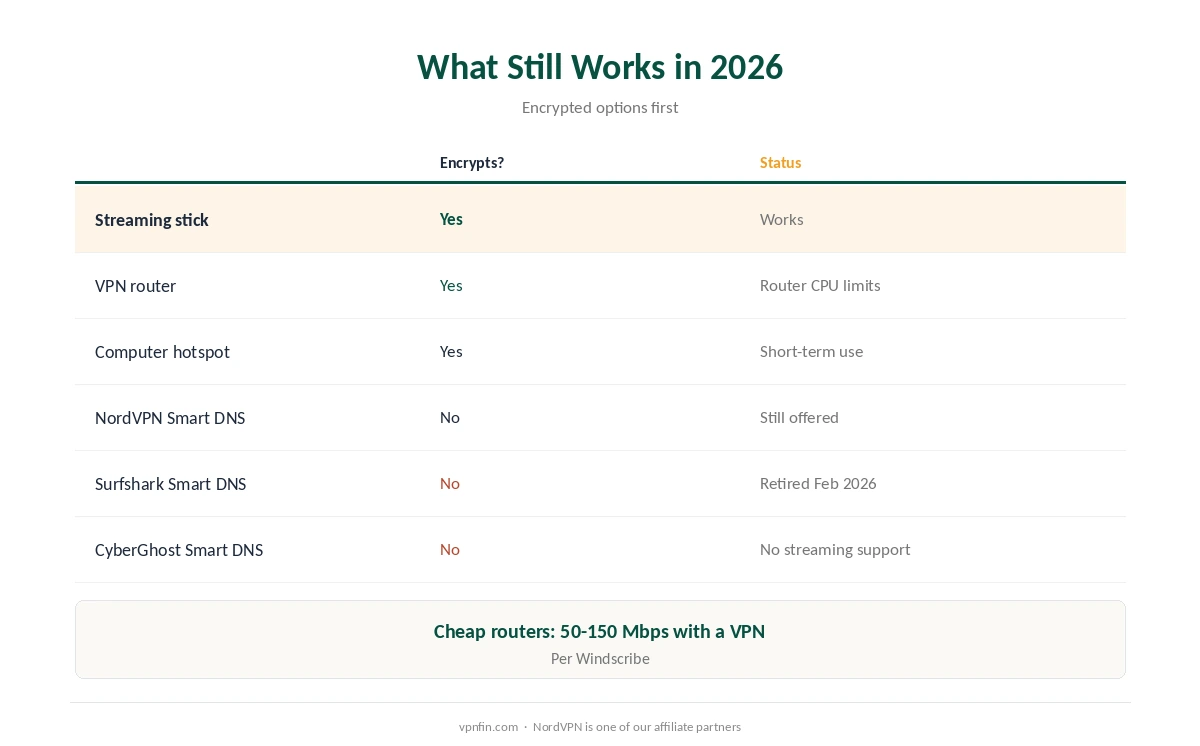
Is there a VPN app for LG TV? No. LG TVs run webOS, and its app store has no VPN apps, Gizmodo confirms. The workarounds are the same as for other closed TV systems: a VPN router, a streaming stick in the HDMI port, a hotspot from a computer, or Smart DNS. What has changed in 2026 is Smart DNS itself: Surfshark retired its service in February, and CyberGhost now says its Smart DNS no longer works with streaming services.
This page covers the options that still work, LG’s own DNS settings path, and the fixes for LG’s quirks.
VPN for LG TV: What Still Works in 2026
| Option | Encrypts? | Status |
|---|---|---|
| Streaming stick with a VPN app | Yes | Works: Fire TV, Google TV, Android TV |
| VPN router | Yes | Works; router CPU limits speed |
| Hotspot from a computer | Yes | Works; best for short use |
| NordVPN Smart DNS | No | Still offered for LG TVs |
| Surfshark Smart DNS | No | Retired 2 February 2026 |
| CyberGhost Smart DNS | No | No longer works with streaming |
Cheap routers slow a VPN for LG TV down. Budget router processors may top out at 50 to 150 Mbps with a VPN, Windscribe notes; a stick avoids that. Our Onn 4K guide covers a low-cost stick option, and our router vs device guide weighs the two.
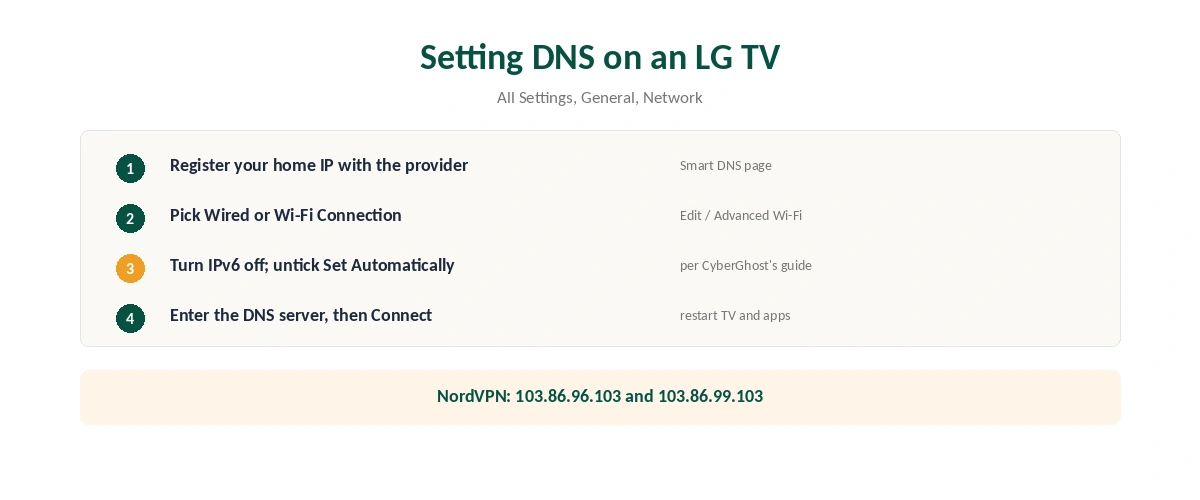
Setting DNS on an LG TV
| Step | Where | What to do |
|---|---|---|
| 1 | Your VPN account | Register your home IP for Smart DNS |
| 2 | TV: All Settings, General, Network | Pick Wired Connection or Wi-Fi Connection |
| 3 | Edit, or Advanced Wi-Fi Settings | Turn IPv6 off; untick Set Automatically |
| 4 | DNS Server | Enter the Smart DNS address |
| 5 | Connect | Restart the TV and the streaming app |
This path comes from LG’s own support page, updated in June 2026; newer webOS versions may place it under All Settings, Connection, Network Connection Settings. Manual DNS works on webOS 3.0 and later, Windscribe notes. CyberGhost’s LG guide adds turning off IPv6 first.
NordVPN publishes the addresses 103.86.96.103 and 103.86.99.103 for LG Smart DNS, iTechGuides reports. Set DNS back to automatic if you stop using it; if you ever used Surfshark’s Smart DNS (Surfshark shares a parent, Nord Security, with NordVPN), remove it now, as our Surfshark smart TV guide explains.
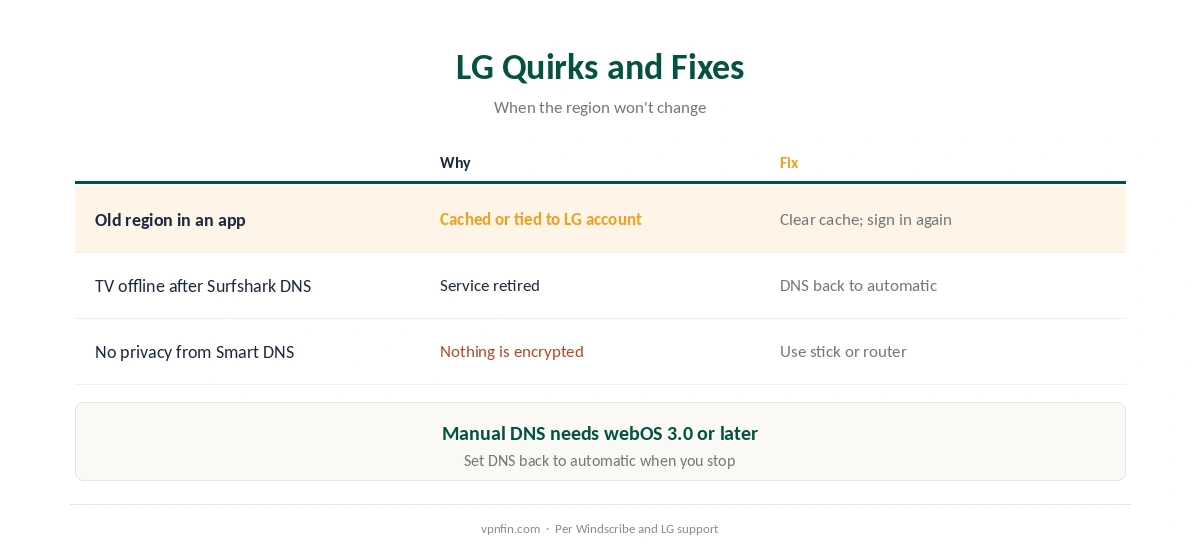
LG Quirks and Fixes
LG apps remember your region. They can cache it or tie it to your LG account, so clear the app’s cache or sign out and in again after changing settings, Windscribe advises. Our VPN location guide explains why apps remember.
Smart DNS isn’t privacy, so a VPN for LG TV should be a real tunnel if privacy is the goal. It changes only how streaming addresses are looked up and encrypts nothing, so for privacy use the stick, router or hotspot. Our guide to what a VPN hides sets out the difference, and our Netflix guide covers streaming terms. To switch a TV VPN off, see our TV VPN off guide.
How We Research
The DNS path comes from LG’s support page; the lack of VPN apps from Gizmodo; CyberGhost’s streaming change and IPv6 step from CyberGhost’s support page; NordVPN’s DNS addresses and Surfshark’s retirement from iTechGuides; webOS versions, router speeds and cached regions from Windscribe, a VPN seller we flag. LG’s own instructions are at lg.com. We read all sources on 28 September 2026. NordVPN is one of our affiliate partners. Our full approach lives on the About Us page.
VPN for LG TV FAQ
No. LG TVs run webOS, and its app store has no VPN apps.
Plug in a streaming stick that runs VPN apps, use a VPN router, share a VPN from a computer, or use Smart DNS for streaming only.
All Settings, General, Network, then your Wi-Fi or wired connection, and Advanced Wi-Fi Settings or Edit.
Some services do, such as NordVPN’s. Surfshark retired its Smart DNS, and CyberGhost’s no longer works with streaming.
LG apps can cache your region or tie it to your LG account. Clear the app’s cache or sign out and back in.
The Verdict
A VPN for LG TV needs a workaround, and Smart DNS is shrinking, with two providers dropping streaming support.
A streaming stick is the most future-proof option; a router covers the whole home.