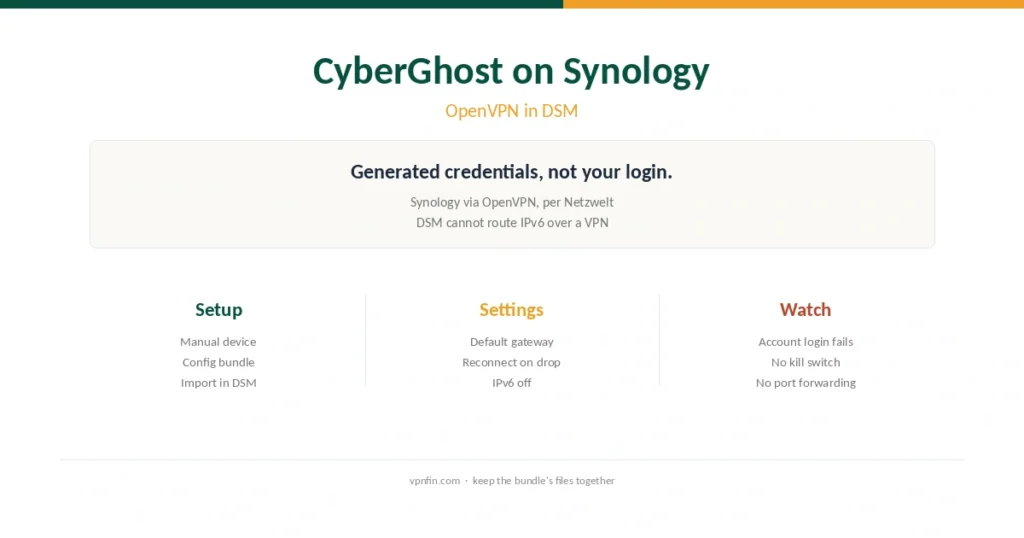
CyberGhost on Synology (2026): OpenVPN in DSM, Credentials and IPv6
CyberGhost runs on Synology through DSM’s OpenVPN client. Here are the steps, the credential trap, and the gateway and IPv6 settings.
Step-by-step VPN tutorials for beginners: setup, troubleshooting, and getting the most out of your VPN. Clear instructions with screenshots — no technical background needed.
CyberGhost runs on Synology through DSM’s OpenVPN client. Here are the steps, the credential trap, and the gateway and IPv6 settings.
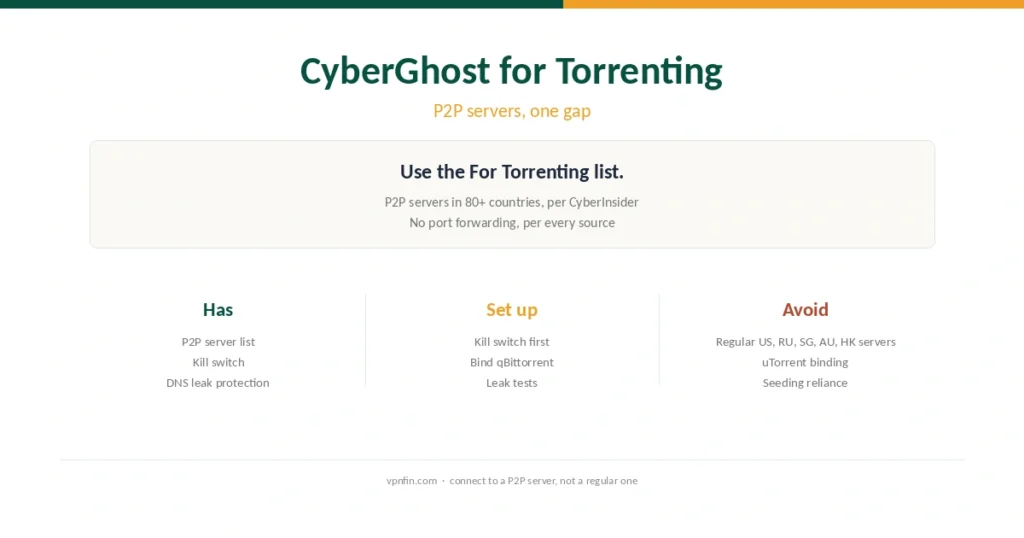
CyberGhost has a P2P server list in 80+ countries. Here is the safe setup, which servers to avoid, and what the missing port forwarding means.
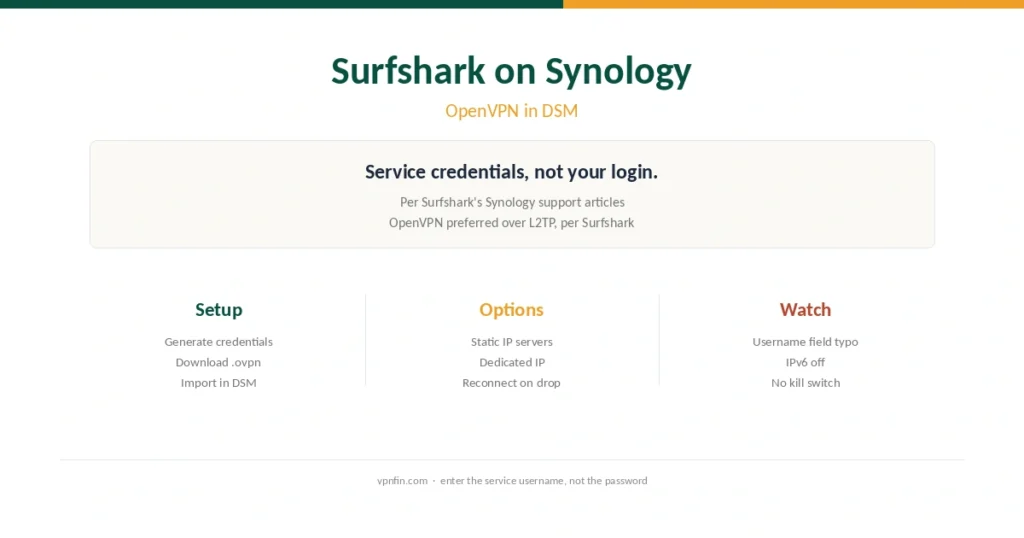
Surfshark documents a Synology setup through DSM’s OpenVPN client. Here are the steps, the credential trap and the fixes for drops.
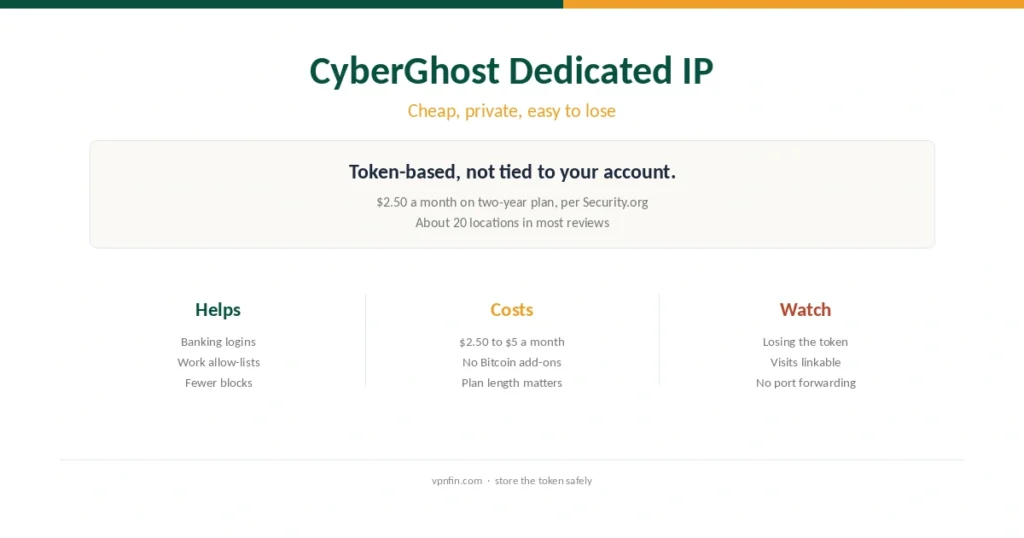
Dedicated IPs from CyberGhost come through a token system. Here is the price by plan, the locations, when it helps and what it gives up.
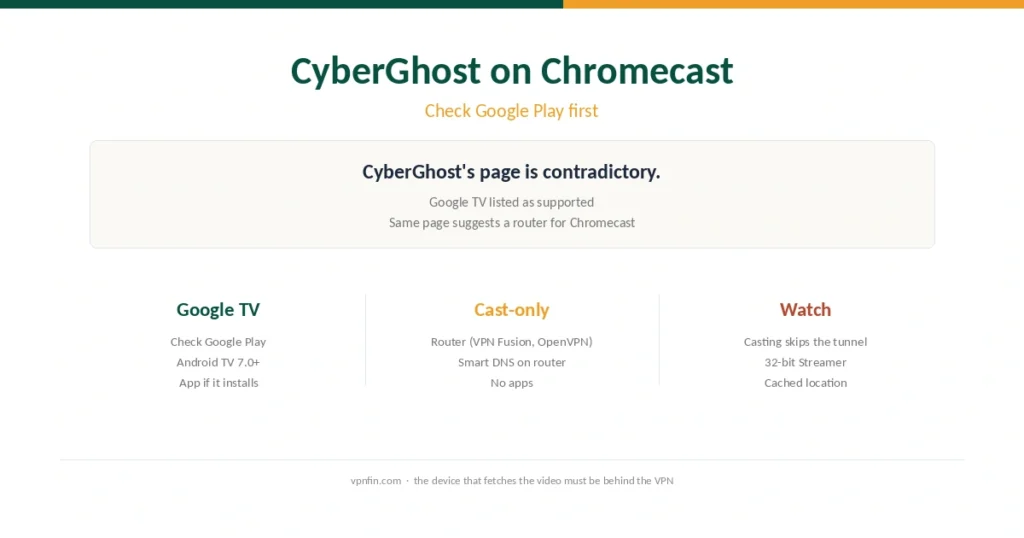
CyberGhost’s own page is unclear about Chromecast. Here is how to check your model, set it up, and why casting from a VPN phone does not work.
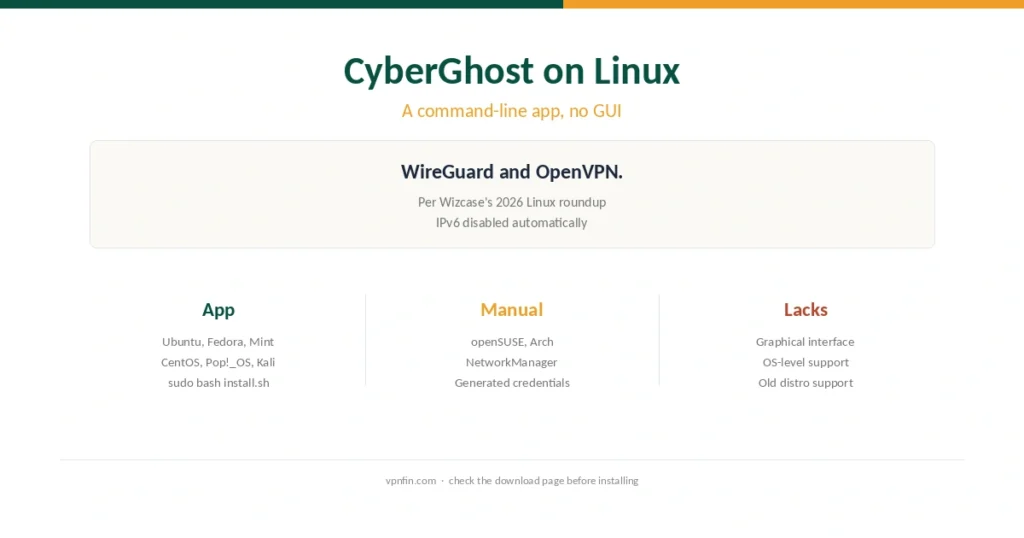
CyberGhost runs on Linux as a command-line app. Here is the install, the supported distributions, and the manual route for the rest.
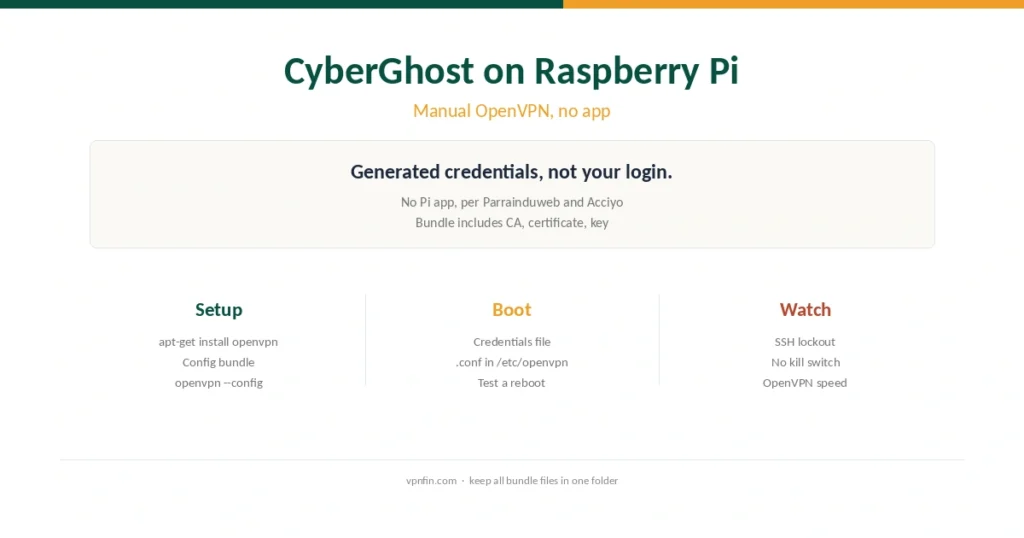
CyberGhost has no Pi app, but manual OpenVPN works. Here is the setup, the credential catch and how to start the tunnel at boot.
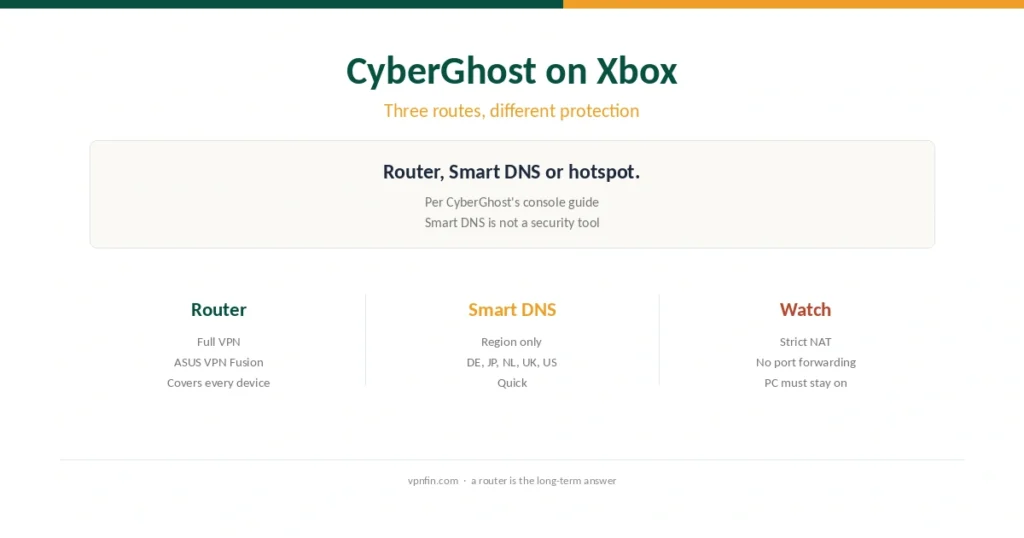
Xbox cannot run VPN apps. Here are CyberGhost’s three routes onto the console and what each one actually protects.
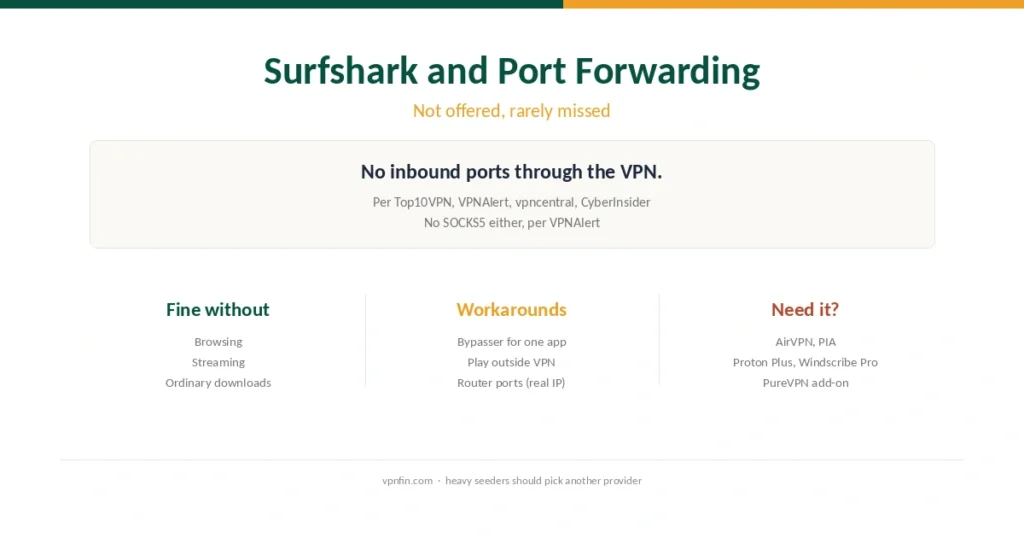
Surfshark has no port forwarding. Here is what that affects, the workarounds, and which providers include it if you need it.
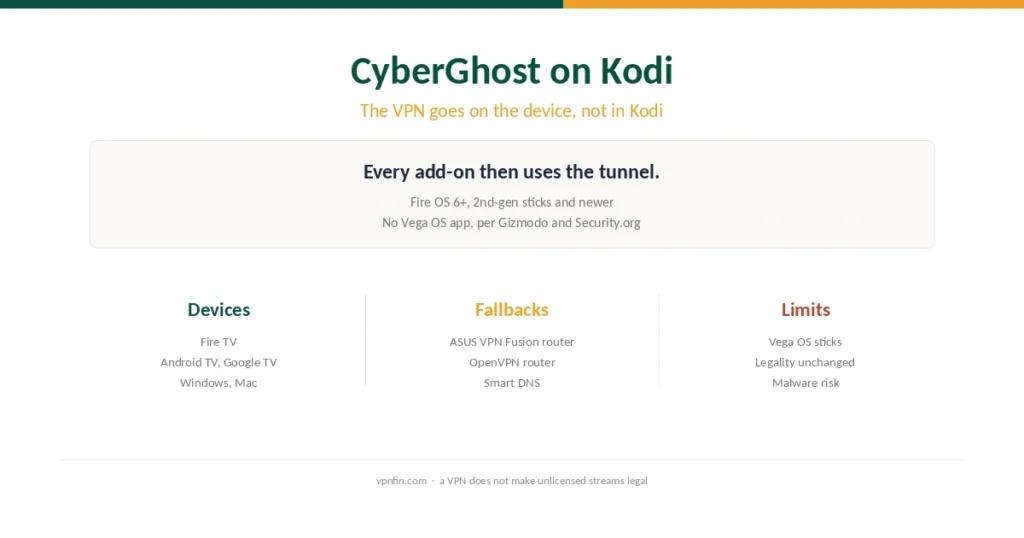
Kodi has no VPN of its own. Here is how to run CyberGhost beneath it, which devices work, and what to do with unsupported boxes.