
Disclosure: VPNFin is reader-supported. If you buy a VPN through links on this page, we may earn a commission at no extra cost to you. This never affects our ratings — here’s our full disclosure.
VPN not working on Android? Android adds causes that iPhones don’t have: manufacturer battery managers that put the VPN to sleep, a Private DNS setting that clashes with the VPN’s own DNS, and an Always-on VPN option that cuts all traffic when the tunnel drops, PrivateProxyGuide explains. If the internet works with the VPN off, the problem is settings or software, not hardware, Whizz Mobile notes.
This page sorts the fixes by symptom, so you change one thing at a time and know what solved it.
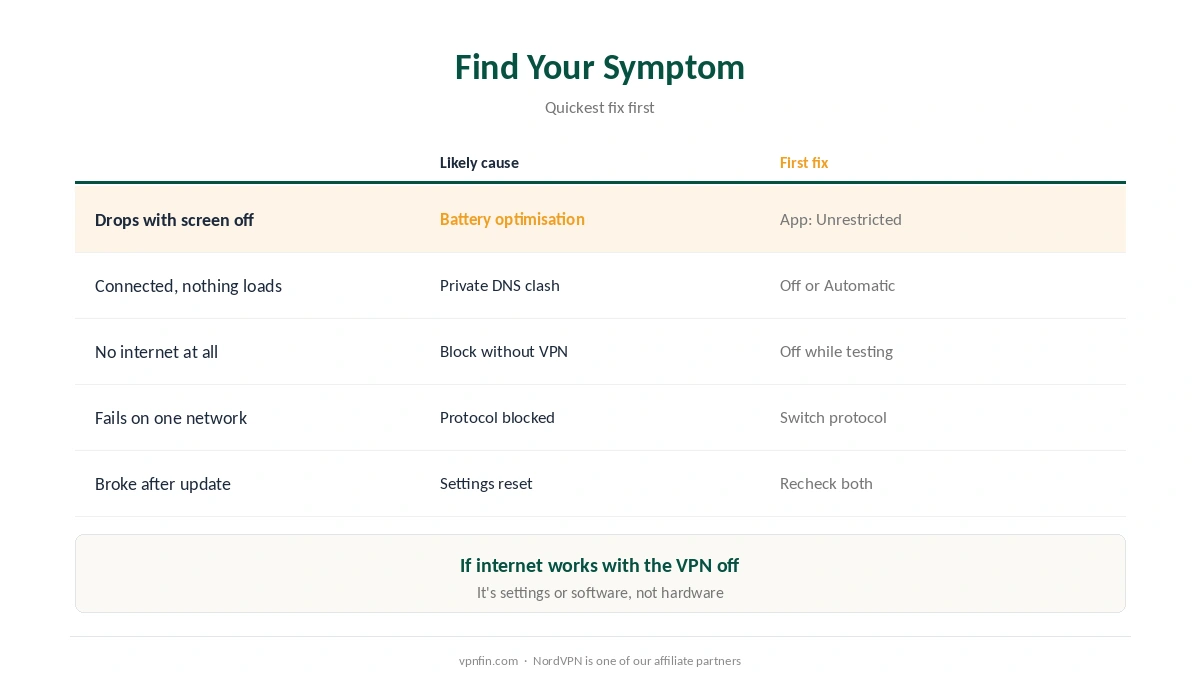
VPN Not Working on Android: Find Your Symptom
| Symptom | Likely cause | First fix |
|---|---|---|
| Drops when the screen turns off | Battery optimisation | Set the VPN app to Unrestricted |
| Connected, but sites don’t load | Private DNS clash | Set Private DNS to Off or Automatic |
| No internet at all, VPN or not | Block connections without VPN | Turn it off while troubleshooting |
| Won’t connect on one network | Protocol blocked there | Switch protocol in the app |
| Broke after an Android update | Settings reset by the update | Recheck battery and Always-on |
Start simple. Restart the phone, try another server, and switch between Wi-Fi and mobile data. ROIhacks suggests working through those before deeper changes.
If It Drops When the Screen Turns Off
Exclude the VPN from battery optimisation. Open Settings, Apps, your VPN app, Battery, and choose Unrestricted or Not optimised, ROIhacks and VPN Tier Lists advise. Menu names vary by brand.
Also check again after updates. Android can add apps back to battery optimisation after a system update, and updates can switch Always-on VPN off, VPN Tier Lists warns.
However, brand layers add their own rules. Samsung, Xiaomi, Huawei, Oppo, Vivo and Realme add sleep lists and autostart controls, PrivateProxyGuide notes; remove the VPN from any sleep list. Our guide to VPNs that keep disconnecting covers other causes.
If It Connects but Nothing Loads
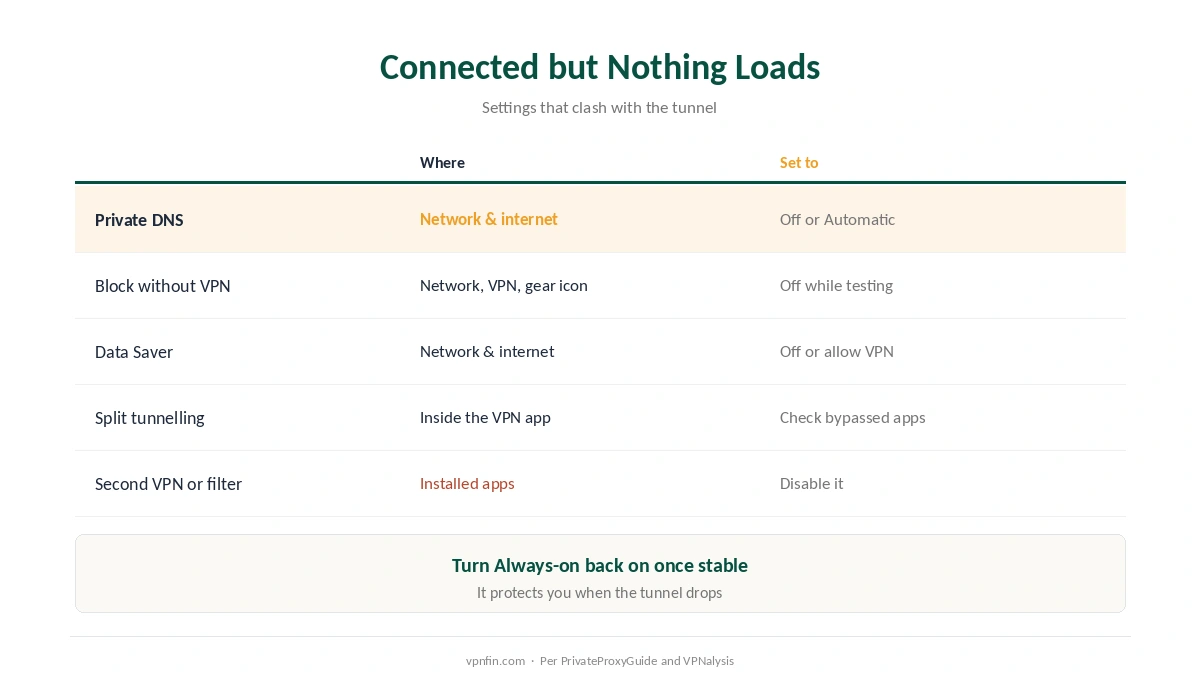
| Check | Where | Set to |
|---|---|---|
| Private DNS | Settings, Network & internet, Private DNS | Off or Automatic |
| Block connections without VPN | Settings, Network, VPN, the app’s gear icon | Off while testing |
| Data Saver | Settings, Network & internet | Off, or allow the VPN |
| Split tunnelling | Inside the VPN app | Check which apps bypass it |
| Second VPN or filter app | Installed apps | Disable or remove it |
Private DNS is the most overlooked cause. It sends DNS over TLS to a provider you chose, which can clash with the VPN’s own DNS handling, PrivateProxyGuide and VPNalysis explain. Our DNS leak guide explains why the VPN wants to handle DNS itself.
Meanwhile, Always-on can hide the real problem. With Block connections without VPN on, any tunnel failure cuts all traffic, so the phone looks offline. Turn it back on once the VPN is stable. Our split tunnelling guide explains app-level routing.
If It Won’t Connect at All
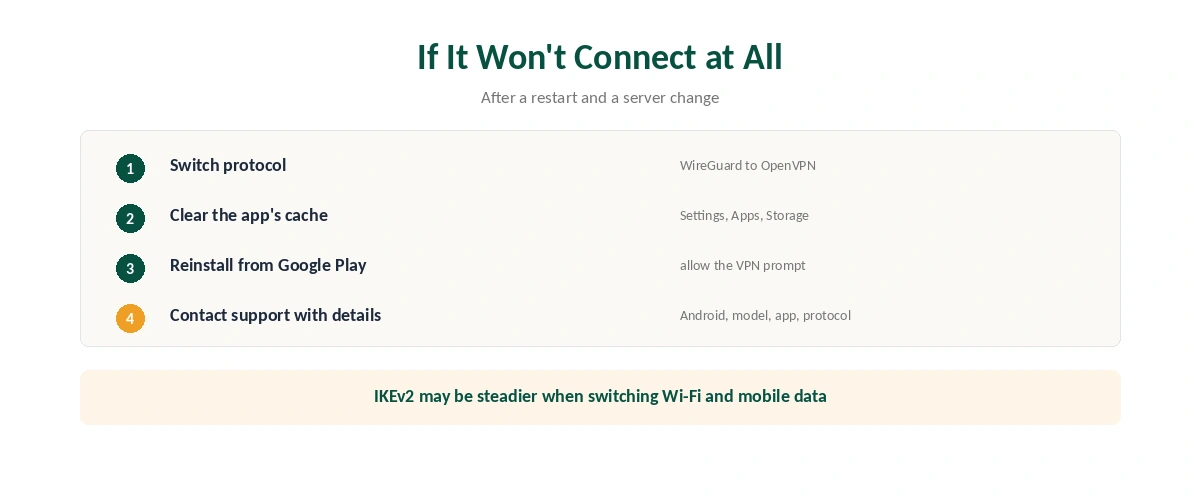
| Step | What to do | Note |
|---|---|---|
| 1 | Switch protocol, such as WireGuard to OpenVPN | Some networks block one |
| 2 | Clear the app’s cache | Settings, Apps, the app, Storage |
| 3 | Reinstall the app from Google Play | Allow the VPN prompt again |
| 4 | Contact support with details | Android version, model, app version, protocol |
Protocol choice depends on the network, so a VPN not working on Android on one network may work on another. If WireGuard fails on public Wi-Fi, try OpenVPN; if the trouble is switching between Wi-Fi and mobile data, IKEv2 may be steadier, PrivateProxyGuide suggests. On hotel networks, the login page is a separate issue, as our hotel Wi-Fi guide explains.
Related Guides
Turning it off and on cleanly is covered in our Android VPN off guide, which also shows where Always-on lives.
When you have fixed a VPN not working on Android, our VPN check guide confirms the fix. For a new app, our Android VPN guide compares options.
How We Research
Causes and fixes come from troubleshooting guides by PrivateProxyGuide, VPNalysis, VPN Tier Lists, ROIhacks, EncryptInsights and Whizz Mobile. We cross-checked each settings path across at least two sources; menu names vary by manufacturer. We read all sources on 27 September 2026. NordVPN is one of our affiliate partners. Our full approach lives on the About Us page.
VPN Not Working on Android FAQ
Common causes are battery optimisation, a Private DNS clash, Always-on VPN blocking traffic, or a blocked protocol. Match the fix to the symptom.
Battery optimisation can suspend the app. Set the VPN app to Unrestricted or Not optimised.
If the VPN connects but sites don’t load, set Private DNS to Off or Automatic and test again.
It stops all traffic when the VPN isn’t connected, which protects you but makes a failing tunnel look like no internet.
Recheck battery optimisation and Always-on VPN; updates can reset both.
The Verdict
A VPN not working on Android often traces to one system setting: battery optimisation, Private DNS or Always-on VPN, the guides we reviewed agree.
Change one thing at a time, test, and turn protective settings back on once the tunnel is stable.