
Disclosure: VPNFin is reader-supported. If you buy a VPN through links on this page, we may earn a commission at no extra cost to you. This never affects our ratings — here’s our full disclosure.
Surfshark on Firestick comes in two versions, and they are not equal. On Fire OS, which runs on most Firesticks, Surfshark’s app is the full version, with a kill switch, split tunnelling and multi-hop, Security.org notes. On the Fire TV Stick 4K Select, which runs Amazon’s newer Vega OS, Surfshark released a separate app in May 2026 that, by its own account, offers only core VPN features for now.
Knowing which Firestick you have tells you which features you get. This guide covers both versions, Surfshark’s strongest point for a household, and what tends to break.
Surfshark on Firestick: The Short Answer
Install Surfshark from the Amazon Appstore, sign in and connect. The same steps work on Fire OS and Vega OS, as TechRadar reported at the Vega launch.
On a 4K Select, expect fewer features. Surfshark told GB News its new Vega OS app offers only core VPN capabilities for now.
Surfshark’s advantage is unlimited devices, so one subscription covers every Firestick, phone and laptop in the house. On Fire OS, split tunnelling lets a local app skip the VPN, as our split tunnelling guide explains. Our Surfshark review covers the service.
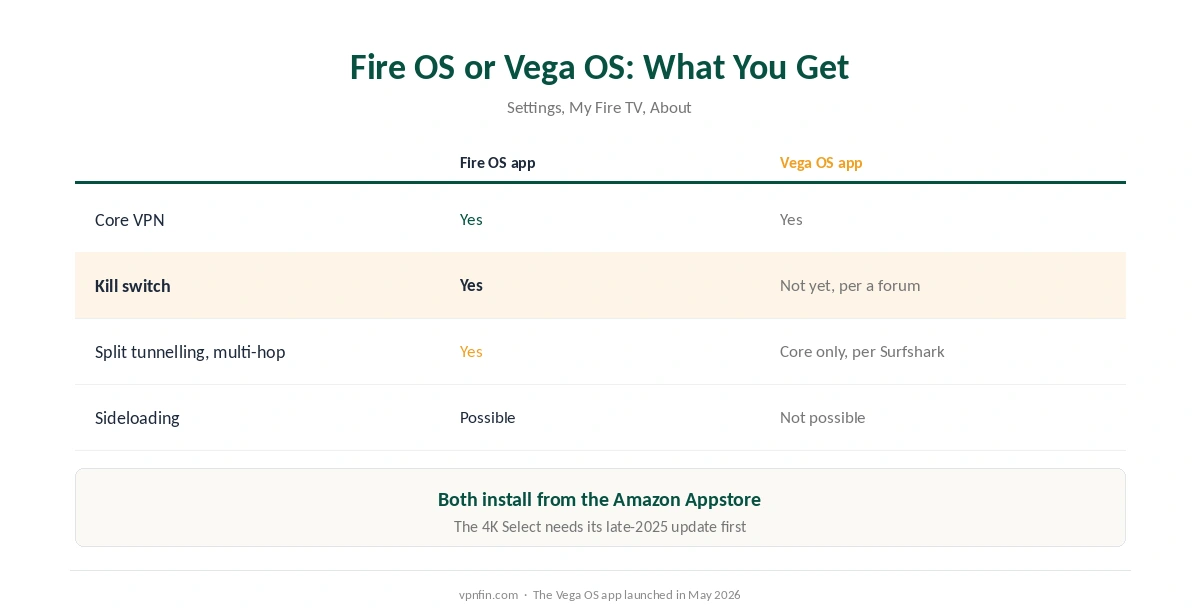
Fire OS or Vega OS: What You Get
| Fire OS app | Vega OS app (4K Select) | |
|---|---|---|
| Available since | Long established | May 2026 |
| Core VPN connection | Yes | Yes |
| Kill switch | Yes | Not yet, per a user forum |
| Split tunnelling and multi-hop | Yes | Core features only, per Surfshark |
| Install from | Amazon Appstore | Amazon Appstore only |
To check your system before installing Surfshark on Firestick, open Settings, My Fire TV, About. On a 4K Select, make sure the device is updated before looking for VPN apps.
Vega OS allows no sideloading. Apps come only from the Amazon Appstore, so the store version is the only option. Our NordVPN on Firestick guide explains Vega OS in more detail.
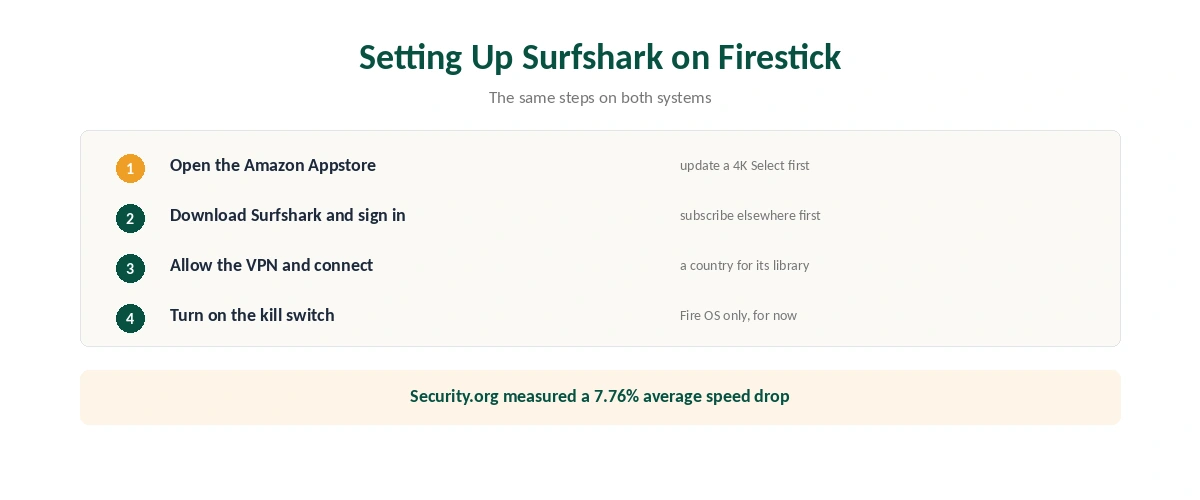
Setting Up Surfshark on Firestick
| Step | What to do | Note |
|---|---|---|
| 1 | Open the Amazon Appstore | Update a 4K Select first |
| 2 | Search Surfshark and download | Free to download |
| 3 | Open it and sign in | Subscribe first on a phone or computer |
| 4 | Allow the VPN connection | A one-time prompt |
| 5 | Connect to the fastest server or a country | Pick the library you want |
| 6 | Turn on the kill switch (Fire OS) | In the app’s settings |
Speed is rarely a problem for Surfshark on Firestick. Security.org recorded an average download drop of 7.76% across 46 checks, enough for 4K streaming. Our speed guide explains the variables.
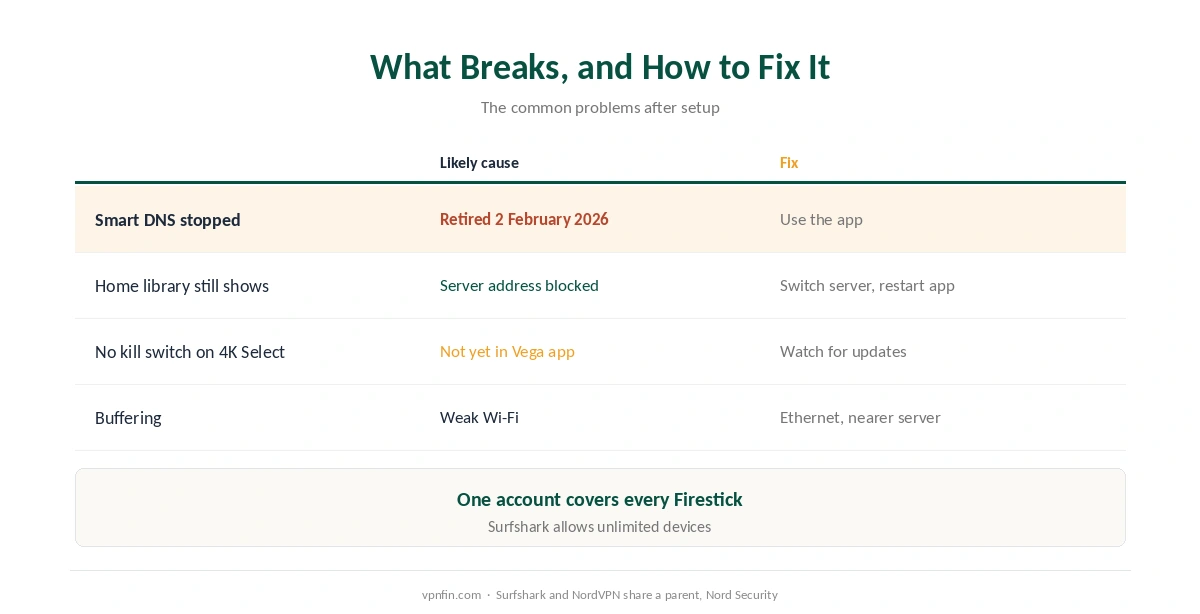
What Breaks, and How to Fix It
You relied on Surfshark’s Smart DNS. Surfshark retired its Smart DNS on 2 February 2026, so a DNS-only setup no longer works. Install the app instead. Our Smart DNS comparison explains the difference.
A streaming app still shows your home library. Services block known VPN addresses; switch server in the same country and restart the app. Our Surfshark and Netflix page covers what 2026 tests found, and our DNS leak guide the check to run after switching.
No kill switch on a 4K Select. A user forum reported in September that it had not yet arrived on Vega OS. Until it does, the VPN will not block traffic if the connection drops, as our kill switch guide explains.
Buffering with Surfshark on Firestick. Wi-Fi is a common bottleneck; move the router closer or use Ethernet, and pick a nearby server. Then confirm the connection with our guide to checking a VPN.
Surfshark or NordVPN on Firestick?
Both have Vega OS apps. NordVPN had one first, in November 2025; Surfshark followed in May 2026. Surfshark’s case is unlimited devices at a lower price, as our multi-device guide explains; NordVPN’s is a longer audit record. The two share a parent company, Nord Security.
For the wider comparison, our Firestick VPN guide covers every provider, and our guide to turning off a VPN on Firestick explains disconnecting.
How We Research
The Vega OS launch comes from TechRadar and Tom’s Guide in May 2026, the core-features note from Surfshark’s statement to GB News, and the Fire OS features and speed figures from Security.org’s September 2026 guide. The kill switch report comes from a user forum and should be treated as provisional. We name each source where used; all were read on 26 September 2026. We did not test on a Firestick ourselves. Our full approach lives on the About Us page.
Surfshark on Firestick FAQ
Yes. Surfshark released a Vega OS app in May 2026, available from the Amazon Appstore, though it offers only core VPN features for now.
Open the Amazon Appstore, search for Surfshark, download it, sign in and connect.
On Fire OS, yes. On the Vega OS 4K Select, a user forum reported in September 2026 that it had not yet arrived.
No. Surfshark retired its Smart DNS on 2 February 2026. Use the app instead.
As many as you like. Surfshark allows unlimited simultaneous connections.
The Verdict
Surfshark on Firestick is a quick Appstore install with unlimited devices on one plan.
On Fire OS you get the full app; on the Vega OS 4K Select you get the core VPN for now. Check your system first, and do not rely on Smart DNS any longer.