
Disclosure: VPNFin is reader-supported. If you buy a VPN through links on this page, we may earn a commission at no extra cost to you. This never affects our ratings — here’s our full disclosure.
The Firefox NordVPN add-on protects one thing: traffic inside Firefox. NordVPN’s own Firefox page says so, and its support pages describe the add-on as a proxy rather than a full VPN tunnel. That makes it handy for quick location changes in the browser, and the wrong tool for protecting everything else on the computer.
This guide covers setup, the features, the limits and when to use the desktop app instead.
Firefox NordVPN Add-On or Desktop App?
The Firefox NordVPN add-on routes only Firefox traffic through NordVPN’s servers. Other apps, from email to games, keep your real IP address. The desktop app, by contrast, tunnels the whole device. NordVPN notes that its apps come free with the account, so you can use both.
Gizmodo warns that no major browser extension includes a kill switch, and NordVPN advises against running the add-on and the app at the same time. Our NordVPN Windows guide and Mac guide cover the full apps.
How to Set Up the Firefox NordVPN Add-On
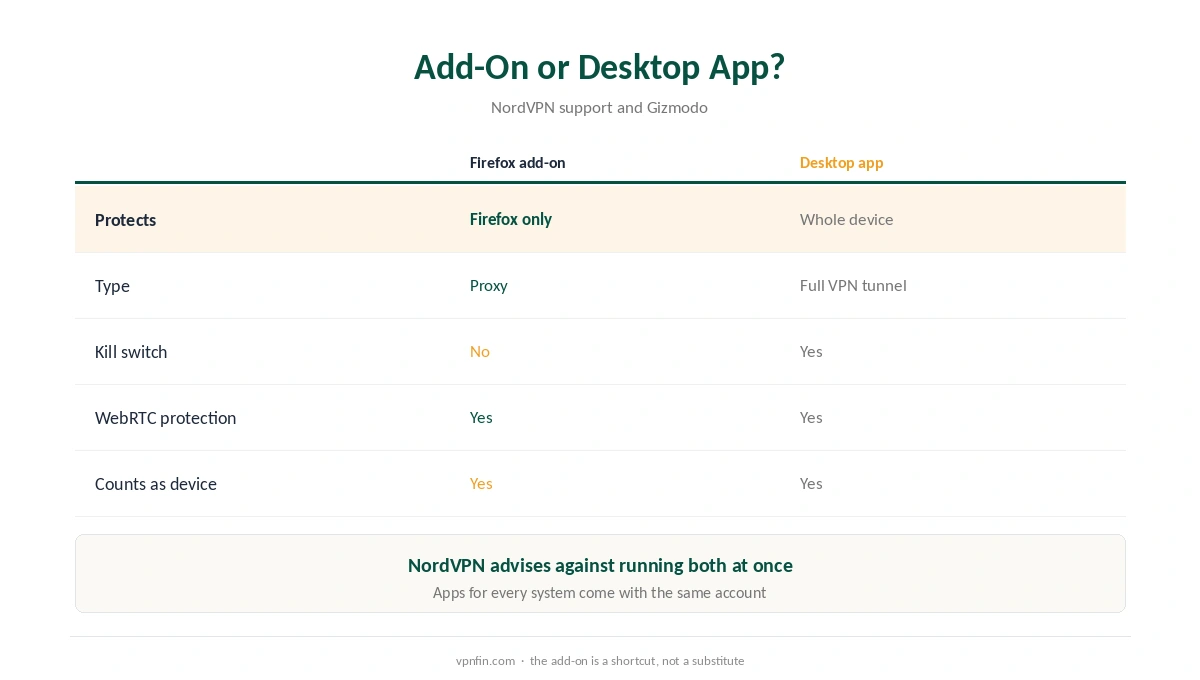
Open addons.mozilla.org and search for NordVPN. Check that the publisher is NordVPN, as Gizmodo recommends for any VPN extension. Click Add to Firefox and accept the permissions. Then click the NordVPN icon, log in and choose a country.
The listing on Mozilla’s site showed between about 217,000 and 305,000 users across different snapshots we saw. Firefox-Stats notes the add-on asks for sensitive permissions, which proxy extensions need to route traffic. It also notes there is no version for Firefox on Android.
What the Firefox NordVPN Add-On Can Do
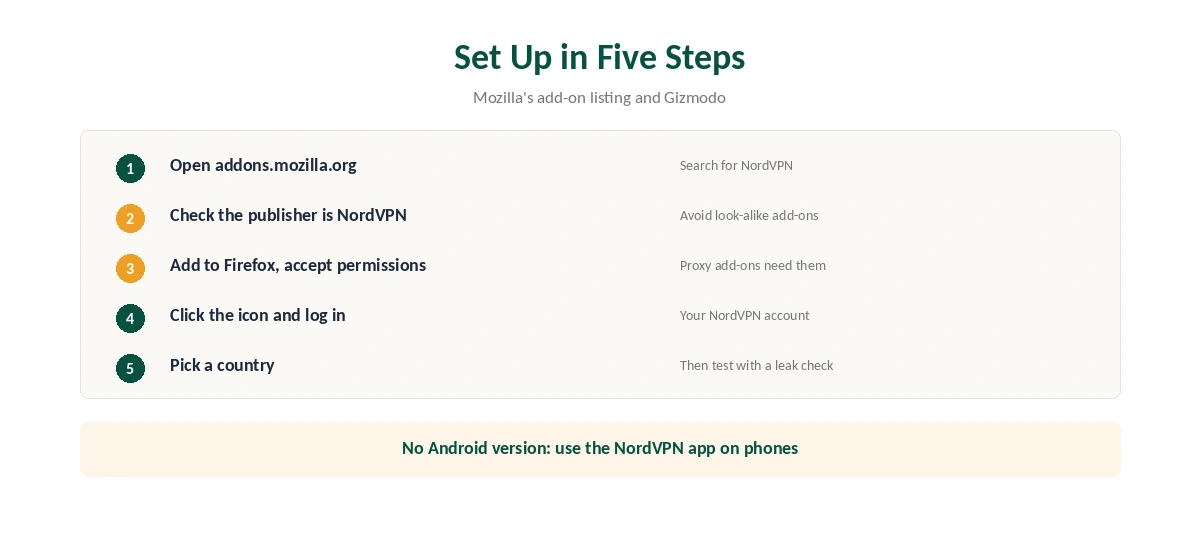
NordVPN’s Firefox page lists split tunnelling by web page, auto-connect and Threat Protection Lite, which blocks ads and malicious sites. The add-on also controls Firefox’s WebRTC settings to stop IP leaks, as our WebRTC leak guide explains.
Each extension counts as one of the 10 devices on a NordVPN plan, according to Impulsec. Our split tunnelling guide covers the per-page option.
Chrome, Edge and Other Browsers
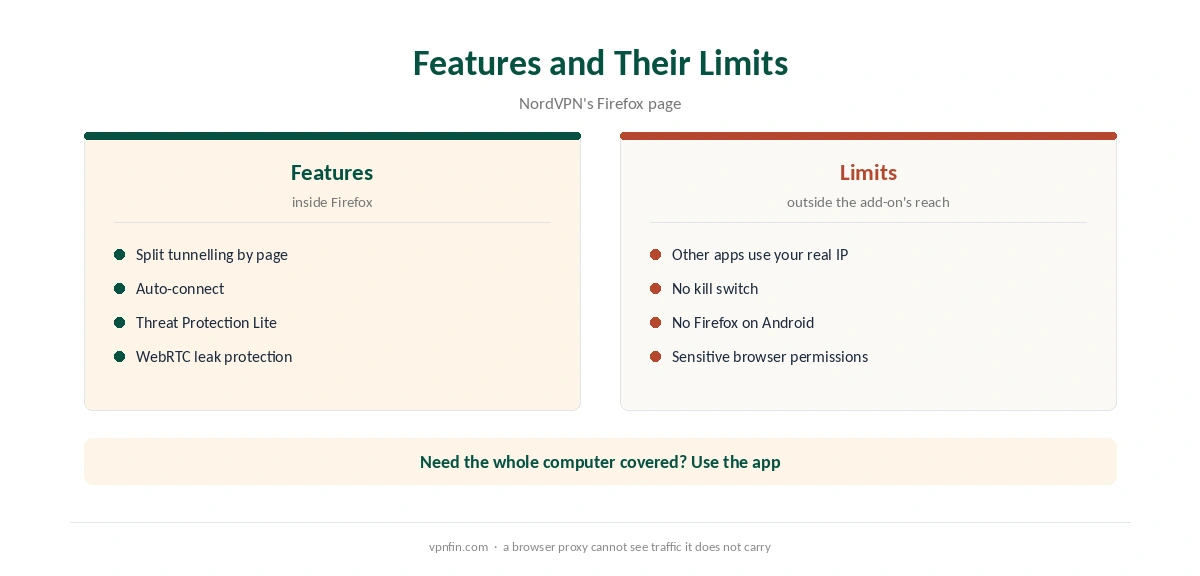
NordVPN offers the same kind of extension for Chrome and Edge, but not Opera, according to its help pages. Our NordVPN Chrome guide covers that version. For rivals, our Surfshark extension guide compares another option; NordVPN belongs to Nord Security, which also owns Surfshark.
To switch the add-on off, our browser VPN guide shows the steps, which work the same way in Firefox.
Testing and Other Devices
A Firefox NordVPN setup is easy to test without risk. Our NordVPN trial guide covers the trial terms, and our refund guide explains the 30-day window.
For a Chromebook, our NordVPN Chromebook guide explains why the Android app beats the extension. Linux users get a full app, covered in our NordVPN Linux guide. A rival extension appears in our ExpressVPN Chrome guide.
Split Tunnelling by Website
NordVPN’s Firefox page lists split tunnelling that works by website. You choose sites that skip the proxy, such as your bank or a local service, while everything else in Firefox goes through NordVPN.
Keep the list short. Each excluded site sees your real address. Our NordVPN split tunnelling guide compares this with the apps’ split tunnelling.
Threat Protection Lite
The extension includes Threat Protection Lite, according to NordVPN’s page. It blocks some ads, trackers and malicious sites inside Firefox. The full apps offer broader Threat Protection, as our NordVPN ad blocker guide explains.
Permissions
Firefox-stats notes the extension asks for sensitive permissions. That is normal for a proxy extension, which must route all browser traffic. Install it only from the official Firefox add-ons site, and remove any older VPN extensions first to avoid conflicts.
Users and Devices
The Firefox add-ons site has shown between about 217,000 and 305,000 users for the extension on different snapshots. Each browser with the extension counts as a device on your NordVPN plan, which covers 10 in total.
If you use Firefox on several computers, the desktop apps may be a better use of your device slots, since each app protects the whole computer.
Firefox on Android
The extension is not available for Firefox on Android, firefox-stats notes. On a phone, use the NordVPN Android app instead, which covers Firefox and every other app.
Extension or Desktop App?
The extension covers only Firefox traffic. Mail clients, games and other apps on the same computer still use your real address, and Gizmodo notes the extension has no kill switch. For full protection, run the desktop app. Our NordVPN Windows guide and Mac guide cover the apps. Keep the extension for quick browser-only changes.
If the extension stops connecting after a Firefox update, remove it and install it again from the add-ons site, then sign in.
How We Research
This page draws on NordVPN’s Firefox page and support articles, Mozilla’s add-on listing, Firefox-Stats, Gizmodo’s browser VPN guide and Impulsec. We cross-checked these sources against each other, and where they conflict or something can’t be verified, we say so in the text rather than guessing. We read every source on 5 October 2026. The main source we relied on is the add-on’s Mozilla listing. Our full approach lives on the About Us page.
NordVPN on Firefox FAQ
No. It is a proxy that protects only Firefox traffic. Use the desktop app to protect the whole device.
No. Firefox-Stats lists no Android version. Use the NordVPN Android app instead.
No. Gizmodo notes that no major VPN browser extension includes one.
NordVPN advises against it, since running both can slow your connection.
Yes. Each extension counts as one of the 10 devices on a NordVPN plan, according to Impulsec.
The Verdict
The Firefox NordVPN add-on is a fast way to change your location and block WebRTC leaks in the browser. For anything beyond Firefox, install the desktop app instead.