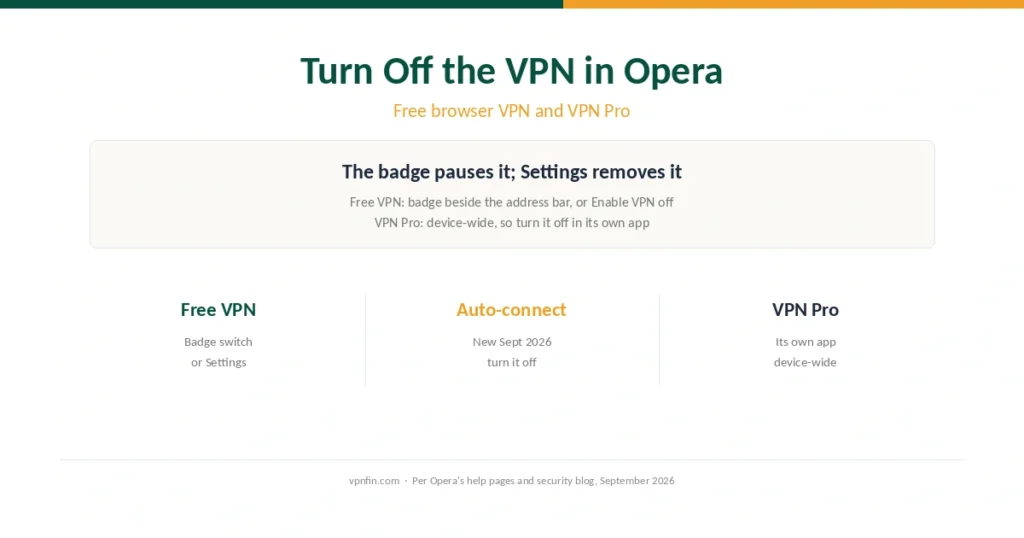
How to Turn Off the VPN in Opera (2026): Free Browser VPN and VPN Pro
Opera’s free VPN switches off at the address-bar badge; VPN Pro in its own app. Plus the new auto-connect setting that turns it back on.
Step-by-step VPN tutorials for beginners: setup, troubleshooting, and getting the most out of your VPN. Clear instructions with screenshots — no technical background needed.
Opera’s free VPN switches off at the address-bar badge; VPN Pro in its own app. Plus the new auto-connect setting that turns it back on.
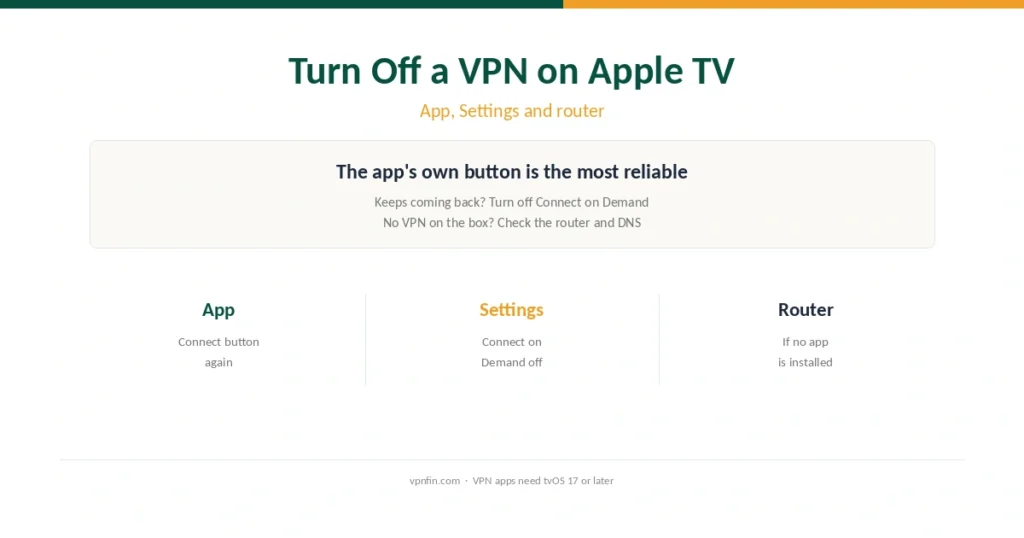
The VPN app’s own button is the most reliable way. Then stop Connect on Demand, and check your router if no VPN appears on the box.
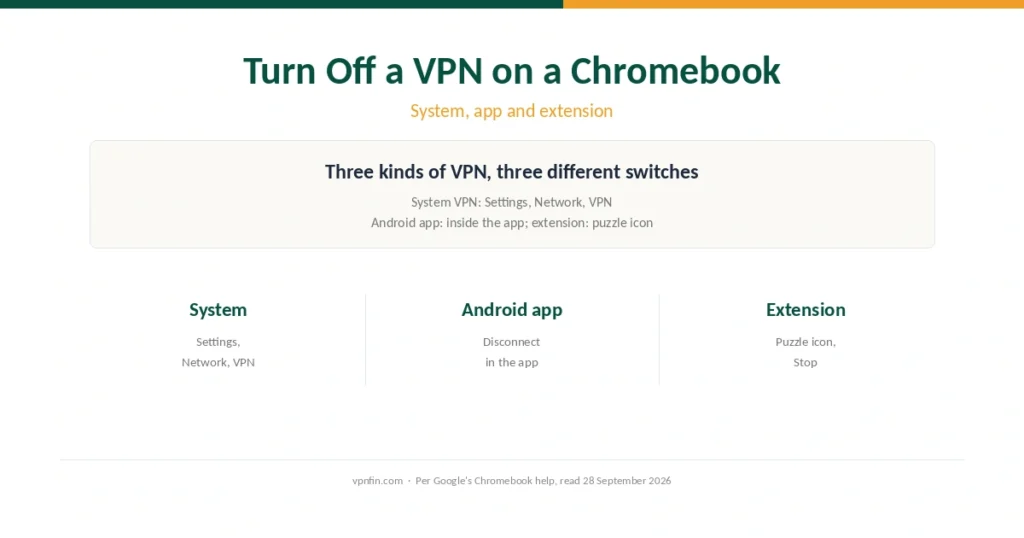
A Chromebook can run three kinds of VPN, and each switches off in a different place. Steps for each, plus locked VPNs on school devices.
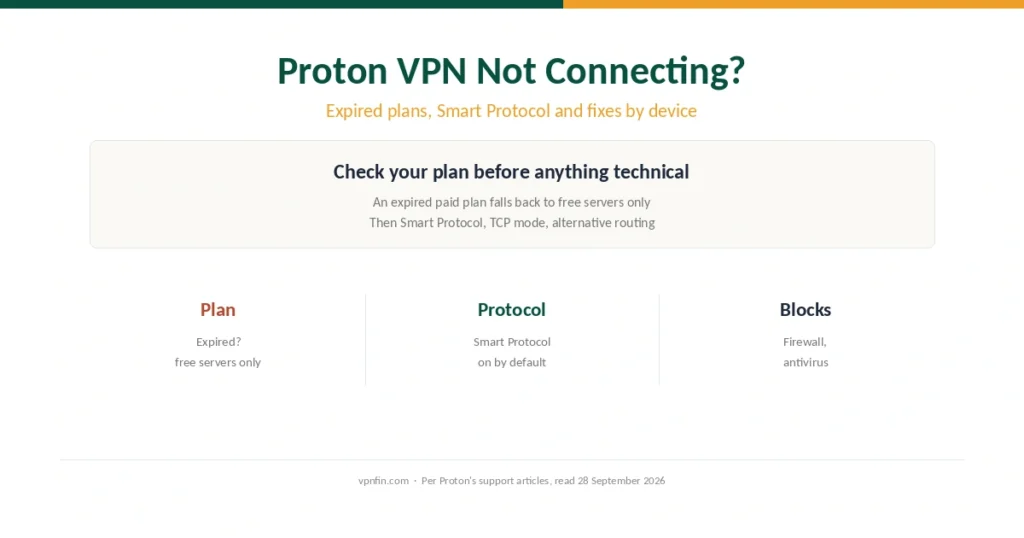
An expired Proton plan quietly limits you to free servers. Then Proton’s own fixes: Smart Protocol, TCP mode, alternative routing, and devices.
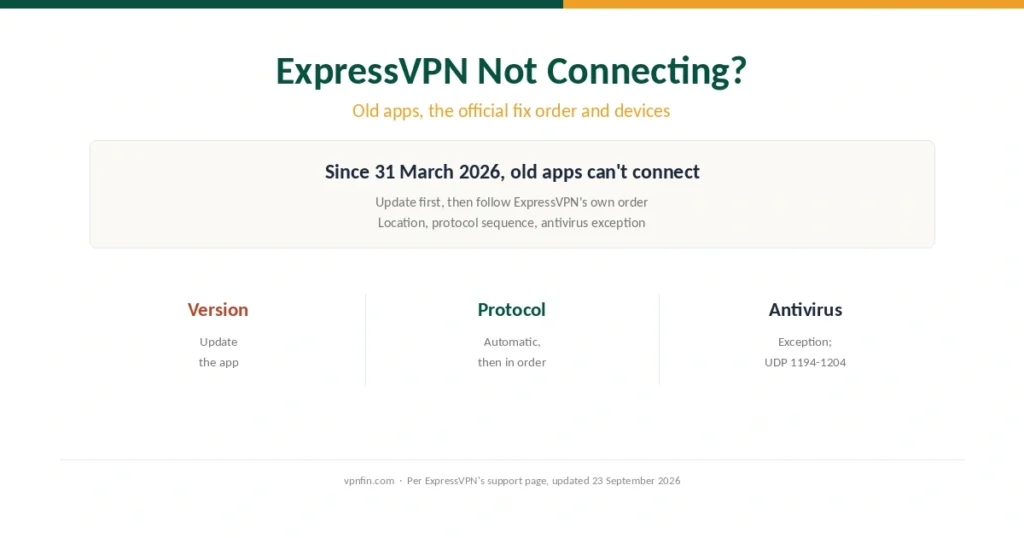
Since March 2026, old ExpressVPN apps can’t connect at all. Then ExpressVPN’s own fix order: location, protocol sequence, antivirus exception.
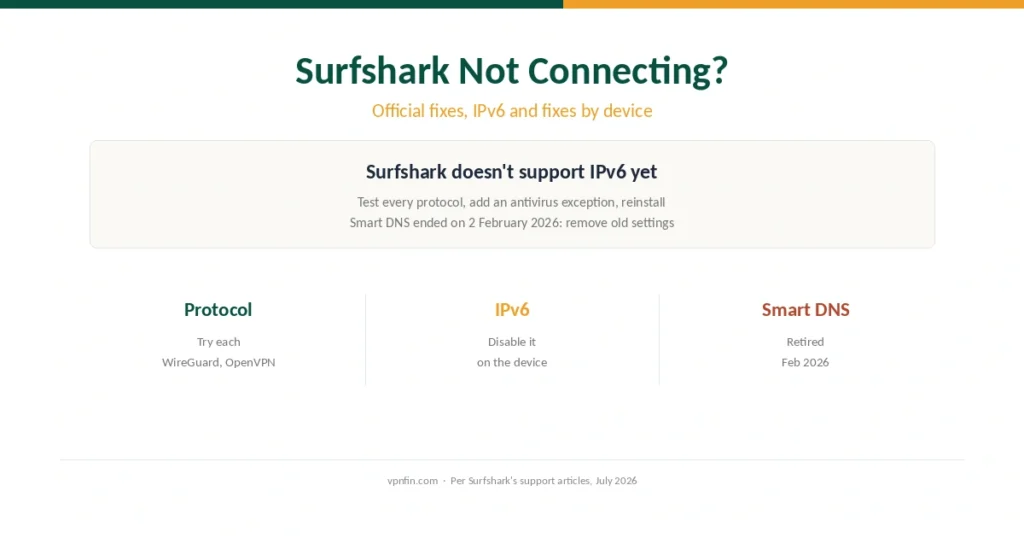
Surfshark’s official checklist, the IPv6 trap its apps don’t support, the retired Smart DNS, and device-by-device fixes.
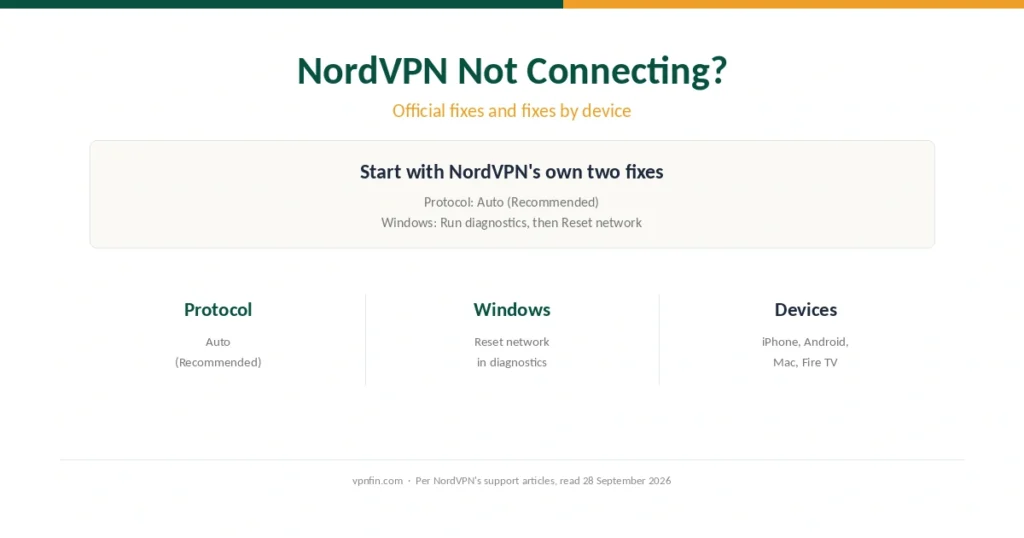
NordVPN’s own first fixes: the Auto protocol and Reset network. Then adapters, security software, and device-by-device steps.
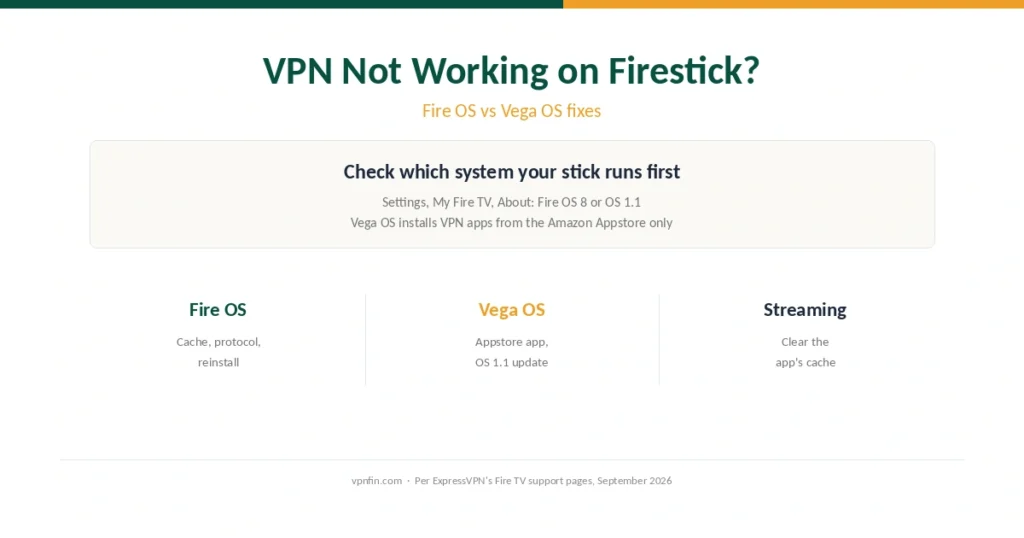
Fire OS and Vega OS sticks fail for different reasons. Which system you have, then fixes by symptom, from sign-in errors to the wrong region.
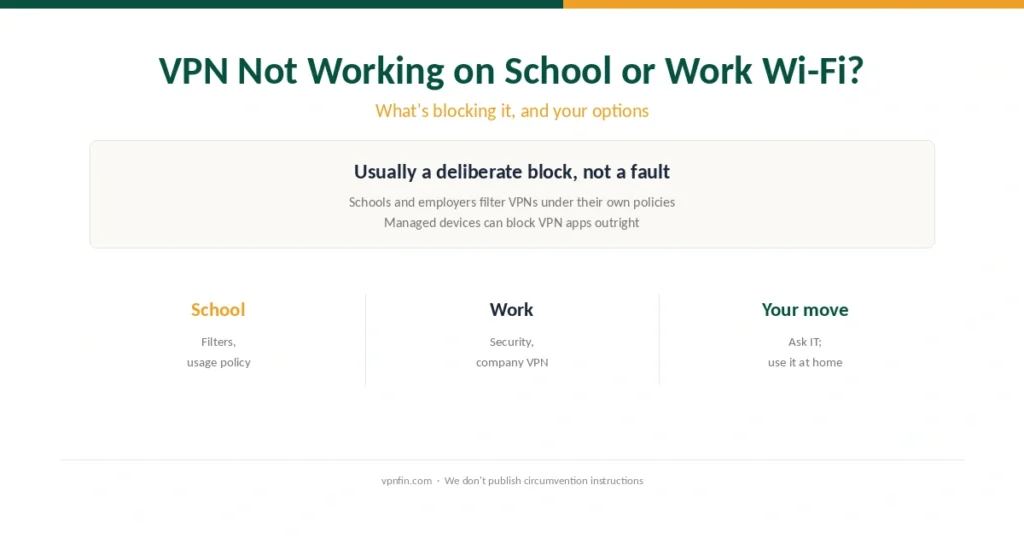
Schools and employers usually block VPNs on purpose. What’s blocking yours, how to tell, and the legitimate options that don’t break the rules.
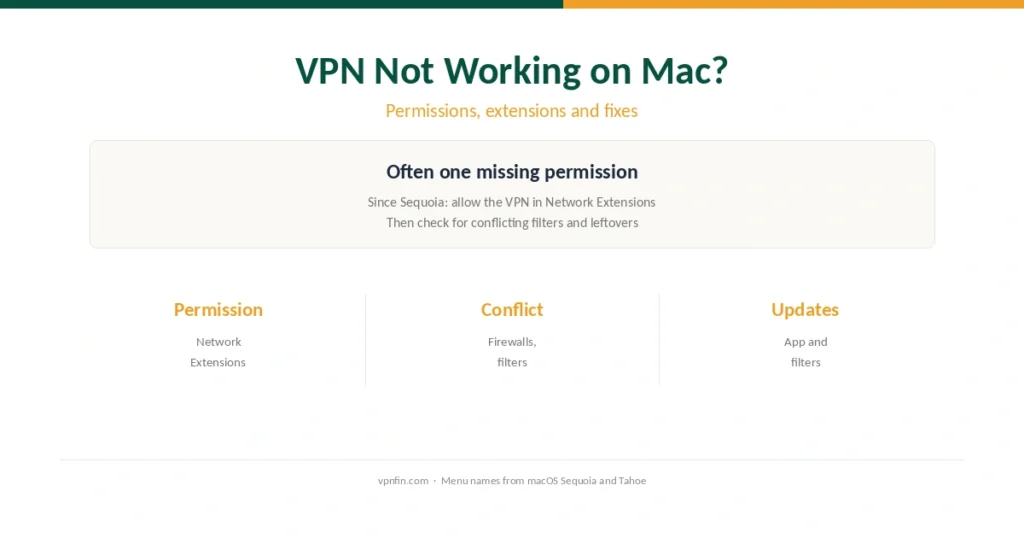
On recent macOS, a VPN often fails for want of one permission: the network extension. That fix first, then filters, leftovers and updates.