
Disclosure: VPNFin is reader-supported. If you buy a VPN through links on this page, we may earn a commission at no extra cost to you. This never affects our ratings — here’s our full disclosure.
NordVPN not connecting? Start with the two fixes NordVPN’s own support pages list first: set the protocol to Auto (Recommended), and, on Windows, run the app’s built-in diagnostics and choose Reset network. Before either, check that the internet works with the VPN off; if it doesn’t, the problem isn’t NordVPN.
This page sets out NordVPN’s official steps, then the fixes by device, and when to contact support.
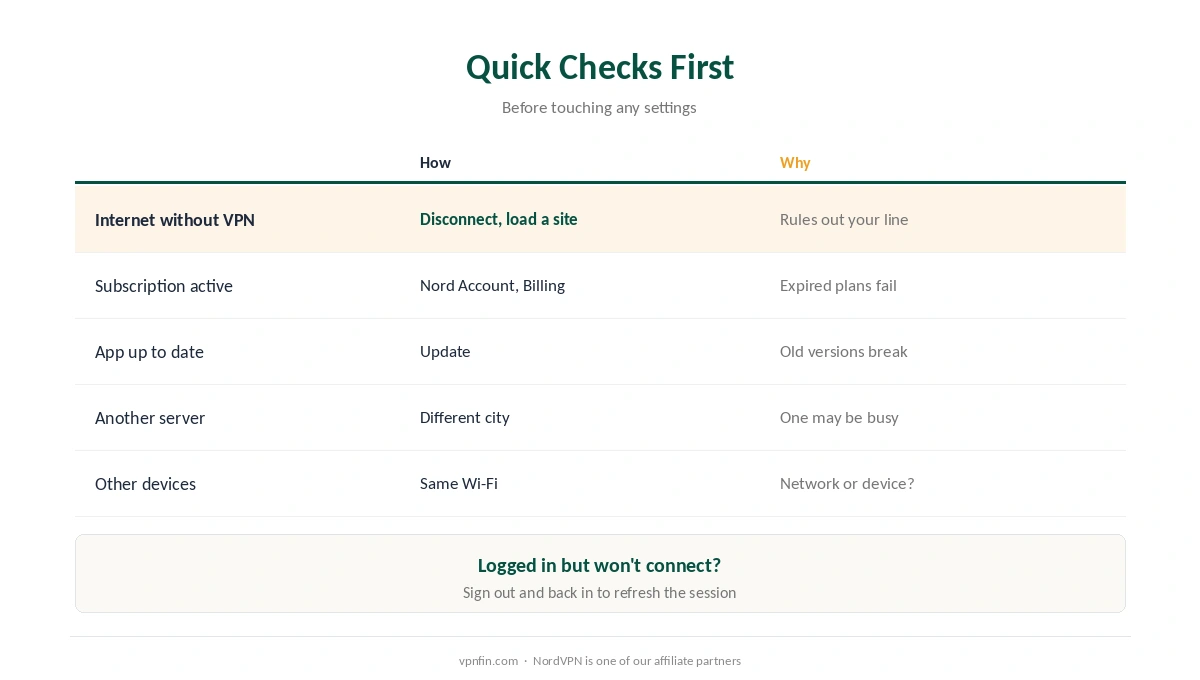
NordVPN Not Connecting: The Quick Checks
| Check | How | Why |
|---|---|---|
| Internet without the VPN | Disconnect and load a site | Rules out your connection |
| Subscription active | Nord Account, Billing | An expired plan blocks connections |
| App up to date | Update from the app or store | Older versions fail after OS updates |
| Another server | Pick a different country or city | One server may be busy |
| Other devices, same network | Try your phone on the same Wi-Fi | Shows whether the network is the issue |
Sign out and back in if NordVPN is not connecting and the app says you’re logged in but won’t connect. An expired session token can cause that, Techactiv notes.
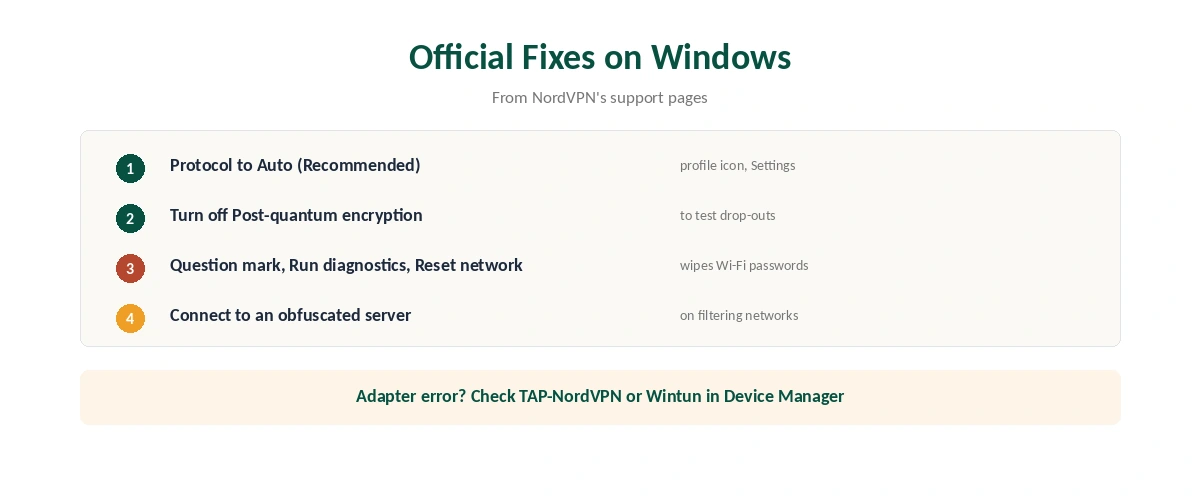
NordVPN’s Official Fixes on Windows
| Step | Where in the app | What it does |
|---|---|---|
| 1 | Profile icon, Settings: protocol to Auto (Recommended) | Lets the app pick a working protocol |
| 2 | Settings: turn off Post-quantum encryption | Rules it out if connections drop |
| 3 | Question mark, Run diagnostics, Reset network | Resets network settings; restart after |
| 4 | Connect to an obfuscated server | Helps on networks that filter VPNs |
| 5 | Allow NordVPN in Windows Defender or your antivirus | Security software can block it |
Reset network wipes saved Wi-Fi networks and passwords, NordVPN’s support page warns, along with VPN and APN settings. Keep it for when simpler steps fail.
Check the network adapters. If the app reports a TAP or adapter error, open Device Manager, then Network adapters, and look for a warning icon on the TAP-NordVPN or Wintun adapter; reinstalling NordVPN restores it, Techactiv and Cloudwards describe. Our Windows VPN guide covers system-level causes.
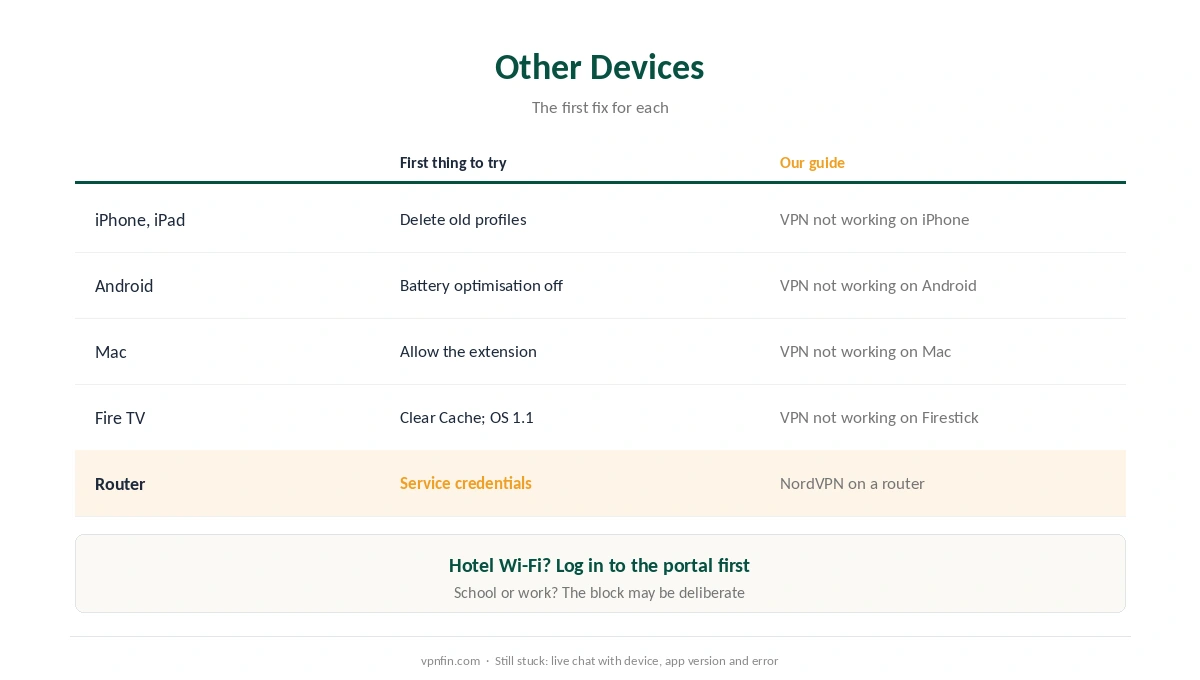
NordVPN Not Connecting on Other Devices
| Device | First thing to try | Our guide |
|---|---|---|
| iPhone, iPad | Delete old VPN profiles, reinstall | VPN not working on iPhone |
| Android | Battery optimisation off; Private DNS Automatic | VPN not working on Android |
| Mac | Allow the network extension | VPN not working on Mac |
| Fire TV | Clear Cache; Vega sticks need OS 1.1 | VPN not working on Firestick |
| Router | Use service credentials, not your login | NordVPN on a router |
Phones and tablets: our iPhone fix guide and our Android fix guide cover system settings that block VPNs, from Private Relay to battery optimisation.
Mac and TV: our Mac fix guide covers the network extension permission, and our Firestick fix guide the Fire OS and Vega OS differences.
Routers need service credentials. A manual router setup uses the service username and password from your Nord Account dashboard, not your regular login, as our NordVPN router guide explains.
If NordVPN Connects but Drops or Loads Nothing
Test post-quantum encryption off. NordVPN’s support page on Windows disconnections lists turning it off as a check, alongside the Auto protocol and an obfuscated server.
Try NordVPN’s DNS servers. If your provider’s DNS interferes, setting 103.86.96.100 and 103.86.99.100 manually can help, several troubleshooting guides note; our DNS leak guide explains why DNS matters.
Check the kill switch. When a connection fails, the kill switch blocks all traffic by design, so NordVPN not connecting can look like no internet at all; our kill switch guide explains the setting.
When the Network Is the Problem
Hotel and café Wi-Fi often needs a login page first, as our hotel Wi-Fi guide explains. School and work networks may block VPNs on purpose, as our school and work guide explains.
Still stuck? Contact NordVPN’s live chat with your device, app version and the error message. Our NordVPN review covers the service overall.
How We Research
The protocol, diagnostics, Reset network, post-quantum and obfuscated server steps come from NordVPN’s support articles on connecting and disconnecting on Windows. Adapter checks and session tokens come from Techactiv; security software and TAP drivers from Cloudwards; router credentials from our NordVPN router guide. We read all sources on 28 September 2026. NordVPN is one of our affiliate partners. Our full approach lives on the About Us page.
NordVPN Not Connecting FAQ
Common causes are a protocol your network blocks, security software, a broken network adapter on Windows, or an outdated app. Set the protocol to Auto (Recommended) first.
It resets your device’s network settings, including saved Wi-Fi networks and passwords. Find it under the question mark, Run diagnostics.
NordVPN’s support suggests turning it off to test whether it causes drop-outs on Windows.
They disguise VPN traffic, which helps on networks that filter VPN connections. Check local rules before using them abroad.
Try another server and protocol, then see our connected-but-no-internet guide for DNS fixes.
The Verdict
NordVPN not connecting often yields to NordVPN’s own two fixes: the Auto protocol and, on Windows, Reset network.
If those fail, check the adapters, your security software and the network itself before contacting support.