
Disclosure: VPNFin is reader-supported. If you buy a VPN through links on this page, we may earn a commission at no extra cost to you. This never affects our ratings — here’s our full disclosure.
Proton VPN not connecting? Before anything technical, check your plan. If a paid Proton VPN subscription expires, the account drops to the Free plan, and you can then connect only to free servers, Proton’s support page explains; the servers you used before simply stop working. After that, Proton’s own fixes centre on Smart Protocol, which cycles through its protocols automatically, and on a firewall or antivirus that may be blocking the app.
This page follows Proton’s official steps, then covers each device and the network cases.
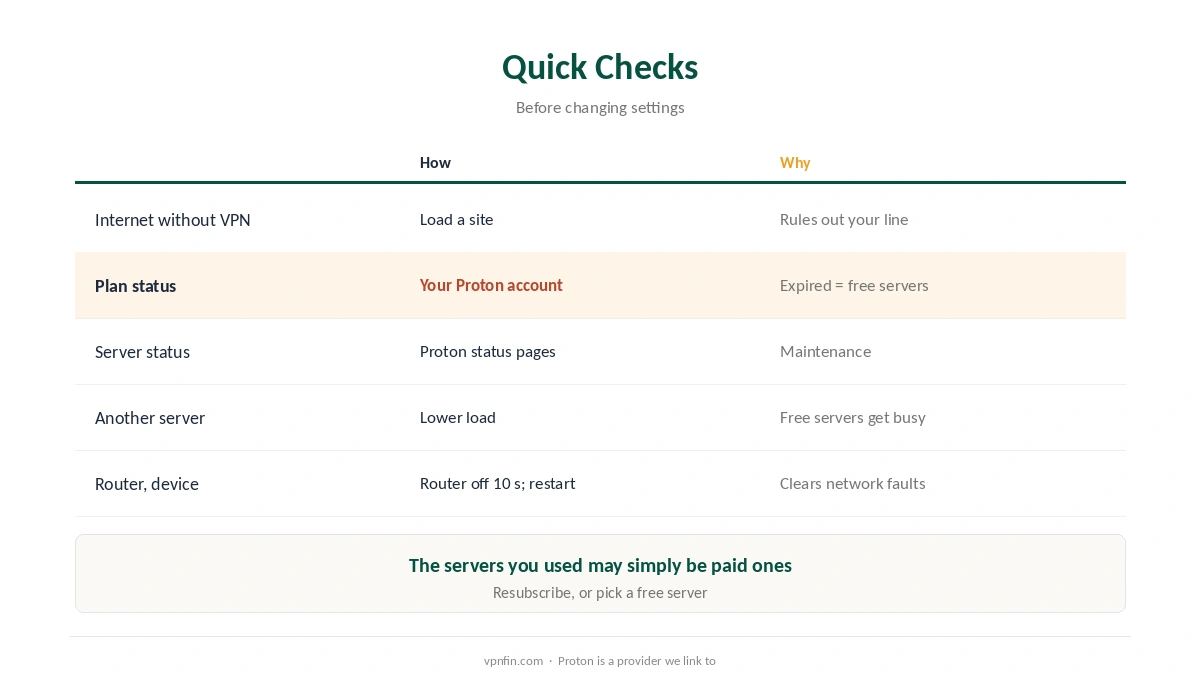
Proton VPN Not Connecting: Quick Checks
| Check | How | Why |
|---|---|---|
| Internet without the VPN | Disconnect and load a site | Rules out your connection |
| Plan status | Your Proton account | Expired plans fall back to free servers only |
| Server status | Proton’s status pages | Servers go down for maintenance |
| Another server | Pick a different one, lower load | Free servers get busy |
| Router and device | Router off for 10 seconds; restart | Clears many network faults |
Free plan users have fewer servers to fall back on. For example, free servers can get busy, so trying off-peak or another free location may help, one VPN vendor’s guide notes. Our Proton VPN free plan guide explains what the free tier includes.
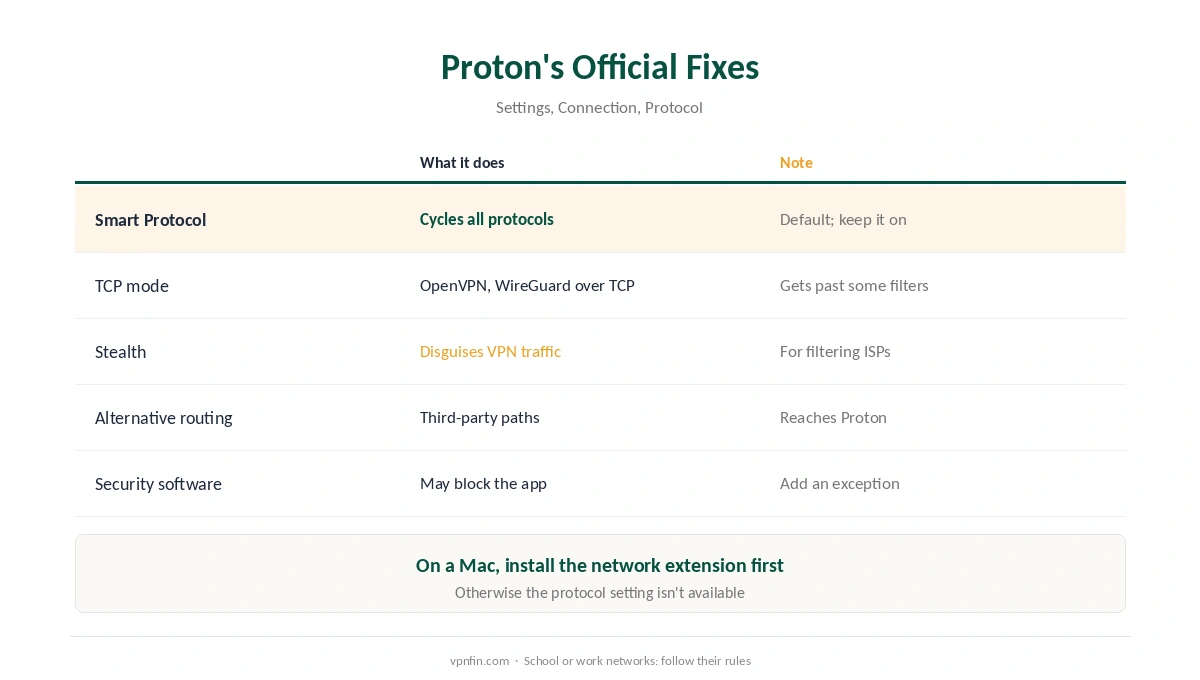
Proton’s Official Fixes
| Fix | What it does | Where |
|---|---|---|
| Smart Protocol | Cycles OpenVPN, WireGuard (UDP and TCP) and Stealth | Settings, Connection, Protocol |
| TCP mode | OpenVPN or WireGuard over TCP gets through some filters | Protocol list |
| Stealth | Disguises VPN traffic; defeats some deep packet inspection | Protocol list |
| Alternative routing | Reaches Proton through third-party networks | App settings |
| Firewall or antivirus | May block Proton’s connection | Add an exception |
Keep Smart Protocol on when Proton VPN is not connecting. Proton enables it by default and recommends leaving it, since it tries each protocol until one works. On Windows it includes Stealth; on a Mac, you must install a network extension before you can change protocol at all.
Stealth is for networks that block VPNs, such as an internet provider’s filtering, Proton explains. On school or work networks, however, the block is often a policy, as our school and work guide explains; ask IT rather than working around it. Our obfuscation guide covers how Stealth-style protocols work.
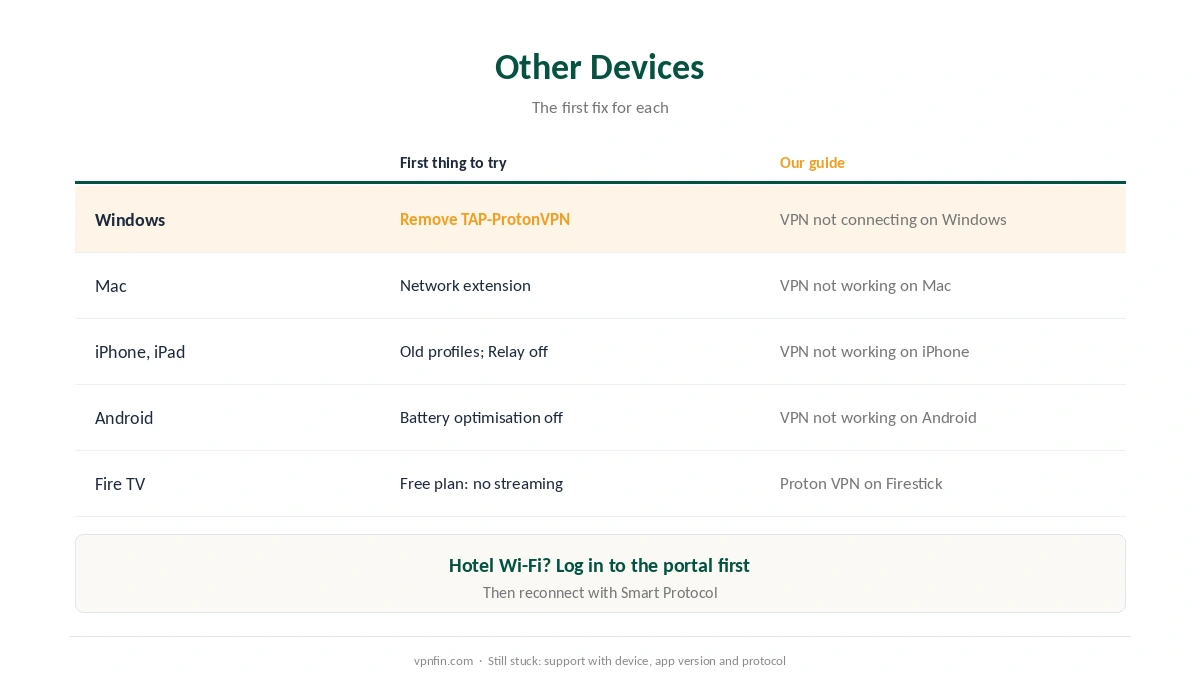
Proton VPN Not Connecting on Other Devices
| Device | First thing to try | Our guide |
|---|---|---|
| Windows | Reinstall; remove the TAP-ProtonVPN adapter | VPN not connecting on Windows |
| Mac | Install the network extension | VPN not working on Mac |
| iPhone, iPad | Delete old profiles; Private Relay off | VPN not working on iPhone |
| Android | Battery optimisation off; Private DNS Automatic | VPN not working on Android |
| Fire TV | Vega app free plan: no streaming | Proton VPN on Firestick |
Windows adapter reset: if Proton VPN is not connecting on Windows, first uninstall the app, then in Device Manager remove the TAP-ProtonVPN network adapter and reinstall, Android Police describes. Our Windows guide covers system-level causes.
Similarly, for phones and Mac, our iPhone fix guide, our Android fix guide and our Mac fix guide cover the system settings that block VPNs.
Fire TV: meanwhile, Proton’s Vega OS app runs on the free plan but reserves streaming for paid plans, as our Proton VPN on Firestick guide explains.
When the Network Is the Problem
Hotel Wi-Fi needs its login page first, as our hotel Wi-Fi guide explains. If Proton says another app might be preventing it from connecting, check firewalls and traffic filters, BearVPN’s guide notes.
Still stuck? Finally, contact Proton’s support with your device, app version and protocol. Our Proton VPN review covers the service, and our NordVPN fix guide a rival’s steps.
How We Research
The expired-plan behaviour, Stealth, Smart Protocol, TCP mode, alternative routing, security software and router steps come from Proton’s support articles on connection problems, Windows issues and changing protocols. The TAP adapter steps come from Android Police; free server load and error messages from BearVPN, a VPN seller we flag. We read all sources on 28 September 2026. Proton is a provider we link to. Our full approach lives on the About Us page.
Proton VPN Not Connecting FAQ
Common causes are an expired plan that limits you to free servers, a blocked protocol, a server under maintenance, or a firewall or antivirus. Check your plan first.
Proton’s default setting that cycles through OpenVPN, WireGuard and, on Windows, Stealth until one connects. Proton recommends keeping it on.
On networks that filter VPN traffic, such as some internet providers. On school or work networks, follow their rules instead.
Proton VPN needs its network extension installed on macOS before the protocol setting becomes available.
Yes, on the Free plan, but only with free servers and without paid features until you resubscribe.
The Verdict
Proton VPN not connecting often has a plain cause: an expired plan, a busy free server, or security software.
Then lean on Proton’s own tools: Smart Protocol, TCP mode, and alternative routing, before contacting support.