
Disclosure: VPNFin is reader-supported. If you buy a VPN through links on this page, we may earn a commission at no extra cost to you. This never affects our ratings — here’s our full disclosure.
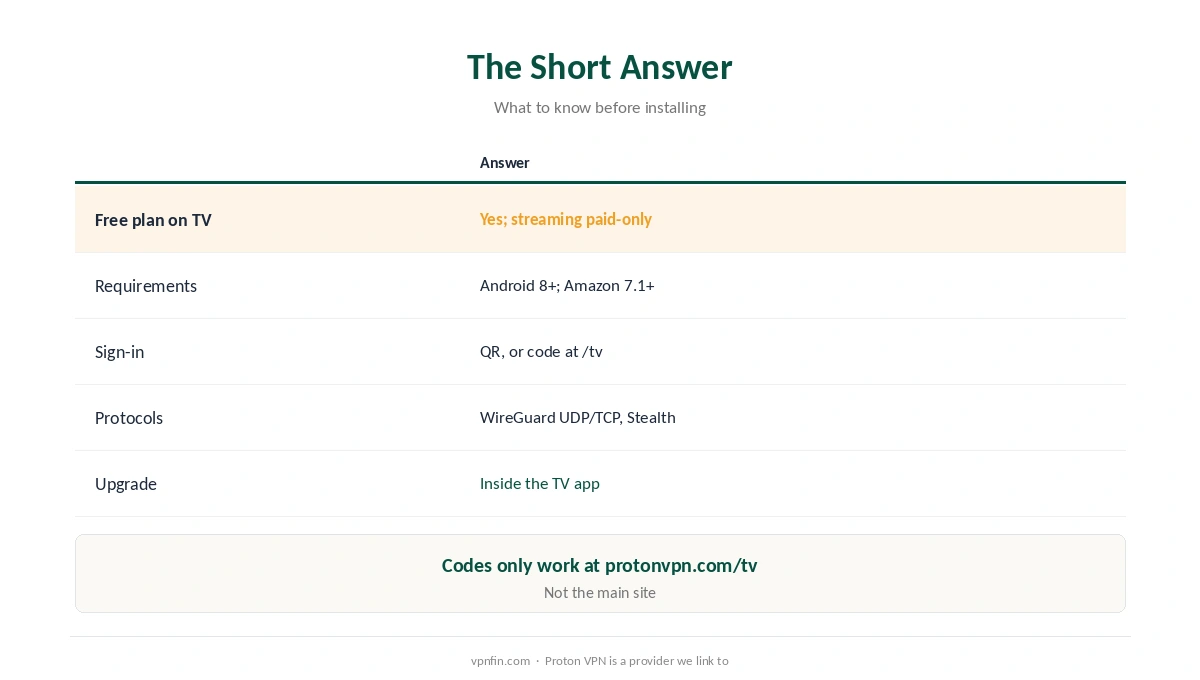
Proton VPN on Android TV installs from your TV’s app store and runs on the free plan too, which makes it the only free VPN with a TV app in Gizmodo’s picks. The catch is streaming: Proton’s Android TV guide says streaming support comes only with paid plans. The app needs Android 8 or later, or Android 7.1 for Amazon Appstore builds, and you sign in with a QR code or an eight-digit code entered at protonvpn.com/tv.
This page covers setup, the settings that matter, and what tends to break.
Proton VPN on Android TV: The Short Answer
| Question | Answer |
|---|---|
| Free plan on TV? | Yes, but streaming support is paid-only |
| Requirements | Android 8+; Amazon Appstore builds 7.1+ |
| Sign-in | QR code, or a code at protonvpn.com/tv |
| Protocols | WireGuard (UDP and TCP) and Stealth, via Smart Protocol |
| Upgrade in the app? | Yes, from the TV app itself |
Mind the URL when signing in. The eight-digit code only works at protonvpn.com/tv, not the main site, Proton warns. Our Proton VPN review covers the service as a whole.
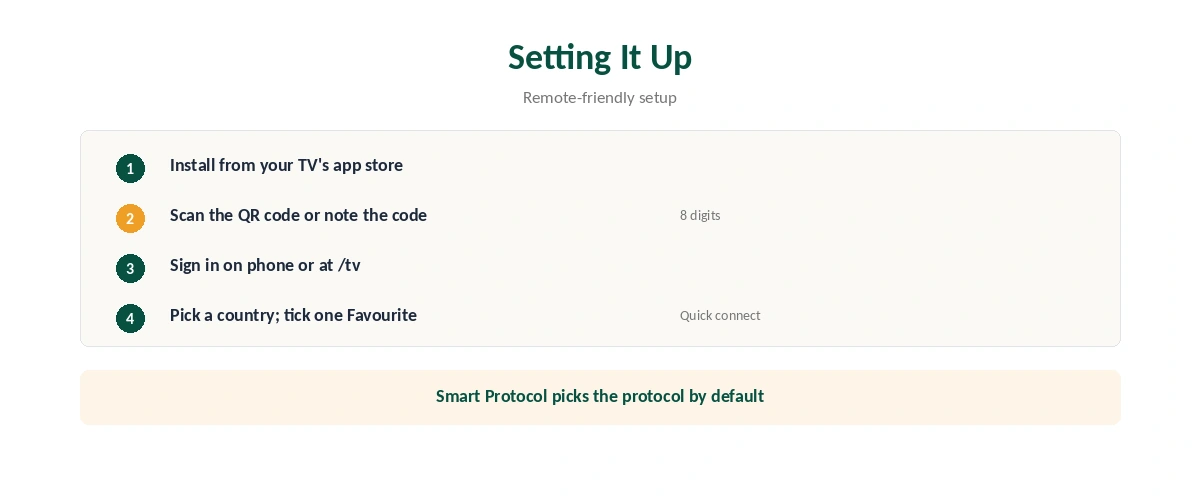
Setting Up Proton VPN on Android TV
| Step | What to do |
|---|---|
| 1 | Install Proton VPN from your TV’s app store |
| 2 | Open it and scan the QR code, or note the eight-digit code |
| 3 | Sign in on your phone, or enter the code at protonvpn.com/tv |
| 4 | Pick a country and select Connect for its fastest server |
| 5 | Tick Favourite to pin one location to Quick connect |
With Proton VPN on Android TV, only one favourite is allowed, Proton’s guide notes, so pin the country you use most. The app picks a protocol with Smart Protocol by default. Our Google TV Streamer guide covers one popular box it runs on.
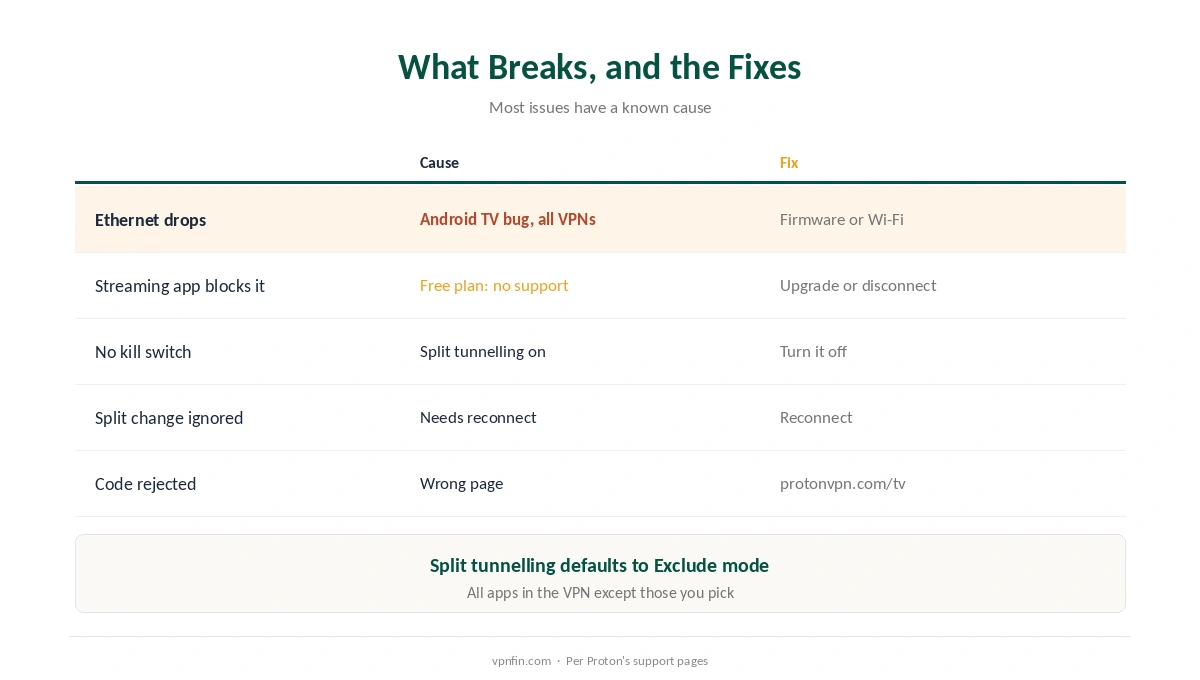
What Breaks, and the Fixes
| Problem | Cause | Fix |
|---|---|---|
| Ethernet drops when connected | Known Android TV bug, affects all VPNs | Update TV firmware or use Wi-Fi |
| Streaming app blocks the VPN | Free plan has no streaming support | Upgrade, or disconnect |
| Kill switch unavailable | Split tunnelling is on | Turn split tunnelling off |
| Split tunnelling change ignored | Needs a reconnect | Select Reconnect |
| Code rejected | Entered on the wrong page | Use protonvpn.com/tv |
Split tunnelling and the kill switch don’t mix. On most platforms, Proton says, you must turn split tunnelling off to use a kill switch. On TV, split tunnelling works in Exclude mode by default, keeping every app in the VPN except those you pick, as our split tunnelling guide explains.
For streaming trouble, our Netflix guide covers cache and server fixes, and our kill switch guide explains what you give up without one.
Before You Blame Proton
Check the basics first. Confirm the VPN is actually connected with our VPN check guide, then restart the streaming app so it picks up the new location, as our location guide explains.
Using Proton VPN on Android TV through a VPN router too? Two VPNs at once slow everything down; exclude the TV from the router’s VPN, as our router vs device guide explains.
How We Research
Setup, requirements, protocols, favourites and the streaming restriction come from Proton’s Android TV support page; the Ethernet bug and sign-in code from Proton’s Android TV streaming page; split tunnelling from Proton’s split tunnelling guide; in-app upgrades from Proton’s Android release notes; the free-TV-app point from Gizmodo. Proton’s guide is at protonvpn.com/support/android-tv. We read all sources on 28 September 2026. Proton VPN is a provider we link to. Our full approach lives on the About Us page.
Proton VPN on Android TV FAQ
Yes, the free plan runs on Android TV, but Proton supports streaming only on paid plans.
Scan the QR code with your phone, or enter the eight-digit code at protonvpn.com/tv.
It’s a known Android TV bug that affects all VPN apps. Update the TV’s firmware or use Wi-Fi.
Not on most platforms. Turn split tunnelling off to use the kill switch.
Android 8 or later, or 7.1 for Amazon Appstore builds.
The Verdict
Proton VPN on Android TV is easy to set up and free to try, but streaming needs a paid plan.
Sign in at protonvpn.com/tv, pin one favourite, and choose between split tunnelling and the kill switch.