
Disclosure: VPNFin is reader-supported. If you buy a VPN through links on this page, we may earn a commission at no extra cost to you. This never affects our ratings — here’s our full disclosure.
NordVPN on Apple TV has been possible since December 2023, when NordVPN released its tvOS app, as 9to5Mac reported at the time. Apple had opened tvOS to VPN apps a few months earlier with tvOS 17. Before that, Engadget noted, you could not configure a VPN on the device itself; a router was the usual workaround.
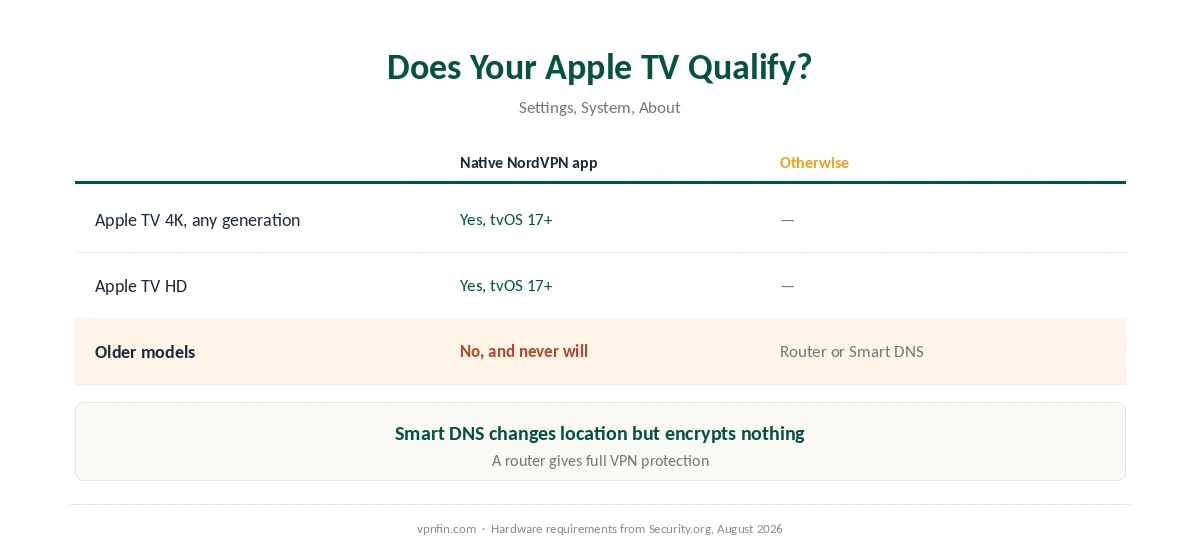
The first question is whether your model qualifies. Security.org notes that native VPN apps need an Apple TV 4K of any generation or an Apple TV HD running tvOS 17 or later; older boxes will never get them. This guide covers setup on the models that can, the options for those that cannot, and what breaks.
NordVPN on Apple TV: The Short Answer
On an Apple TV 4K or HD with tvOS 17 or later, install NordVPN from the App Store on the Apple TV, sign in, and press Quick Connect.
On an older Apple TV, use a router or Smart DNS instead, since these models cannot run VPN apps. Our NordVPN on a router guide covers the router route.
Expect a small speed cost. Security.org measured about 220 Mbps with NordVPN, a 10% drop, and TheBestVPN recorded a 10.7% loss. Our Apple TV VPN guide compares NordVPN with other providers.
Does Your Apple TV Qualify?
| Model | Native VPN app | Alternative |
|---|---|---|
| Apple TV 4K, any generation | Yes, with tvOS 17 or later | Not needed |
| Apple TV HD | Yes, with tvOS 17 or later | Not needed |
| Older Apple TV models | No | Router or Smart DNS |
To check, open Settings, then System, then About for the model, and Software Updates for the tvOS version, Security.org advises.
Smart DNS is not a VPN. It can change what streaming services see, but it does not encrypt anything. Our Smart DNS comparison explains the difference.
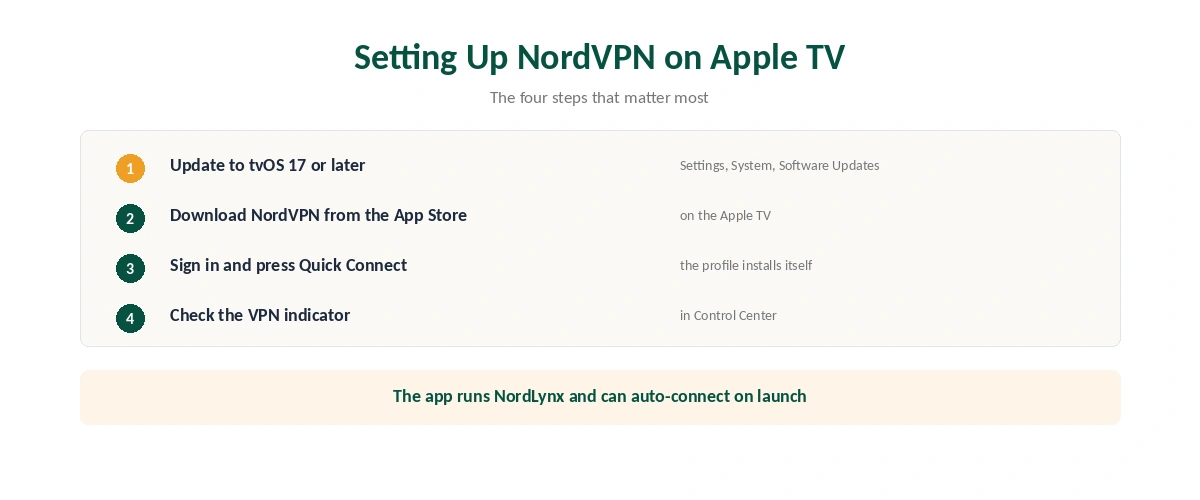
Setting Up NordVPN on Apple TV
| Step | What to do | Note |
|---|---|---|
| 1 | Update to tvOS 17 or later | Settings, System, Software Updates |
| 2 | Open the App Store on the Apple TV | Search NordVPN |
| 3 | Download and sign in | Or create an account |
| 4 | Press Quick Connect | The app installs the VPN profile |
| 5 | Pick a country if you need one | Browse flags or dictate with the Siri Remote |
| 6 | Check the VPN indicator | It appears in Control Center |
The app uses NordLynx, NordVPN’s WireGuard-based protocol, which explains the small speed cost testers measured. Our WireGuard and OpenVPN comparison explains why. TheBestVPN notes it can auto-connect on launch.
Security.org’s verdict is that the app does not do a lot beyond connecting, and for a television that is mostly an advantage: fewer settings to get wrong.
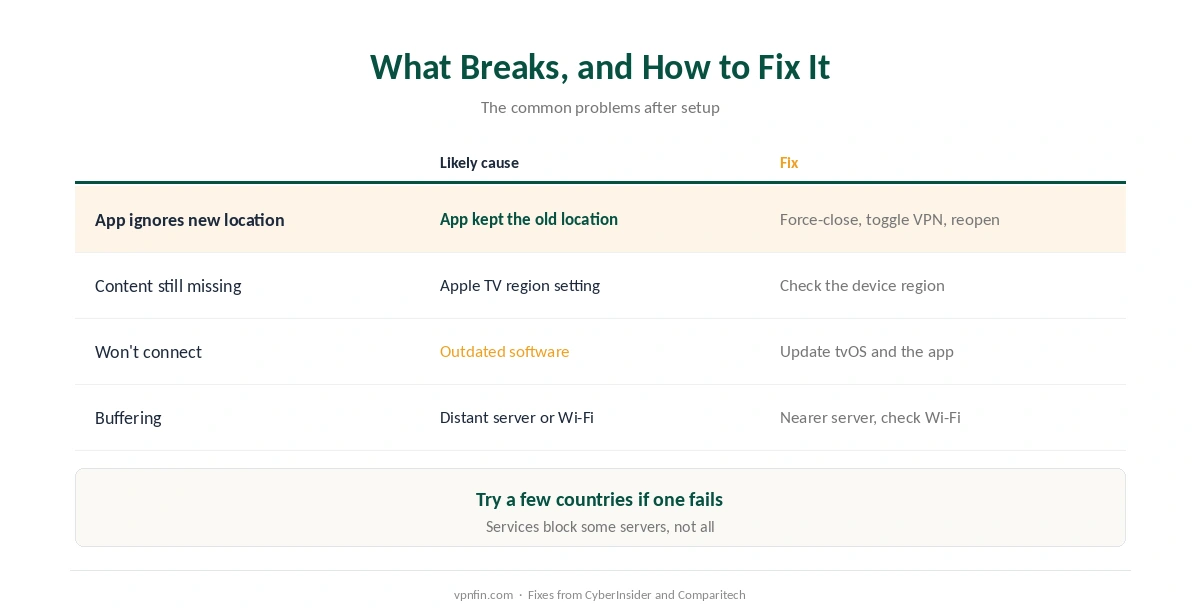
What Breaks, and How to Fix It
A streaming app ignores the new location. CyberInsider’s advice is to force-close the streaming app, switch the NordVPN location off and on, and reopen it. Comparitech suggests trying a few countries if one fails. Our Netflix guide explains why services block some servers.
Some content still will not appear. Comparitech notes that some apps also check your Apple TV’s own region, which may need changing.
The app will not connect or behaves oddly. Update tvOS and the NordVPN app first, Comparitech advises. Our troubleshooting guide covers the other causes.
Buffering. Choose a server closer to you, as our speed guide explains, and check your Wi-Fi before blaming the VPN.
Other Devices
On an iPhone or Mac, the same account works, as our NordVPN on iPhone guide and our NordVPN on Mac guide explain. One subscription covers up to ten devices at once.
For other televisions, Google TV sets have their own app, as our NordVPN on Android TV guide explains, while our smart TV guide covers sets without one. Most Samsung and LG sets need a router instead. Our NordVPN review covers the service itself.
How We Research
The launch history comes from 9to5Mac and Engadget, hardware requirements and speed figures from Security.org’s August 2026 guide, and the auto-connect and speed-loss figures from TheBestVPN. The fixes come from CyberInsider and Comparitech. We name each source where used; all were read on 26 September 2026. We did not test on an Apple TV ourselves. Our full approach lives on the About Us page.
NordVPN on Apple TV FAQ
Yes, on an Apple TV 4K or Apple TV HD running tvOS 17 or later. NordVPN released its native tvOS app in December 2023.
Open the App Store on the Apple TV, search for NordVPN, download it, sign in, and press Quick Connect.
Not with the app. Older models cannot run VPN apps, so use NordVPN on your router or Smart DNS instead.
A little. Security.org measured about a 10% drop, and TheBestVPN a 10.7% loss, both small enough for 4K streaming.
Force-close the app, switch the NordVPN location off and on, and reopen it. If that fails, try another country or check your Apple TV region.
The Verdict
NordVPN on Apple TV is a simple App Store install on any Apple TV 4K or HD with tvOS 17, with only a small speed cost.
On older models, the router is the way in. And when a streaming app ignores the new location, start by closing and reopening it.