
Disclosure: VPNFin is reader-supported. If you buy a VPN through links on this page, we may earn a commission at no extra cost to you. This never affects our ratings — here’s our full disclosure.
Proton VPN on iPhone is quick to set up from the App Store, and the free plan works with no data cap. What surprises people is what’s missing: Proton has removed IKEv2 and OpenVPN from its iOS and macOS apps, leaving WireGuard and its own Stealth protocol, Proton’s support page explains, and split tunnelling isn’t supported on iOS yet, Proton’s support team says. A few iPhone features, such as Visual Voicemail, can also stop working while the VPN is on.
This page covers setup, the settings worth changing, and the fixes for what tends to break.
Proton VPN on iPhone: The Short Answer
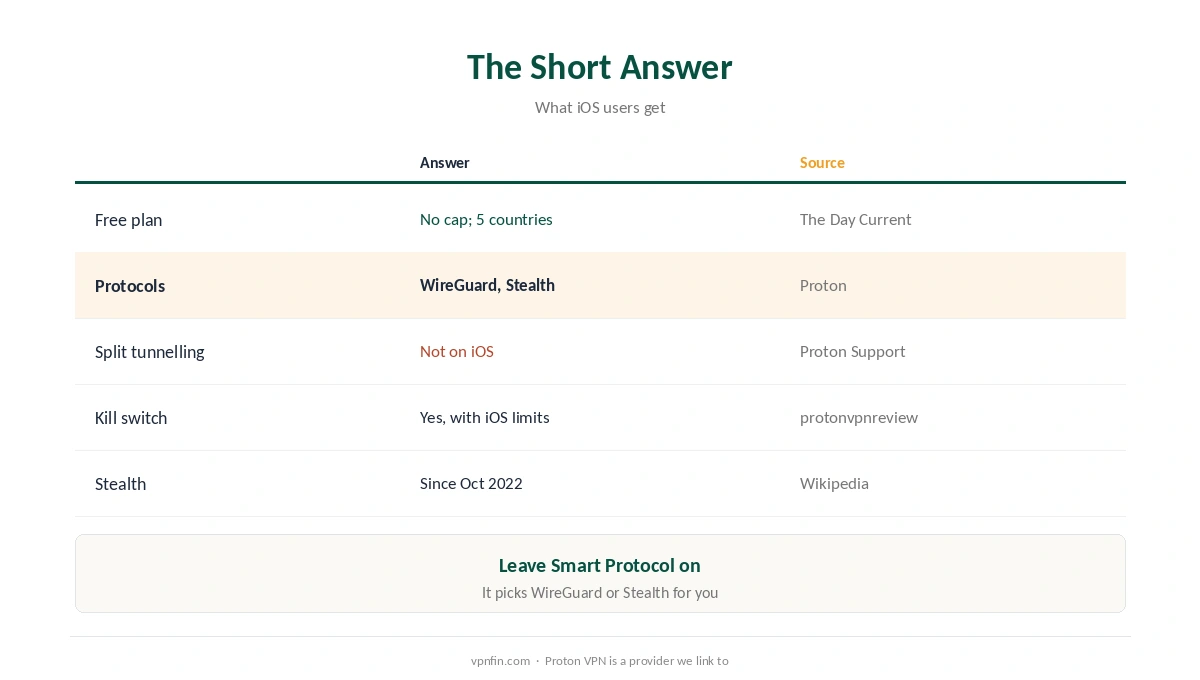
| Question | Answer | Source |
|---|---|---|
| Free plan? | Yes, no data cap; servers in five countries | The Day Current |
| Protocols | WireGuard and Stealth; IKEv2 and OpenVPN removed | Proton |
| Split tunnelling | Not supported on iOS | Proton Support |
| Kill switch | Available; iOS limits it during reconnects | protonvpnreview.com |
| Stealth on iOS | Since October 2022 | Wikipedia |
Leave Smart Protocol on. Proton recommends it, since it picks WireGuard or Stealth for your network automatically. Our Proton VPN review covers the service as a whole.
Setting Up Proton VPN on iPhone
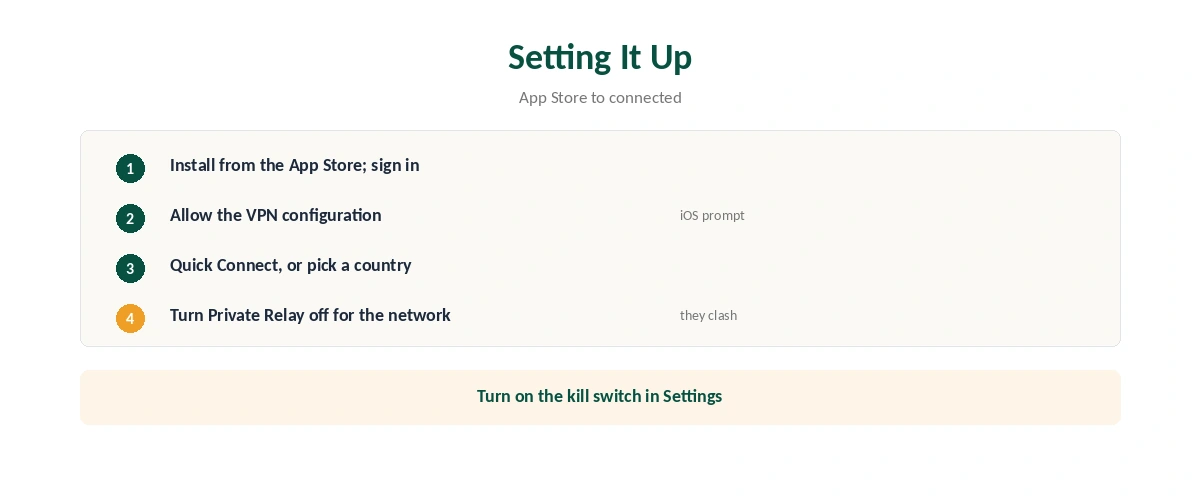
| Step | What to do |
|---|---|
| 1 | Install Proton VPN from the App Store and sign in |
| 2 | Allow the VPN configuration when iOS asks |
| 3 | Tap Quick Connect, or choose a country |
| 4 | Turn on the kill switch in Settings |
| 5 | If iCloud Private Relay is on, turn it off for this network |
Private Relay and a VPN clash. With both on, the VPN may connect but pages stop loading, as our VPN vs Private Relay guide explains; our Private Relay guide shows how to switch it off per network.
What Breaks, and the Fixes
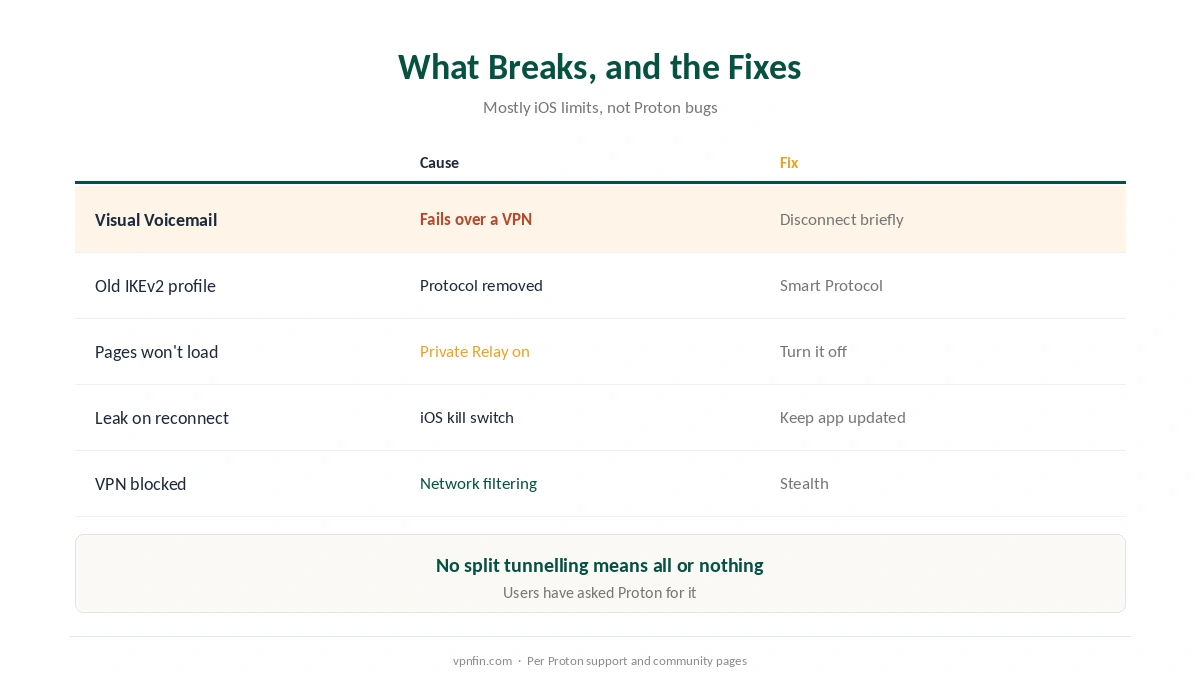
| Problem | Cause | Fix |
|---|---|---|
| Visual Voicemail stops | Incompatible with a VPN; no split tunnelling on iOS | Disconnect to fetch voicemail |
| Old IKEv2 or OpenVPN profile fails | Protocols removed on iOS | Use Smart Protocol |
| Pages won’t load | iCloud Private Relay is on | Turn Private Relay off |
| Brief leak on reconnect | iOS kill switch limits | Keep the app updated |
| VPN blocked on a network | Filtering | Switch to Stealth |
No split tunnelling means all or nothing. Apps that dislike VPNs, such as some banking apps or Visual Voicemail, need the VPN switched off briefly; Proton users have requested split tunnelling on iOS in Proton’s feedback forum. Our split tunnelling guide explains the feature on other platforms.
On restrictive Wi-Fi, Stealth disguises VPN traffic as ordinary HTTPS, as our school Wi-Fi guide explains, where the network’s rules allow a VPN.
Checking and Switching Off
Confirm it’s working. After you connect Proton VPN on iPhone, check that your visible address has changed, as our VPN check guide shows. If a banking app objects, switch the VPN off briefly, as our iPhone VPN off guide explains.
Comparing iPhone VPNs? Our iPhone VPN guide weighs Proton against paid rivals that offer features iOS allows.
How We Research
Protocol changes come from Proton’s support page on discontinuing IKEv2 and OpenVPN; split tunnelling’s status from Proton Support; Visual Voicemail from Proton’s feedback forum; kill switch behaviour from protonvpnreview.com, a fan site we flag; the free plan from The Day Current; Stealth’s launch from Wikipedia. Proton’s protocol page is at protonvpn.com. We read all sources on 28 September 2026. Proton VPN is a provider we link to. Our full approach lives on the About Us page.
Proton VPN on iPhone FAQ
Yes. The free plan has no data cap, with servers in five countries.
Not yet. Proton’s support team says split tunnelling isn’t supported on iOS.
Proton removed both from its Apple apps. WireGuard and Stealth remain, via Smart Protocol.
It doesn’t work while the VPN is on. Disconnect briefly to download voicemail.
Not at the same time. Turn Private Relay off for the network while using the VPN.
The Verdict
Proton VPN on iPhone is simple and free to start, with WireGuard and Stealth doing the work.
Expect no split tunnelling, switch off Private Relay, and disconnect briefly for Visual Voicemail.